Modernisation
One calm dashboard for the water, the lights, the cover and the people around the pool.
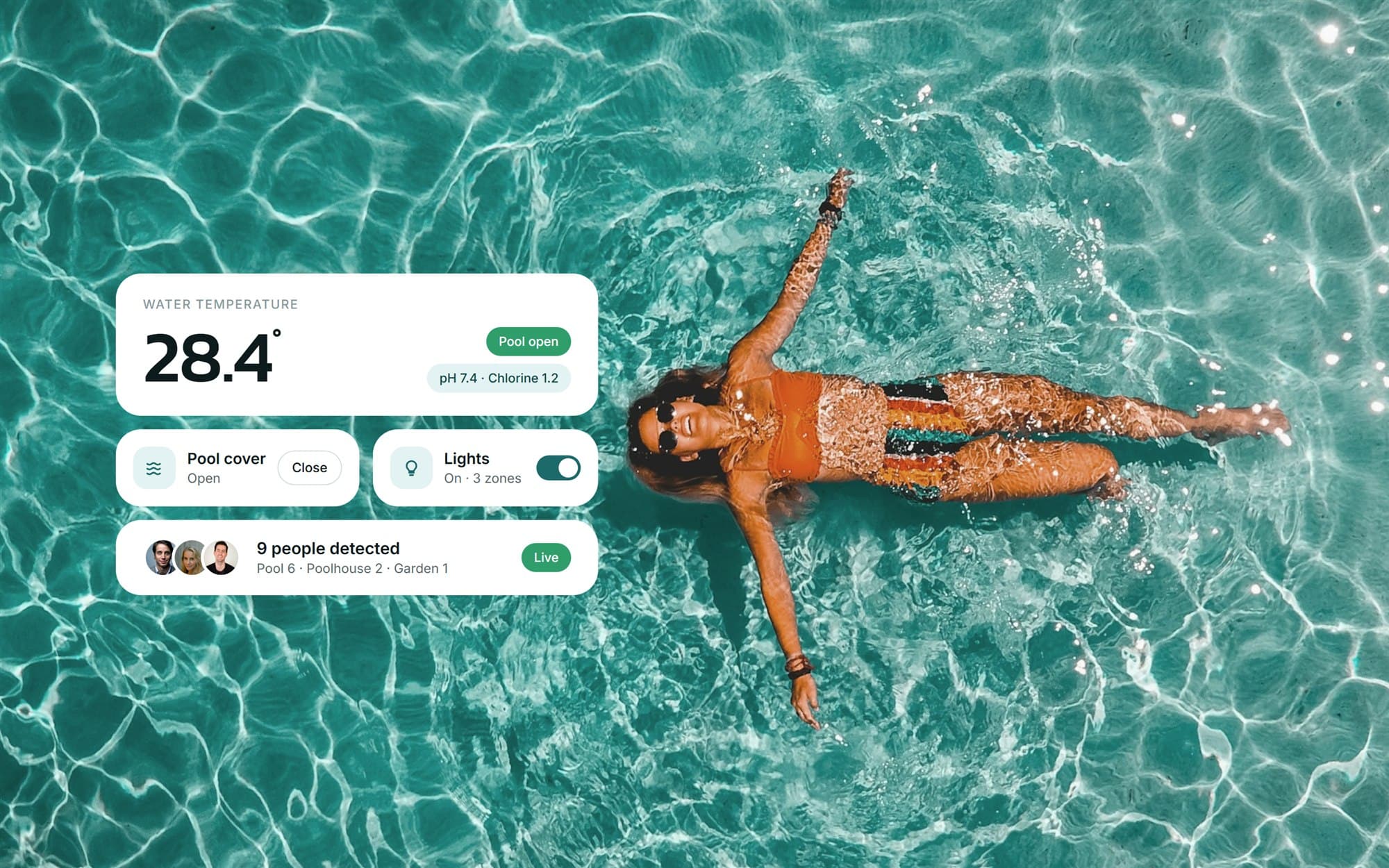
Short
summary
- Industry
- Construction and pool installation
- Model
- Customer-facing control system
- Platforms
- Web dashboard, phone and wall tablet
- Users
- Owners, pool managers and staff
- Scope
- Interface redesign and the management screens
A pool has a lot of equipment and each piece used to have its own control. The dashboard puts all of it on one page.
The challenge
Beyond the equipment, the water quality and the visitors were not in view anywhere.
The old interface was dated and split across many screens, so the simple daily jobs took too many steps.
The solution
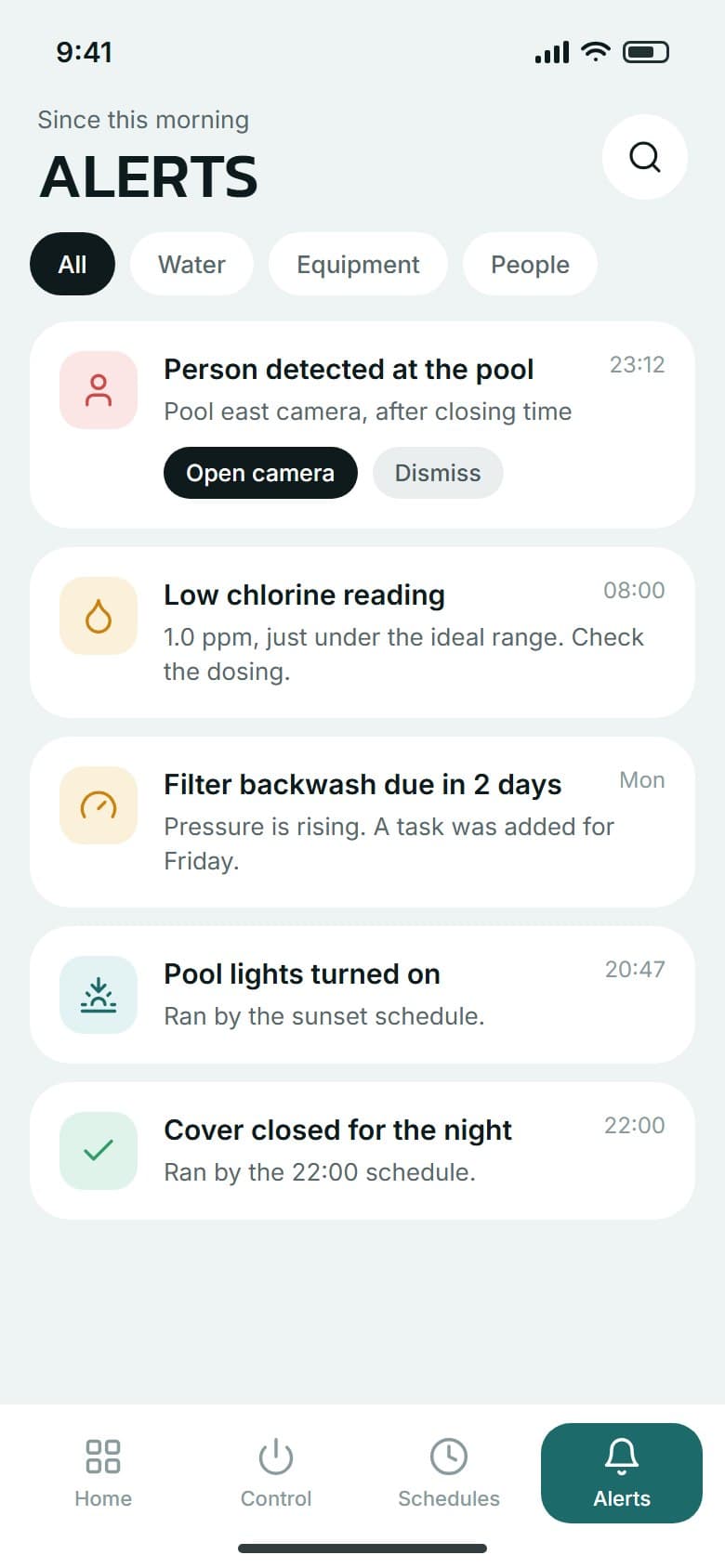
The design uses a pale page with white rounded cards, a deep teal for actions and a single dark panel for scenes. The overview answers the daily question first, then every device has a control screen, schedules run by time or by sunset, and the same building blocks carry over to the phone and to a wall tablet.
01Live overview
Change the most used things without leaving the page.
One page
6 areas
water, cover, lights, garden, poolhouse and people
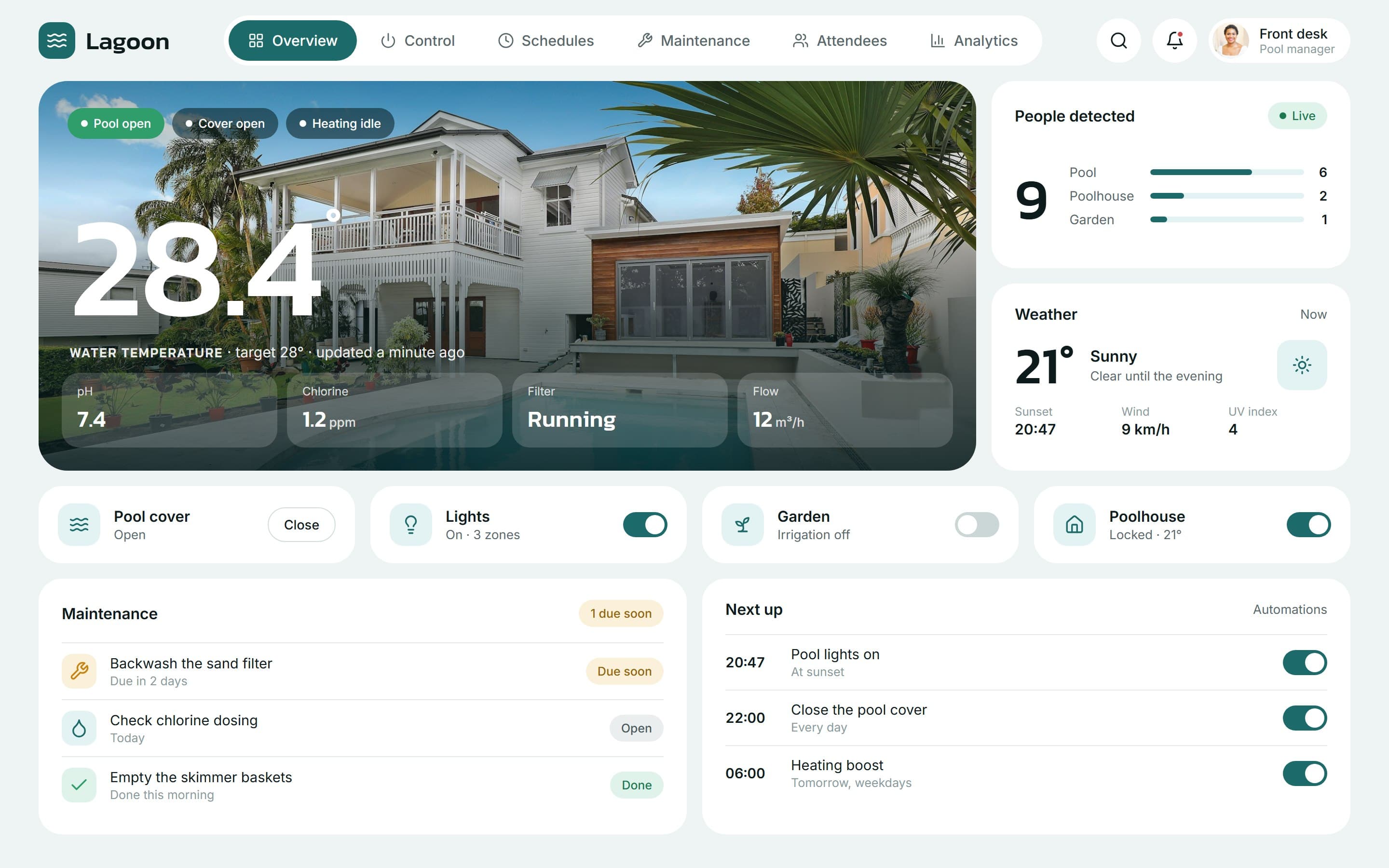
The overview opens on the water temperature with pH, chlorine and flow beside it. Below sit people detected by zone, the weather, four quick controls, the next maintenance and the next automations.
02Equipment control
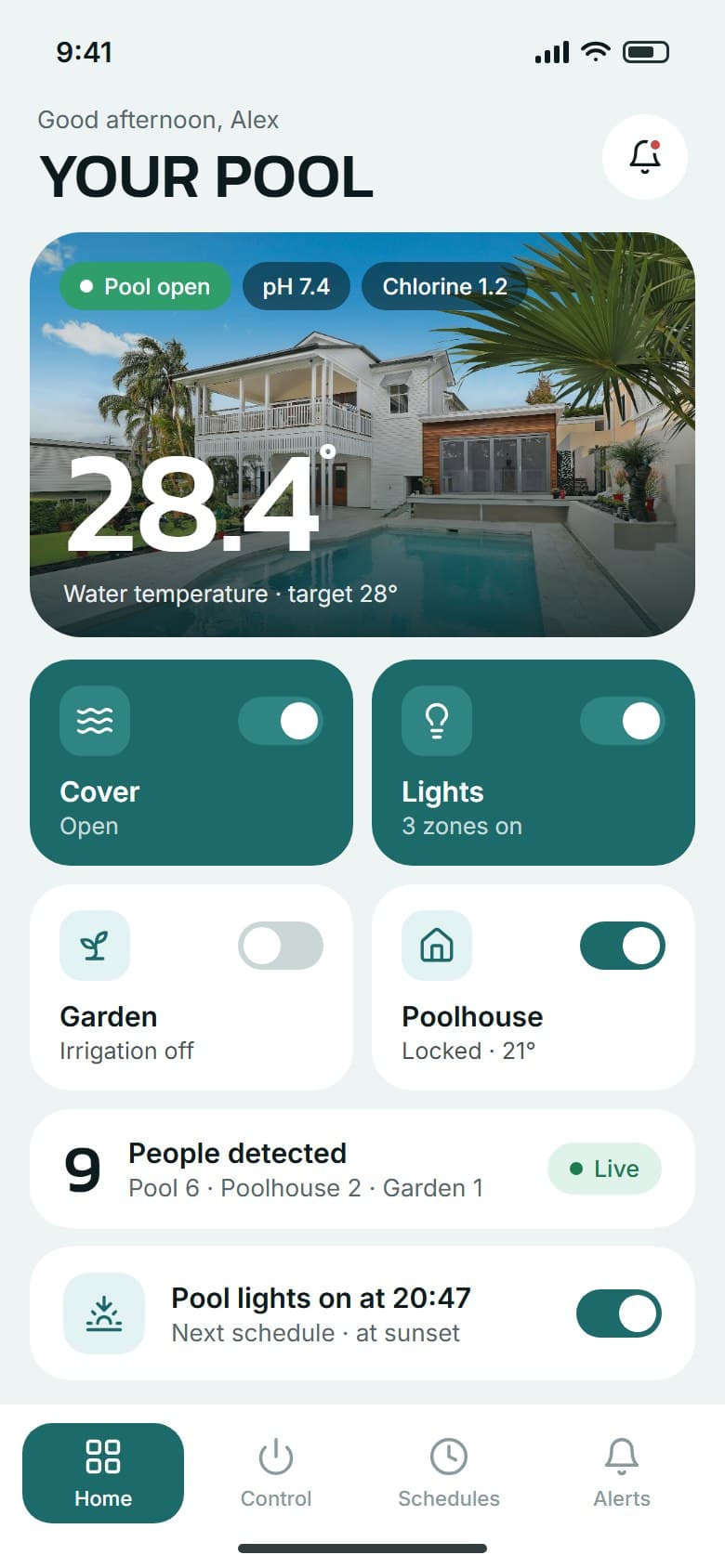
Open the cover, dim a light zone or run a scene from one screen, on the desktop or the phone.
Scenes
5 scenes
each one sets several devices at once
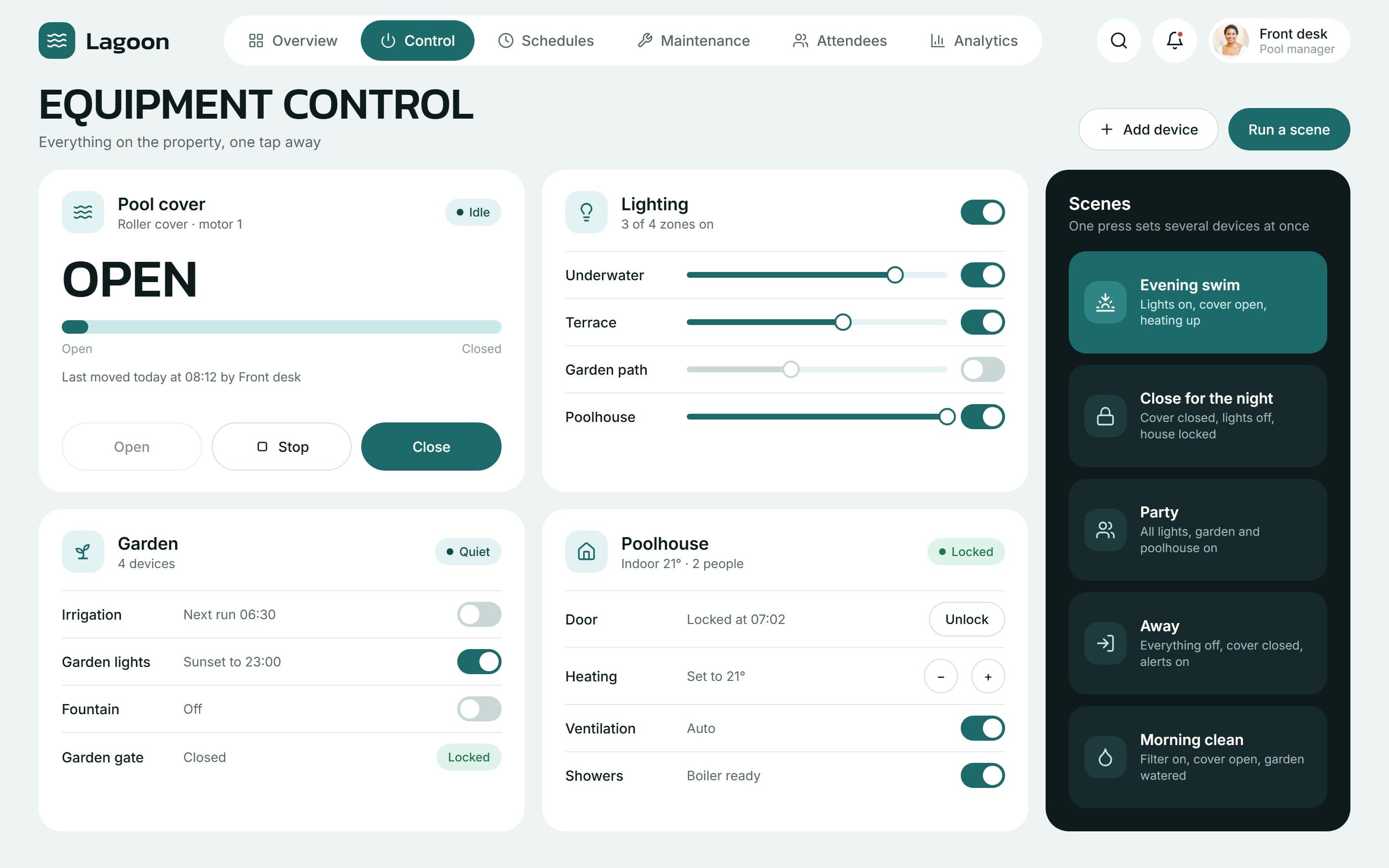
The cover, lighting zones, garden and poolhouse each have their own card, with dimming, door and heating controls where they apply. A scene such as Evening swim runs in one press.
03Schedules
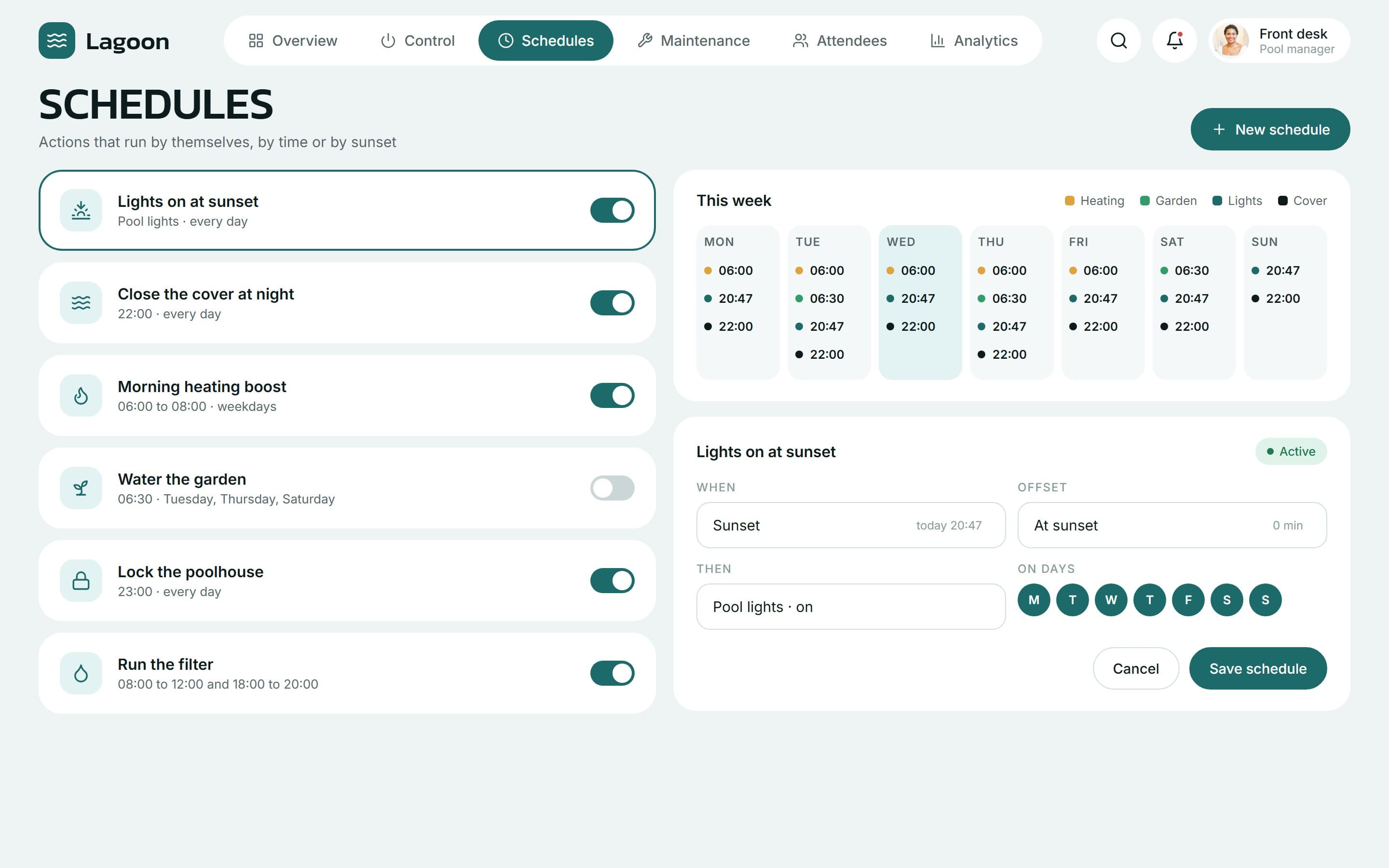
The whole week of automations sits next to the rule editor.
Automation
6 rules
by time or by sunset
A rule says when, what and on which days. Lights can follow the sunset with an offset, the cover closes at night and the heating warms up before the morning swim.
04Maintenance
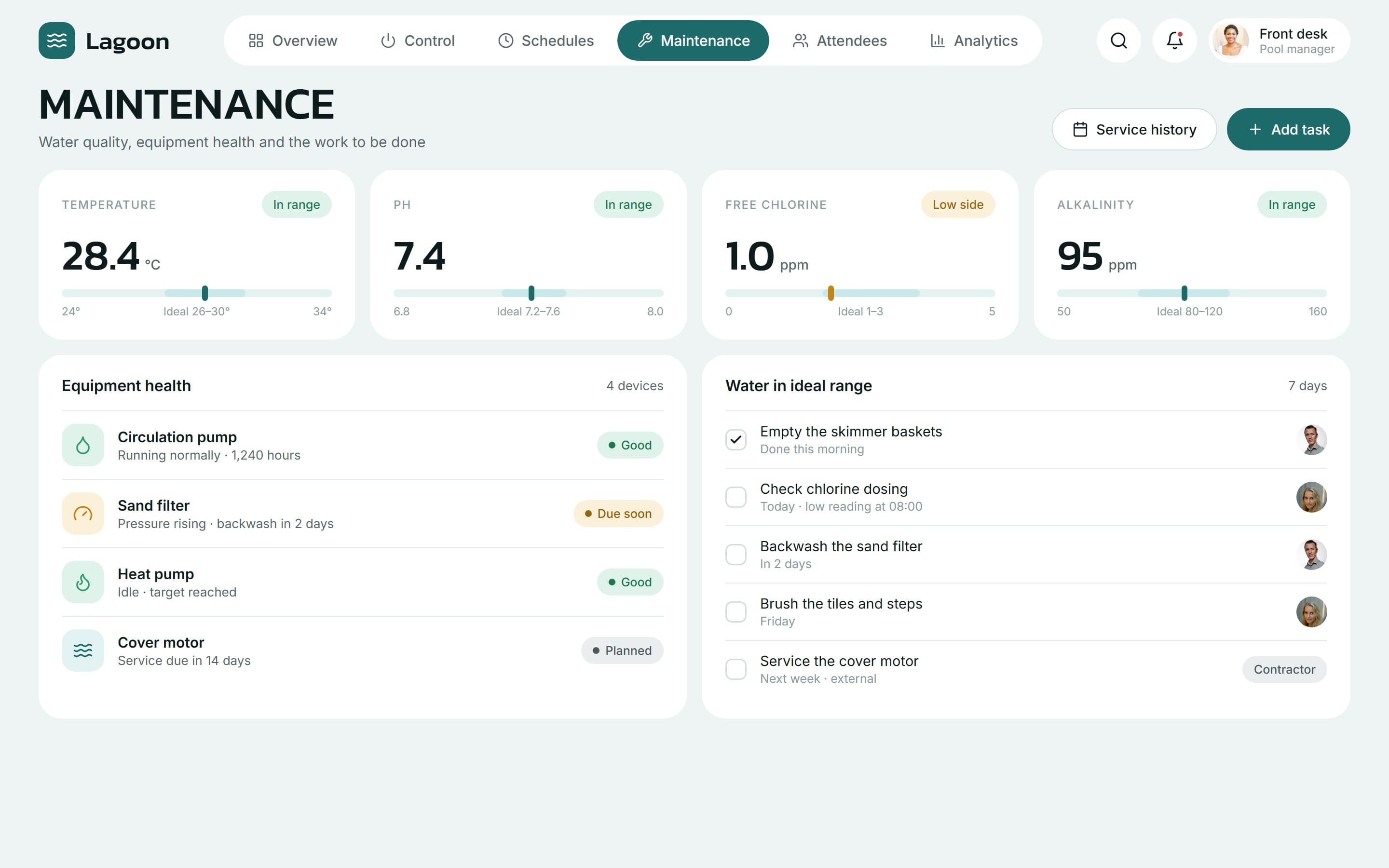
Catch a low chlorine reading before it becomes a problem, and see who is on the fix.
Water quality
4 readings
against their ideal range
Temperature, pH, chlorine and alkalinity each show where they sit in their ideal range. Equipment health and a weekly task list, with an assignee on each, sit below.
05Attendees
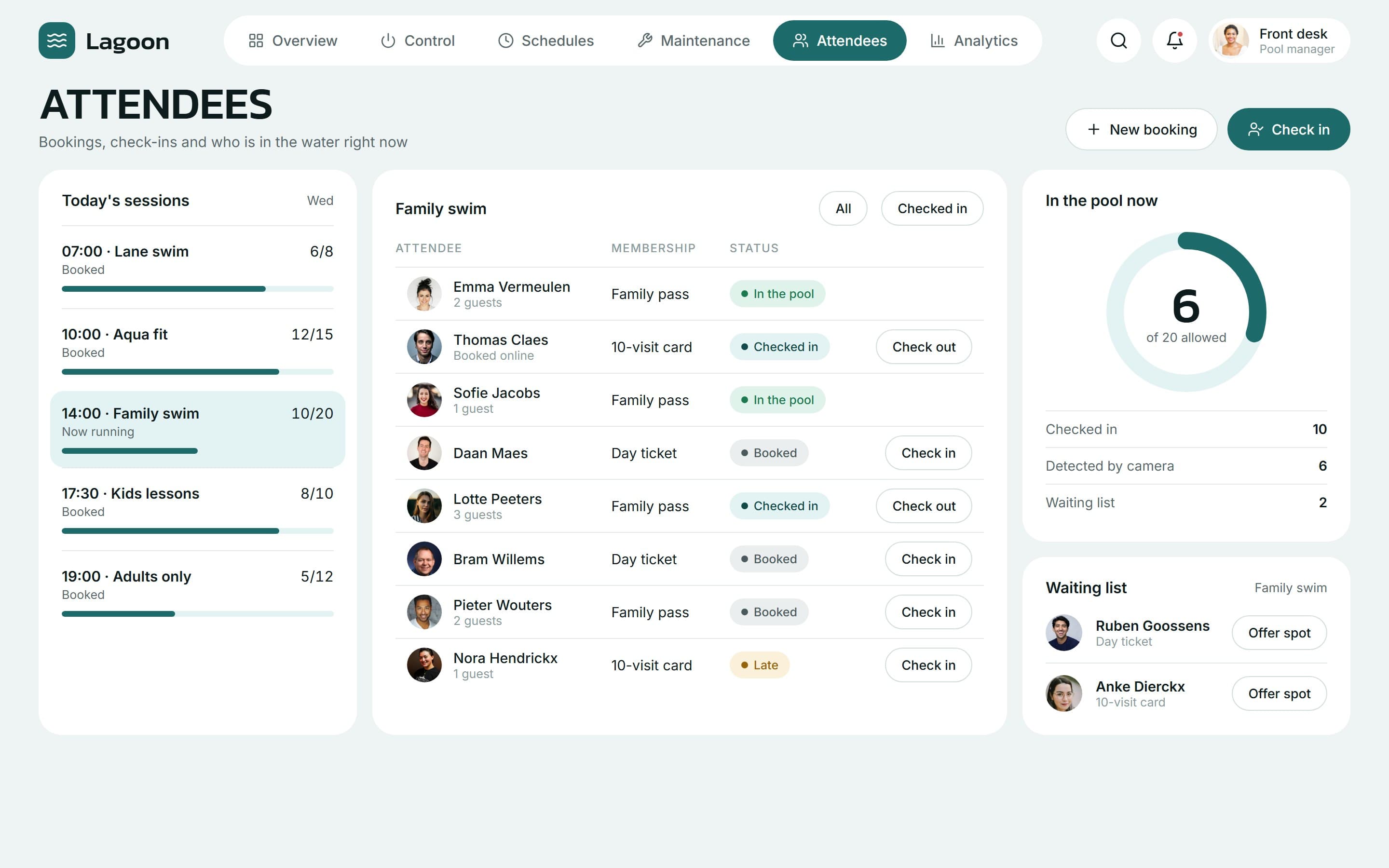
Check people in and out, see the pool fill up and offer a free spot from the waiting list.
Capacity
6 of 20
in the pool now, against the limit
Sessions, bookings and check-ins live beside the equipment. Staff see who is booked, who has arrived, how many are in the water and who is waiting for a spot.
Tablet
A camera view for the wall tablet
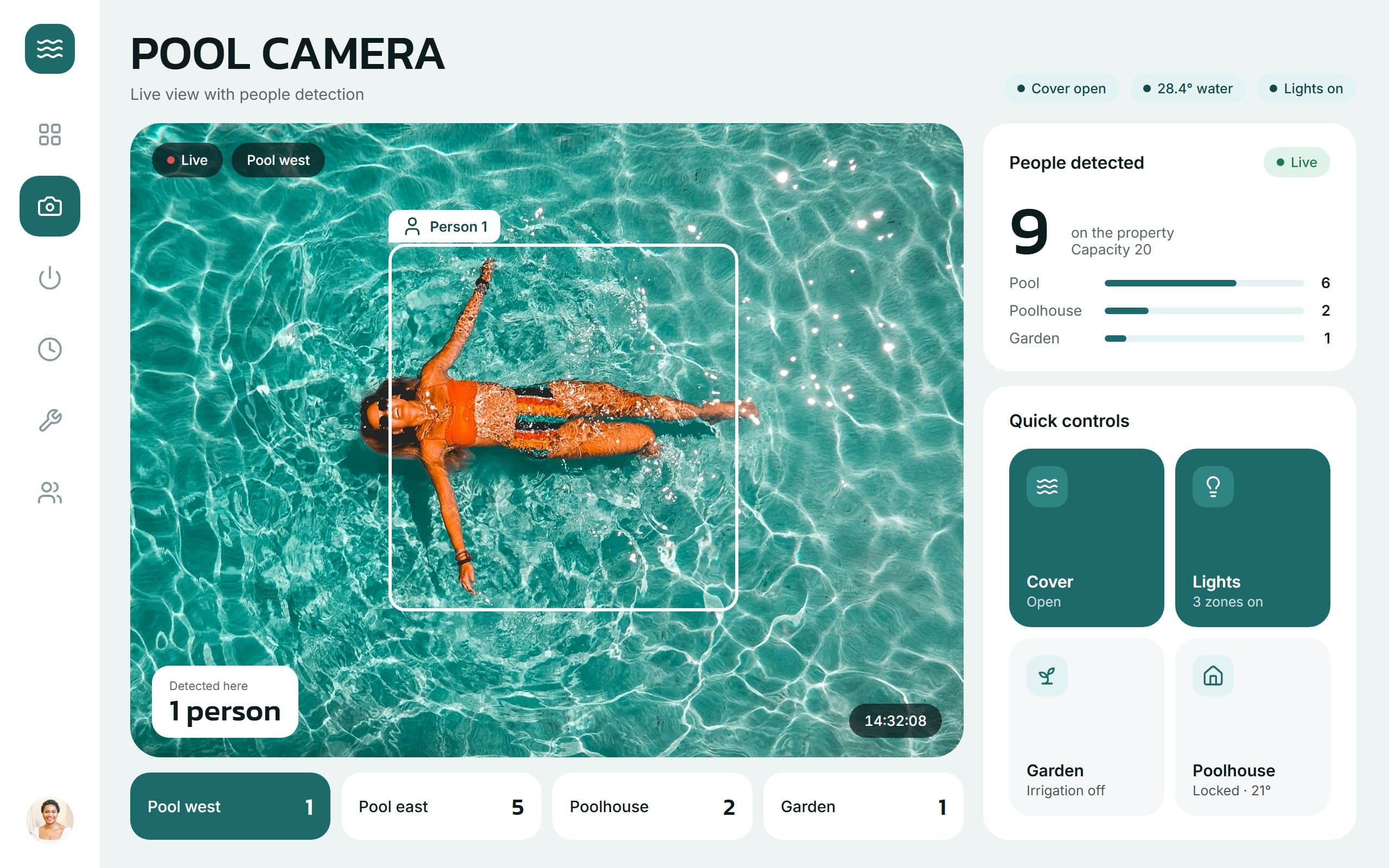
On a tablet by the pool the same system adds a live camera feed with people detection, a switcher between cameras and touch-sized quick controls. The count of people stays in step with the dashboard.
Outcome
Daily switching, schedules, water checks and visitors now share one control surface on desktop, phone and tablet.
- Water temperature
- Pool cover and lighting
- Garden and poolhouse
- Sunset schedules
- Maintenance tracking
- Attendee check-in
- Analytics and alerts
- Tablet camera view
More case studies
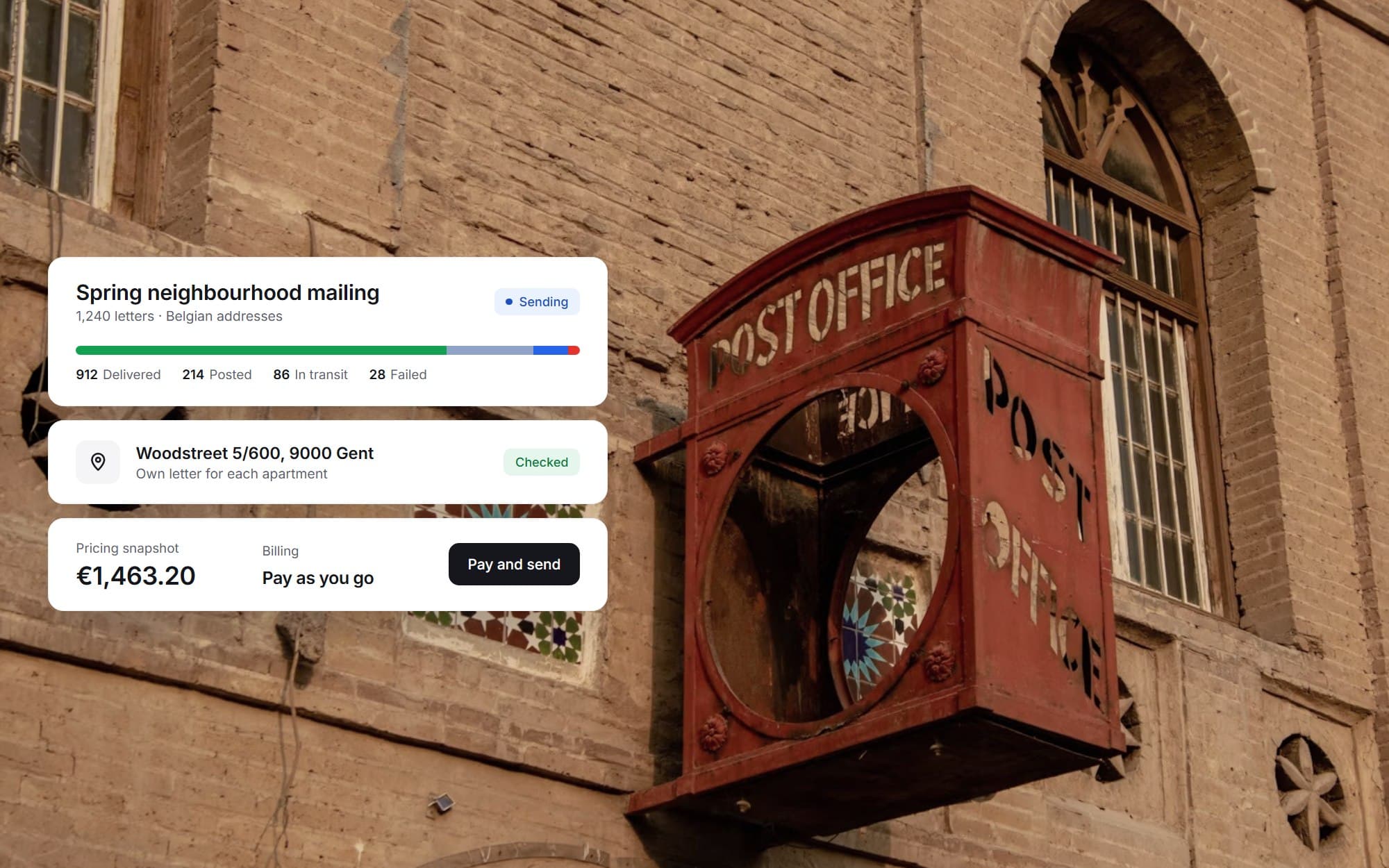 Direct-mail SaaS platformA multi-tenant platform for sending targeted letters to Belgian addresses, from address selection and templates to payment and delivery tracking.View case study
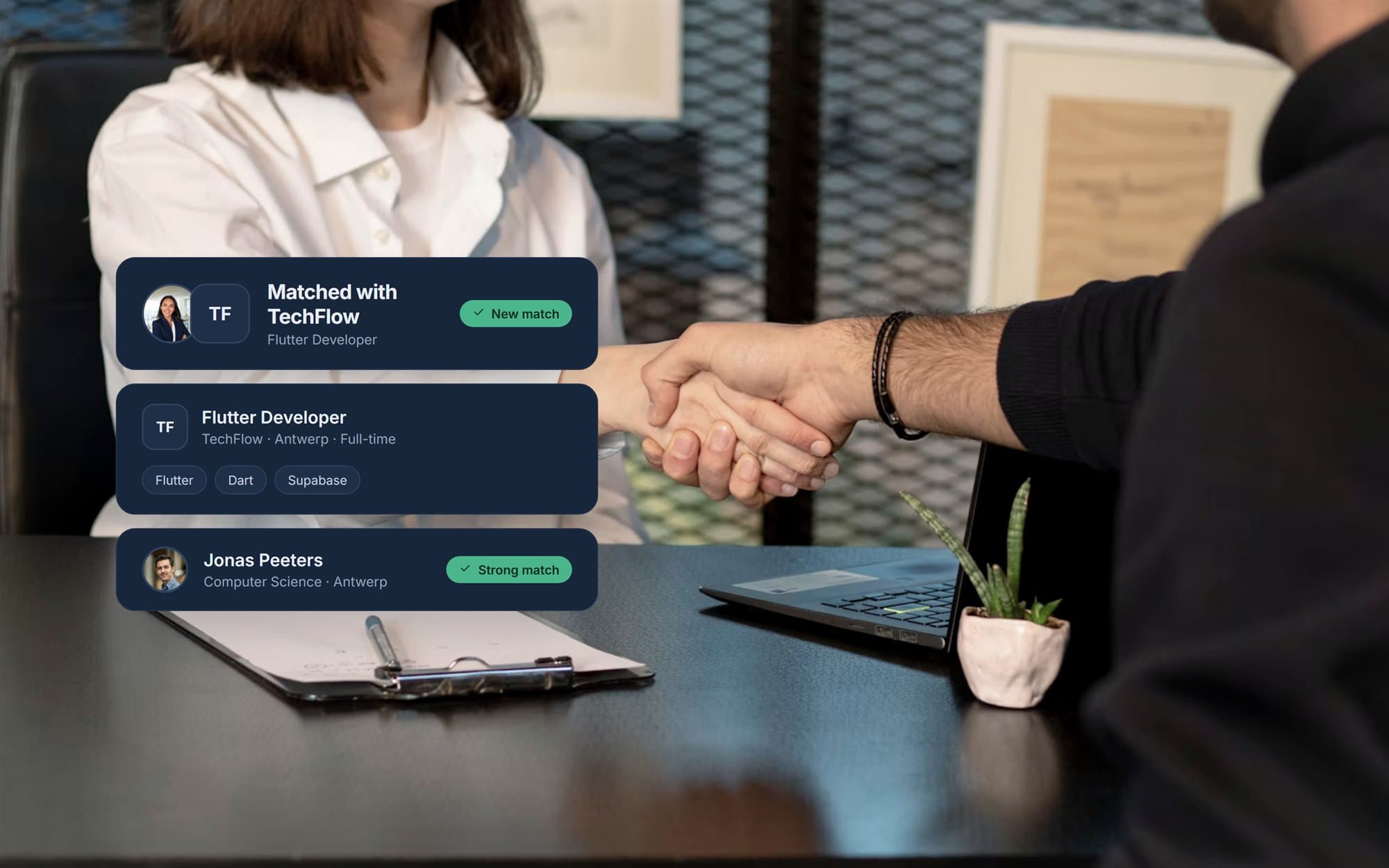 Recruitment matching platformA two-sided recruitment product where job seekers and companies match through a swipe, designed as one visual direction across roles and onboarding.View case study
Want a product like this? Let’s talk
Tell us about the workflow that needs to run on software. We’ll come back with how we would approach it.
Discuss a project