Automations & integrations
Turning a busy operational inbox into structured, assignable work, matched to the right property and issue.
Short
summary
- Industry
- Property management
- Model
- Back-office workflow automation
- Stack
- Gmail, n8n, Asana, language model
- Users
- Property managers, operations team
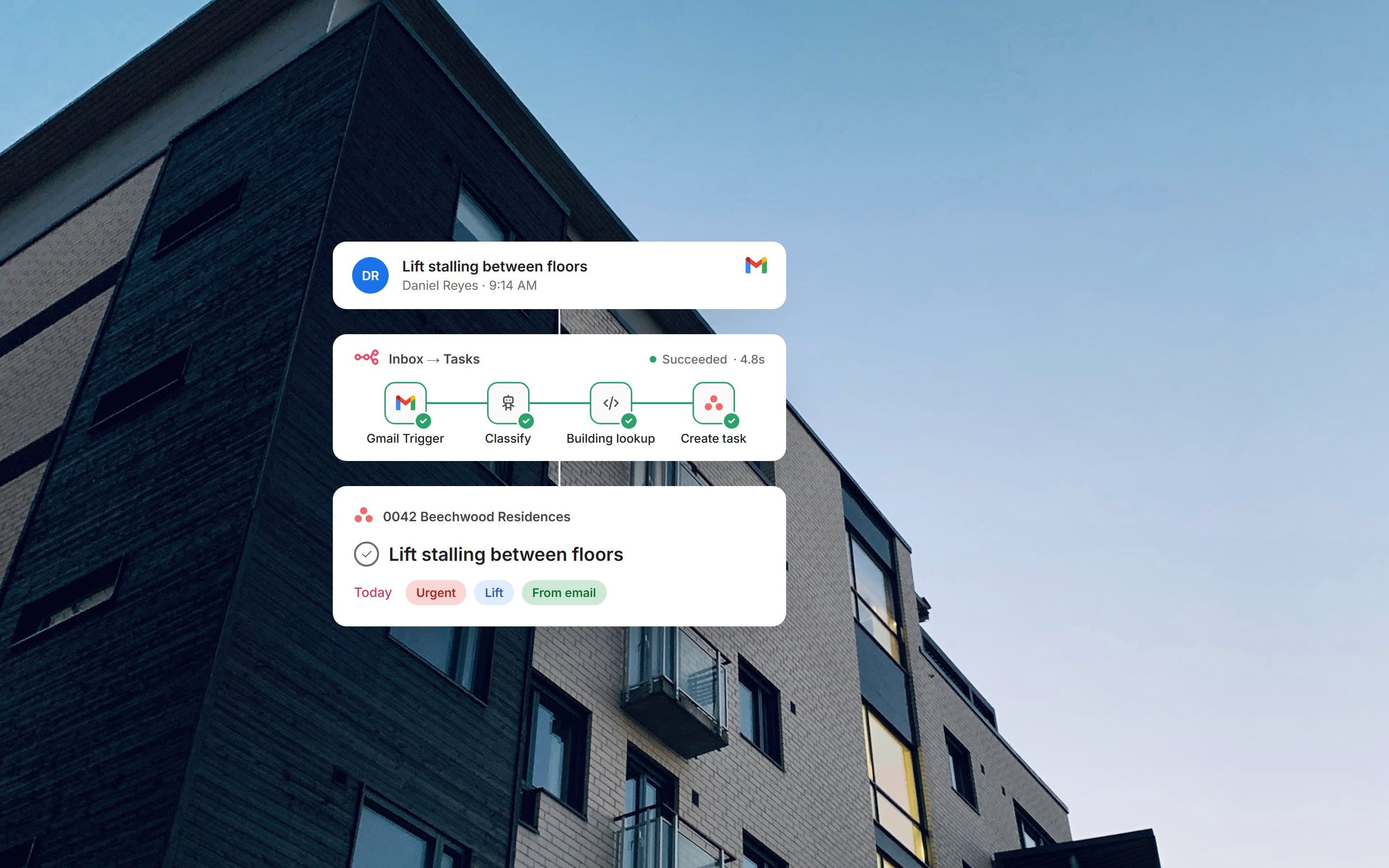
The team looks after dozens of buildings from one shared inbox. Residents, owners' committees and contractors all write to it: a lift that stalls, lights that are out, a reply asking whether anyone is coming. The automation reads every one of those emails and turns it into work in the right building's project.
The challenge
Someone had to read each email, work out which building and issue it belonged to, and copy it into the task system by hand.
An email is not a task. One message can report two problems, name no building at all, or be a reply to something already in progress.
The solution
A single n8n workflow sits between Gmail and Asana. It skips anything already processed, strips quotes and signatures, and asks a language model to classify the email and split it into one report per issue. A router then decides: a reply goes onto the task its thread started, a new report is matched to its building and filed, and anything ambiguous is handed to a person.
01Inbox
Mail keeps arriving where it always did.
Visibility
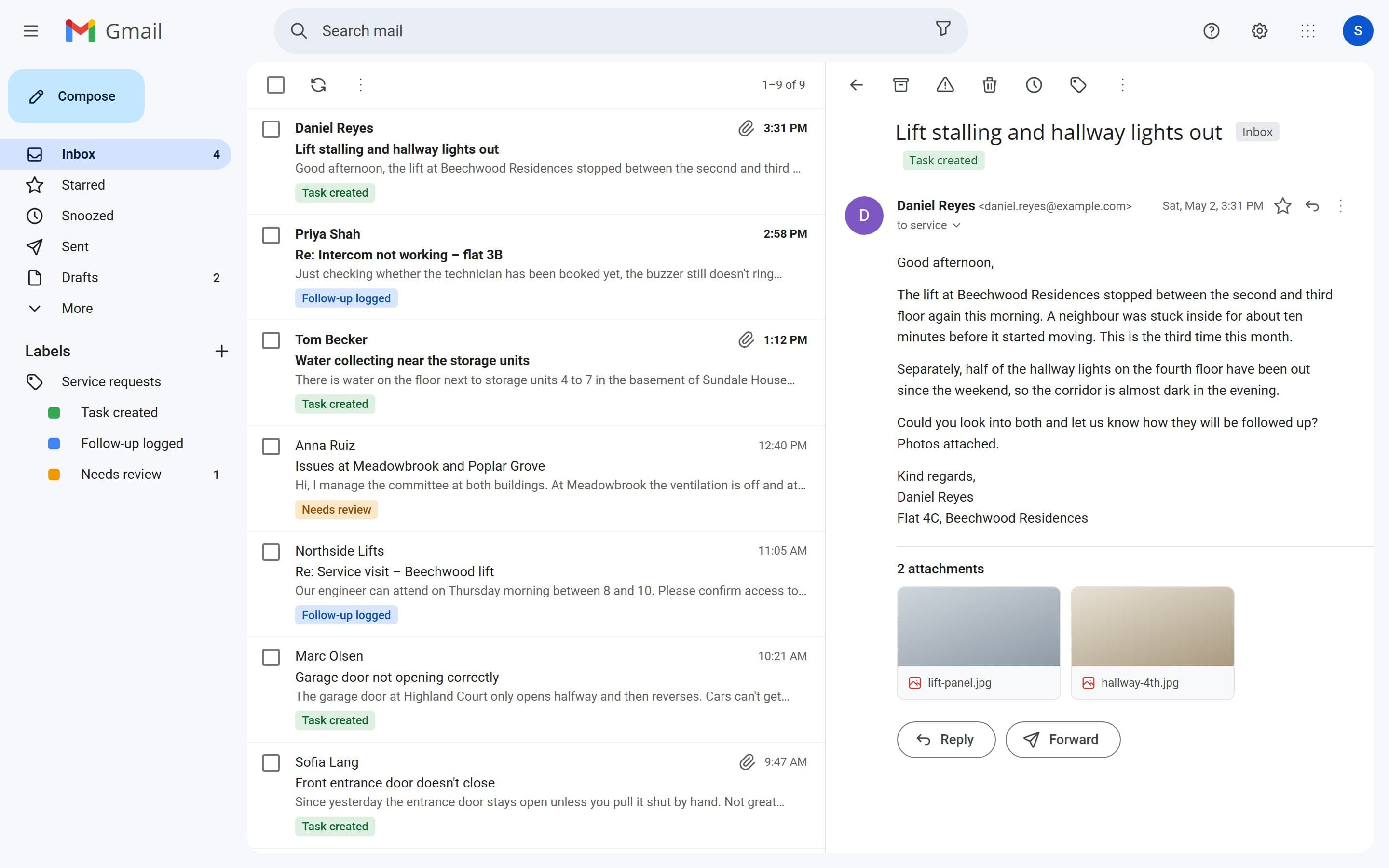
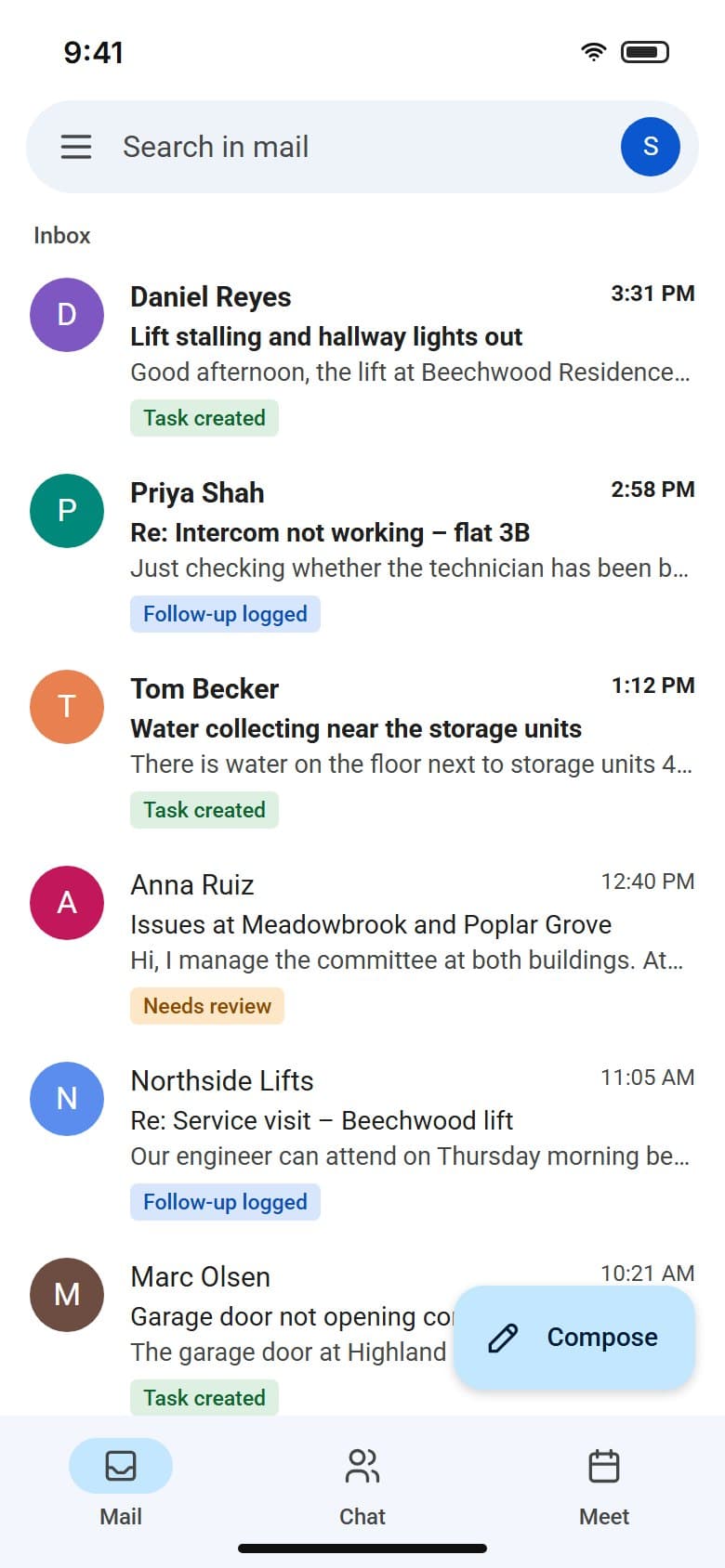
3 labels
on every processed email: task created, follow-up logged or needs review
Once the workflow has handled a message, the inbox itself shows what happened to it, so nobody opens Asana to check.
02Classification
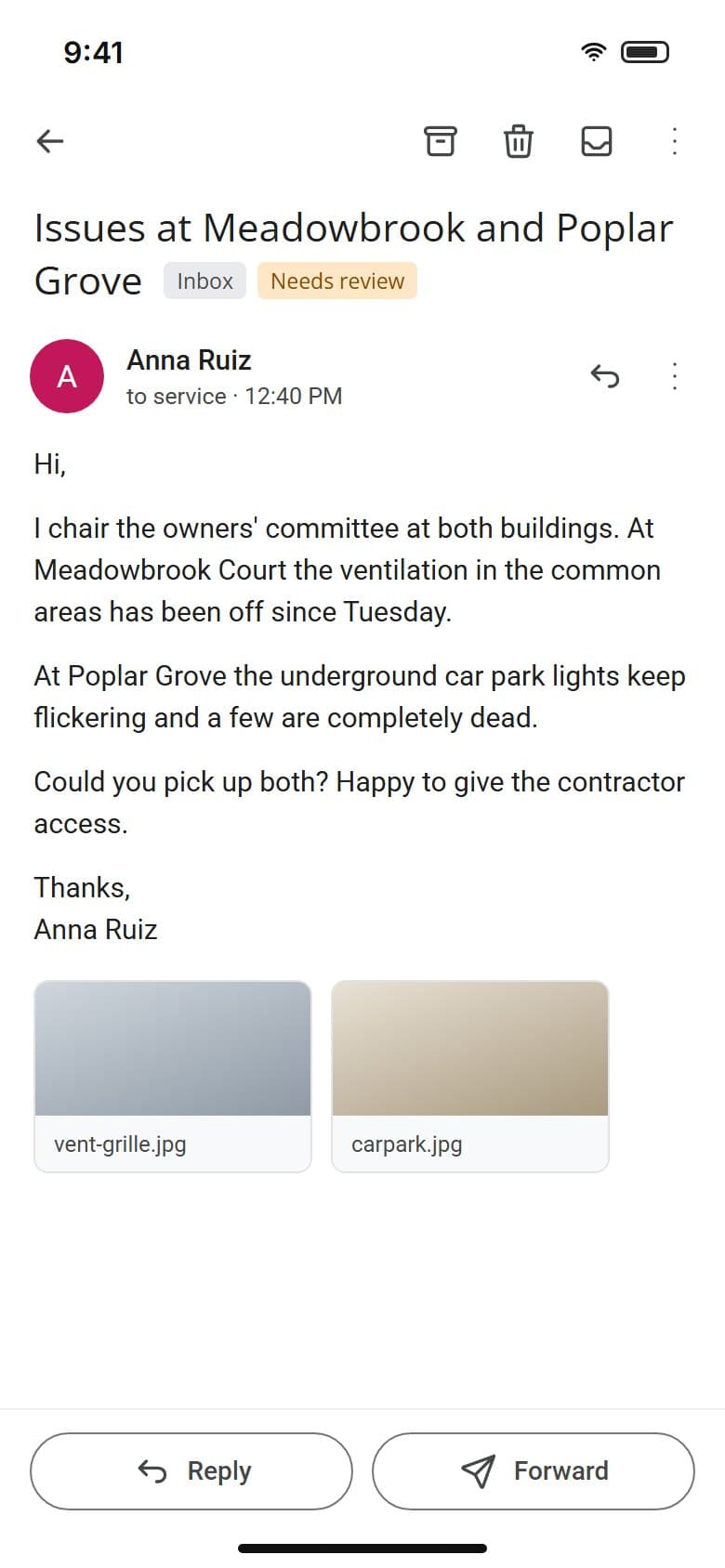
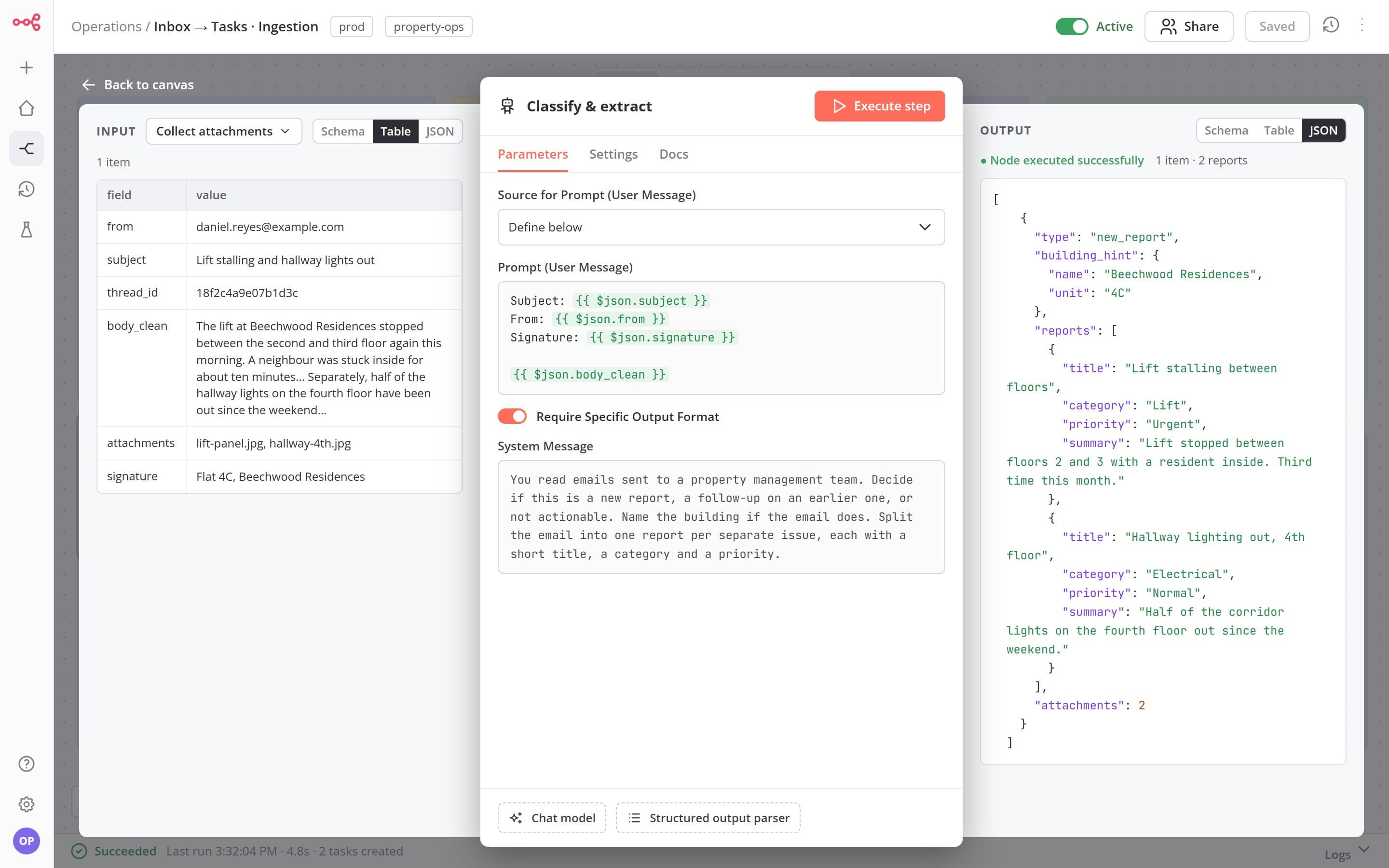
The model reads the cleaned email and returns a fixed shape: the kind of message, a building hint, and a title, category and priority for each issue.
Structure
1 task
per issue, even when one email reports several
An email about a stalled lift and a dark corridor becomes two tasks with their own priority, so fixing the lift doesn't close the corridor.
03Matching
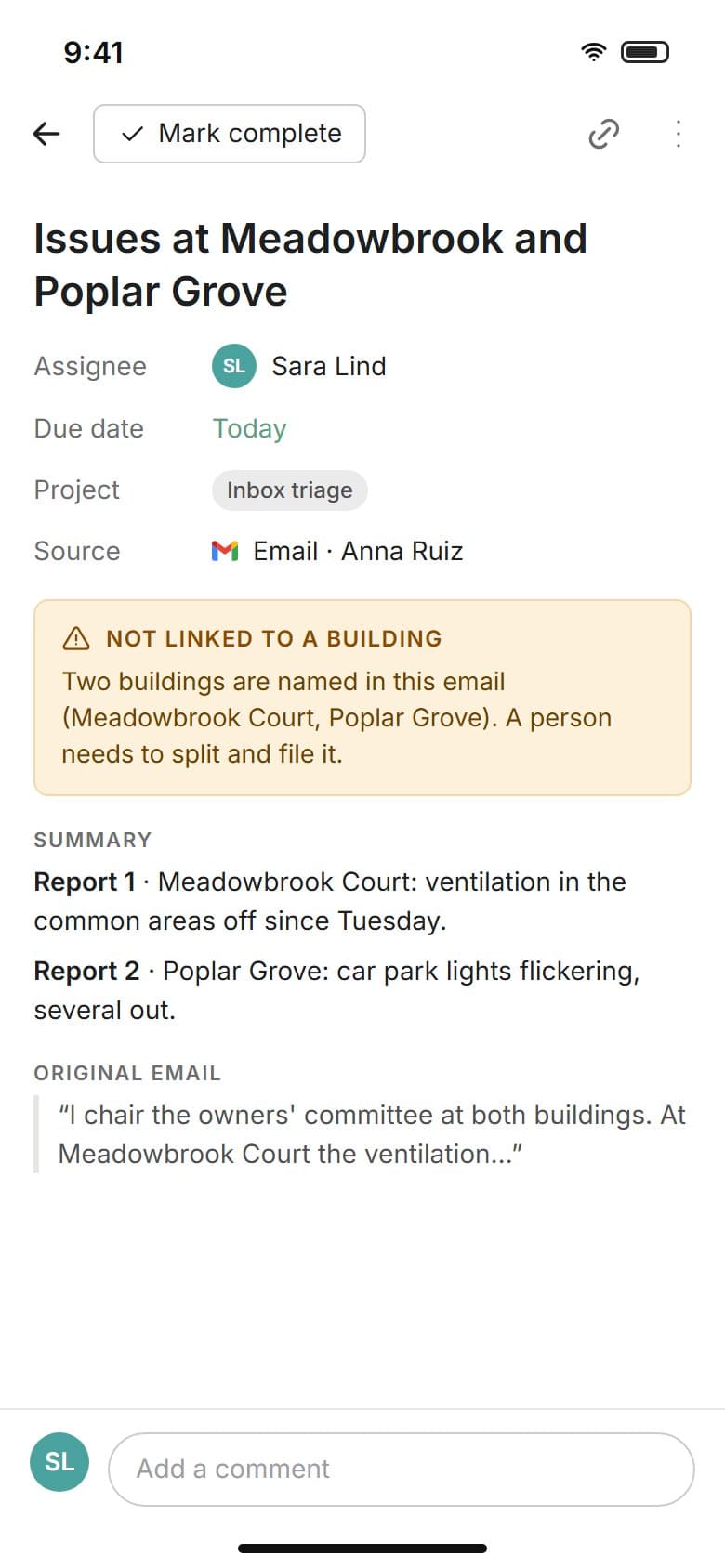
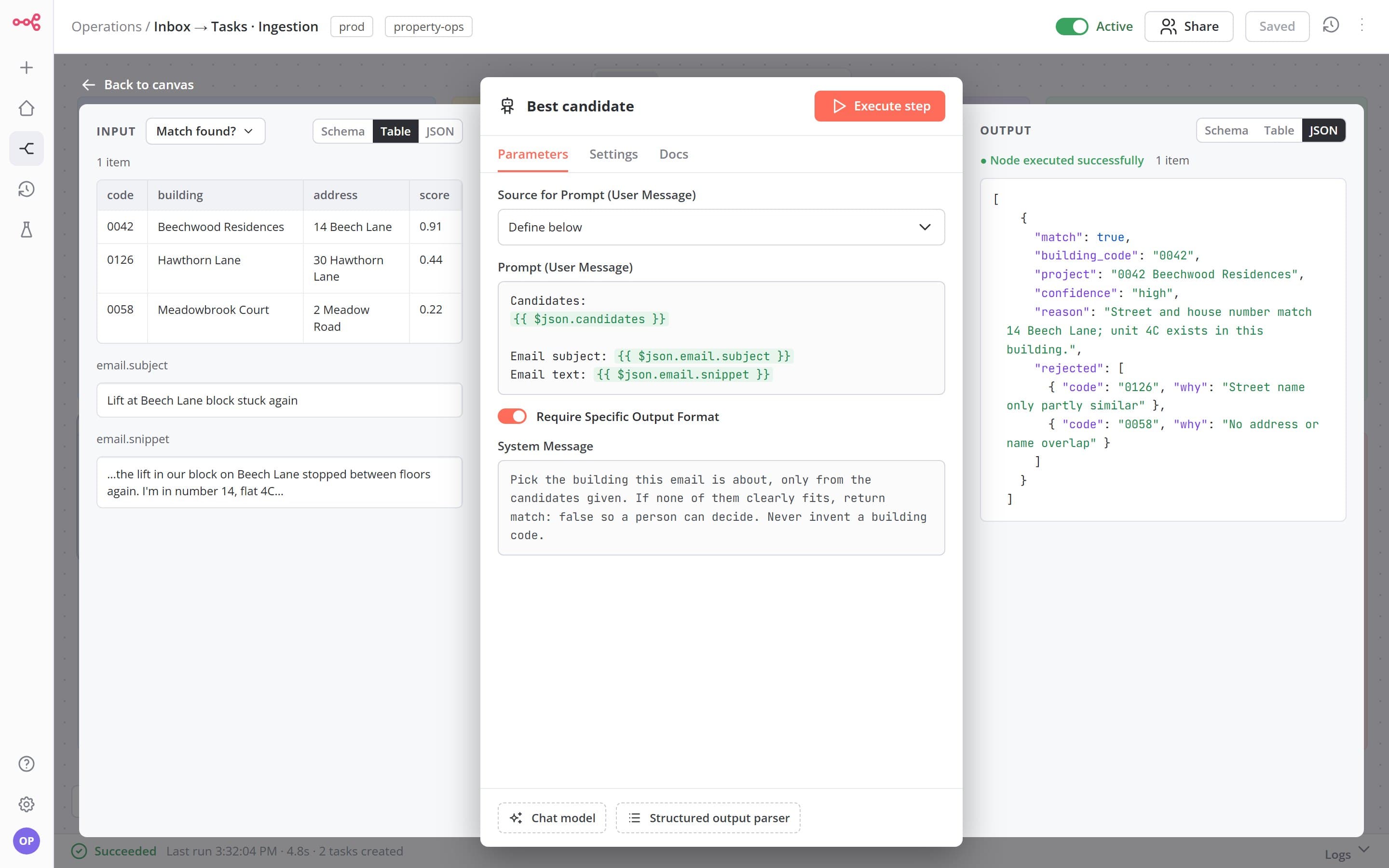
When the lookup is not sure, the model picks from a shortlist. An email that names more than one building is flagged for a person.
Accuracy
3 steps
building code, then address, then name, before any AI is involved
Most emails match on a plain lookup. The model may answer that none of the candidates fit, so it never files a task under a building it invented.
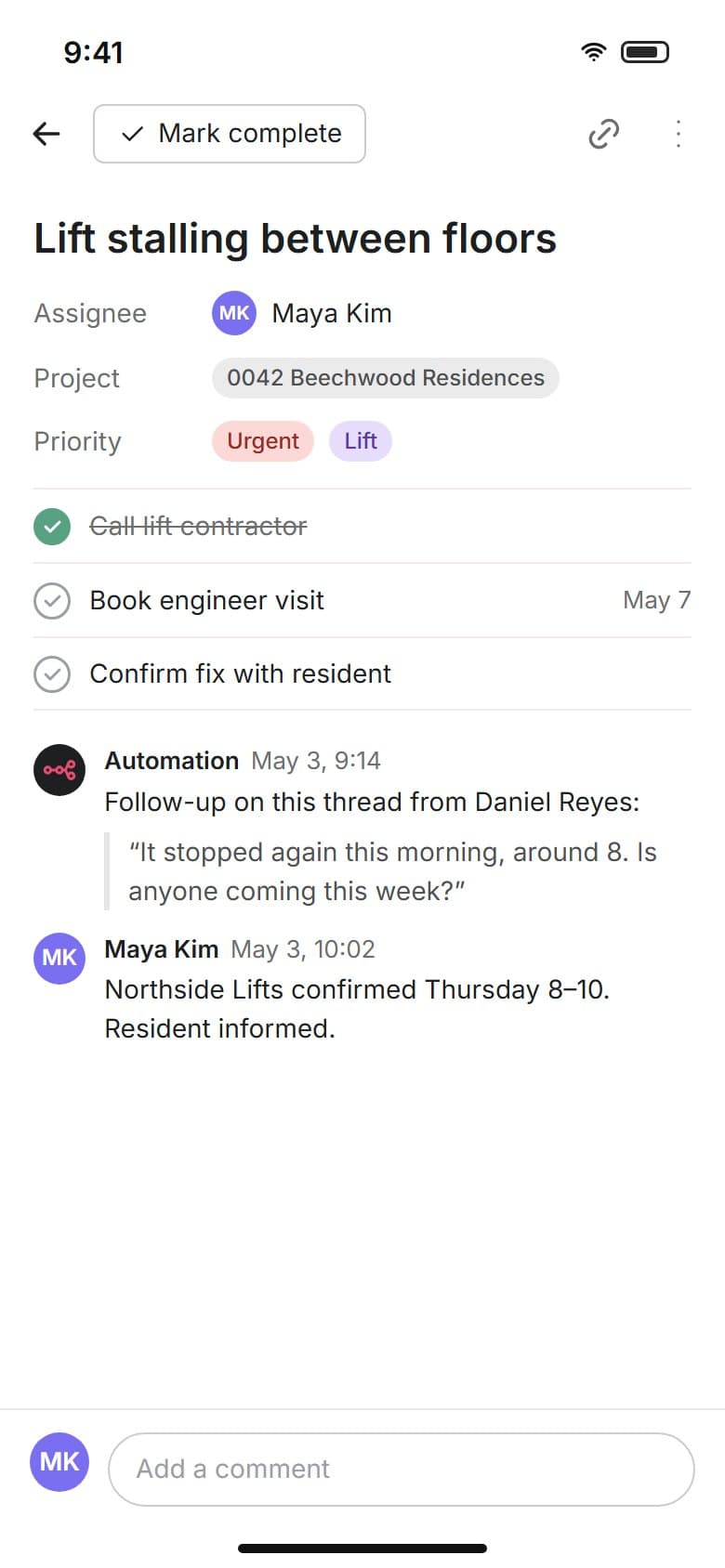
04Tasks
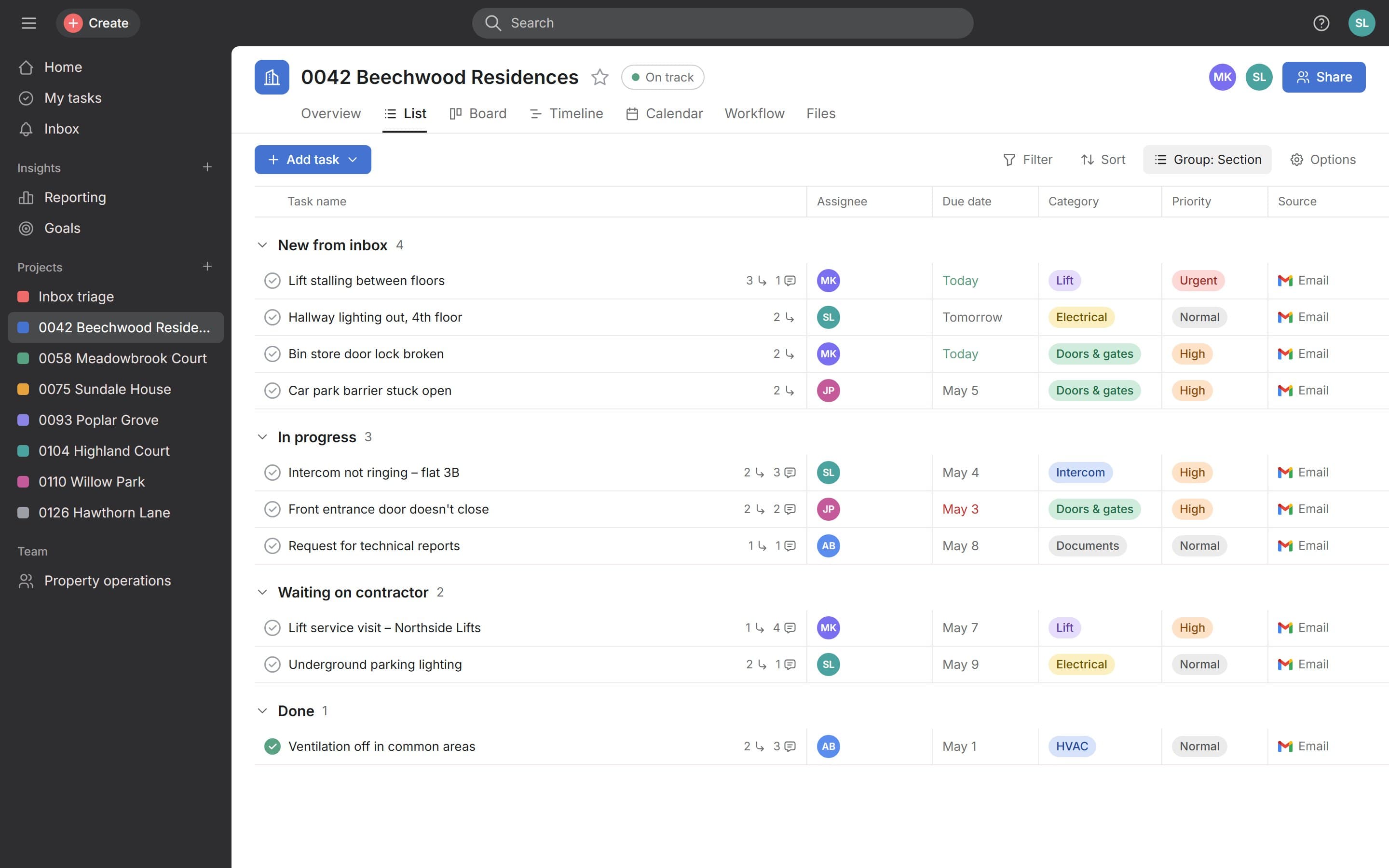
Tasks arrive in the building's project with category and priority, ready to assign.
Context
1 project
per building, with every task carrying its source email
Each task has a summary and a set of subtasks, so whoever picks it up starts with the whole story.
05Follow-up
Replies are matched to their task by email thread and added as comments, next to the team's own updates.
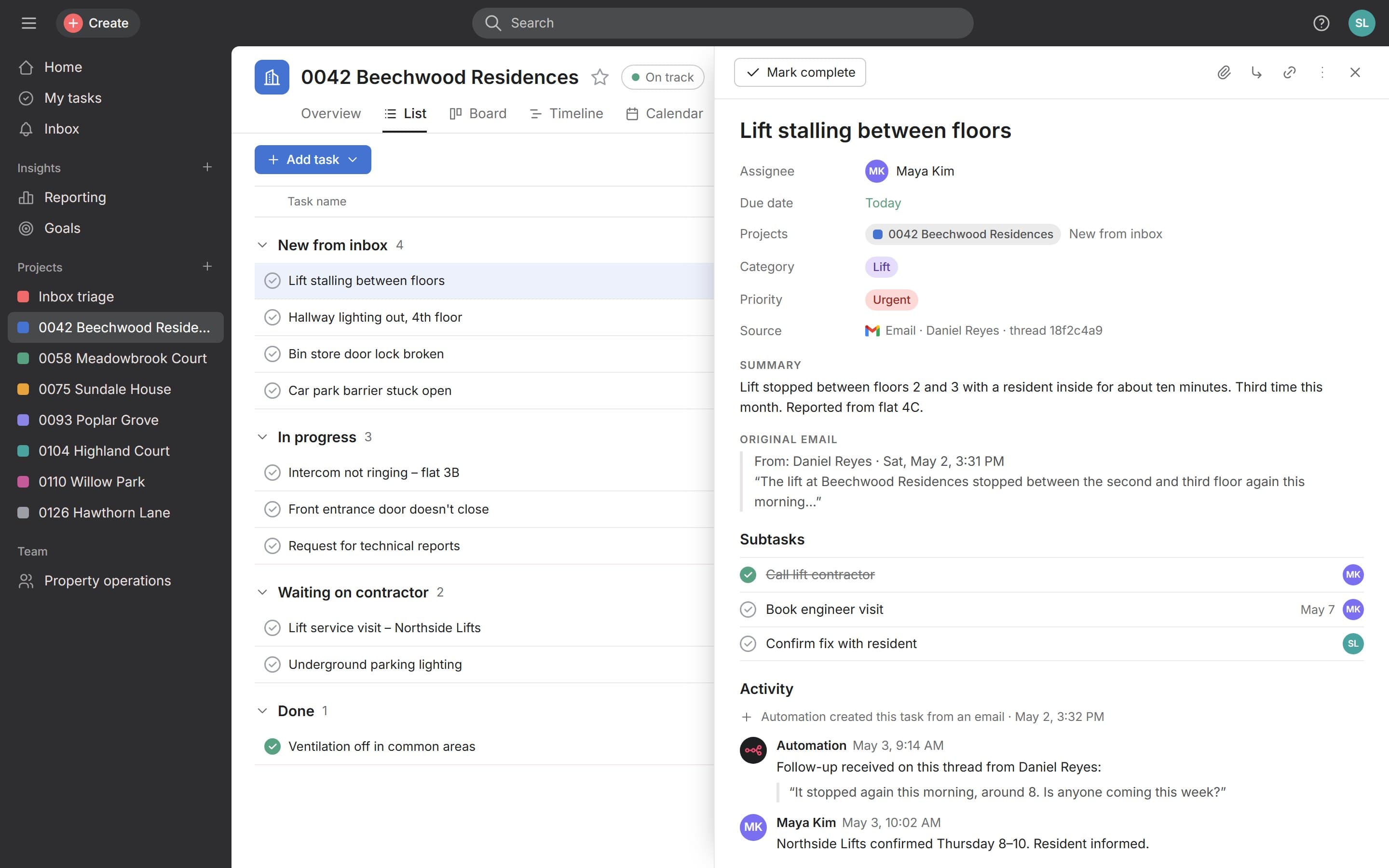
Continuity
Same thread
replies land on the task the first email created
When a resident writes back, the whole history of the issue stays in one place.
Outcome
The inbox stopped being the place where work was tracked. Every operational email now ends up as a task in the right building, or in front of a person when the automation cannot be sure.
- Email classification
- Property and issue matching
- Structured work items
- Context and attachments carried through
- Follow-up
More case studies
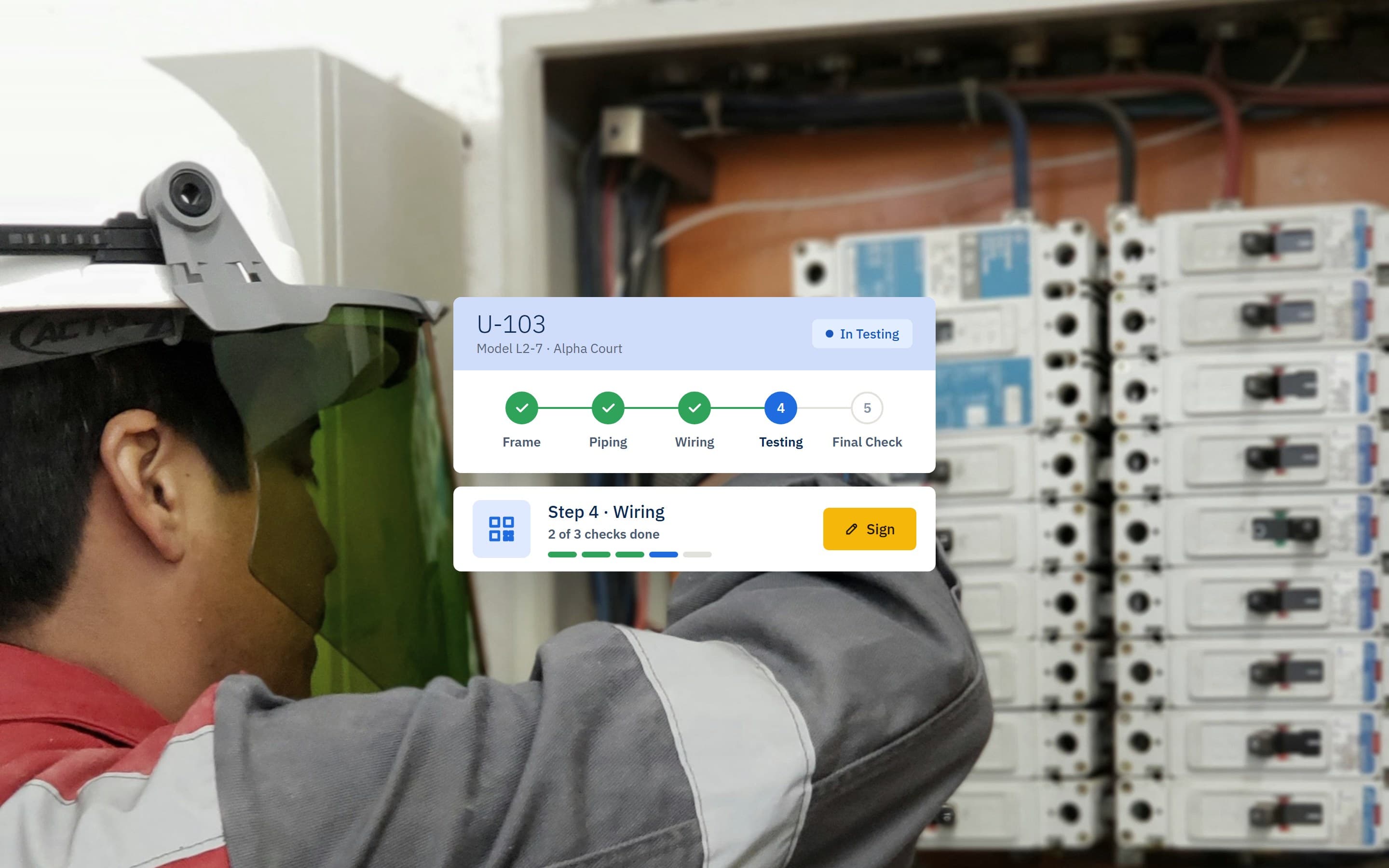 Manufacturing workflow platformA workflow system connecting workshop assembly with field installation, tracking each unit from required components to on-site steps and checks.View case study
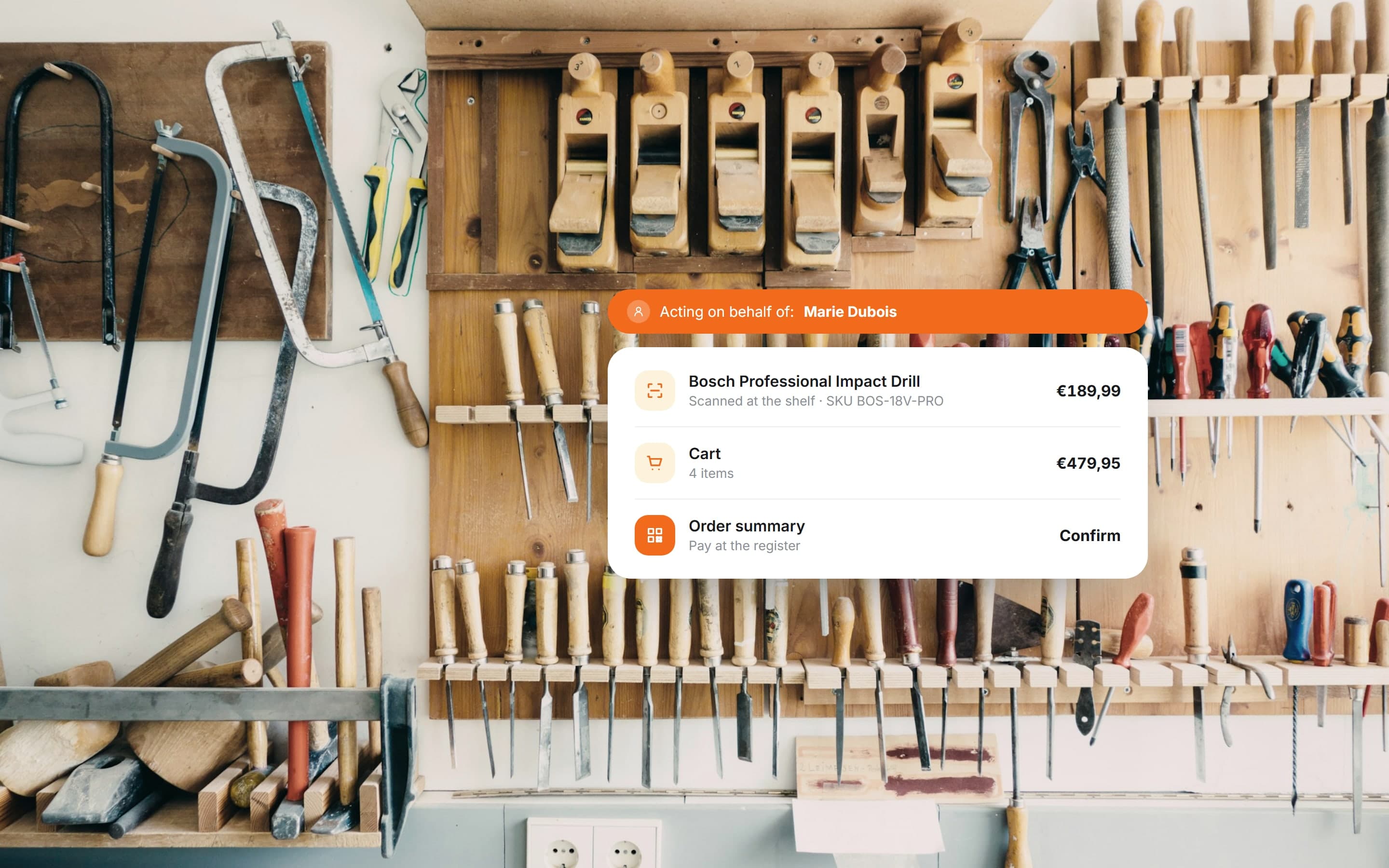 B2B commerce platformA web and mobile commerce system for a building-supplies retailer: in-store scanning, company accounts, employee limits and assisted purchasing.View case study
Want a product like this? Let’s talk
Tell us about the workflow that needs to run on software. We’ll come back with how we would approach it.
Discuss a project