Digital products
One buying experience for the shelf, the web shop, the company account and the staff handheld.
Short
summary
- Industry
- Tools and building-supplies retail
- Model
- Retail and B2B commerce
- Platforms
- Mobile app, staff handheld, web store
- Roles
- Shoppers, company buyers, company admins, store staff
- Scope
- About 75 screens, delivered as a design concept
A tools and building-supplies retailer sells to shoppers walking the aisles, to contractors buying on company accounts, and to customers ordering online. The design joins the three: an item is scanned on the shelf or found on the web, and the cart, the account and the payment behave the same wherever the purchase started.
The challenge
Walk-in shoppers, companies with several buyers, and staff serving customers each needed different rules: who could order, who paid, what a person could spend, and who a purchase was recorded against.
Three kinds of buyer and one staff role share a single catalogue.
The solution
The work started from architecture. Routes, roles and permissions were mapped first: an in-store journey, an out-of-store journey, an account area and a staff area, all reading the same products and the same cart. Reusable navigation and components then carry every context, so a company account and an assisted purchase are the same screens with a different owner shown at the top.
01In-store shoppers
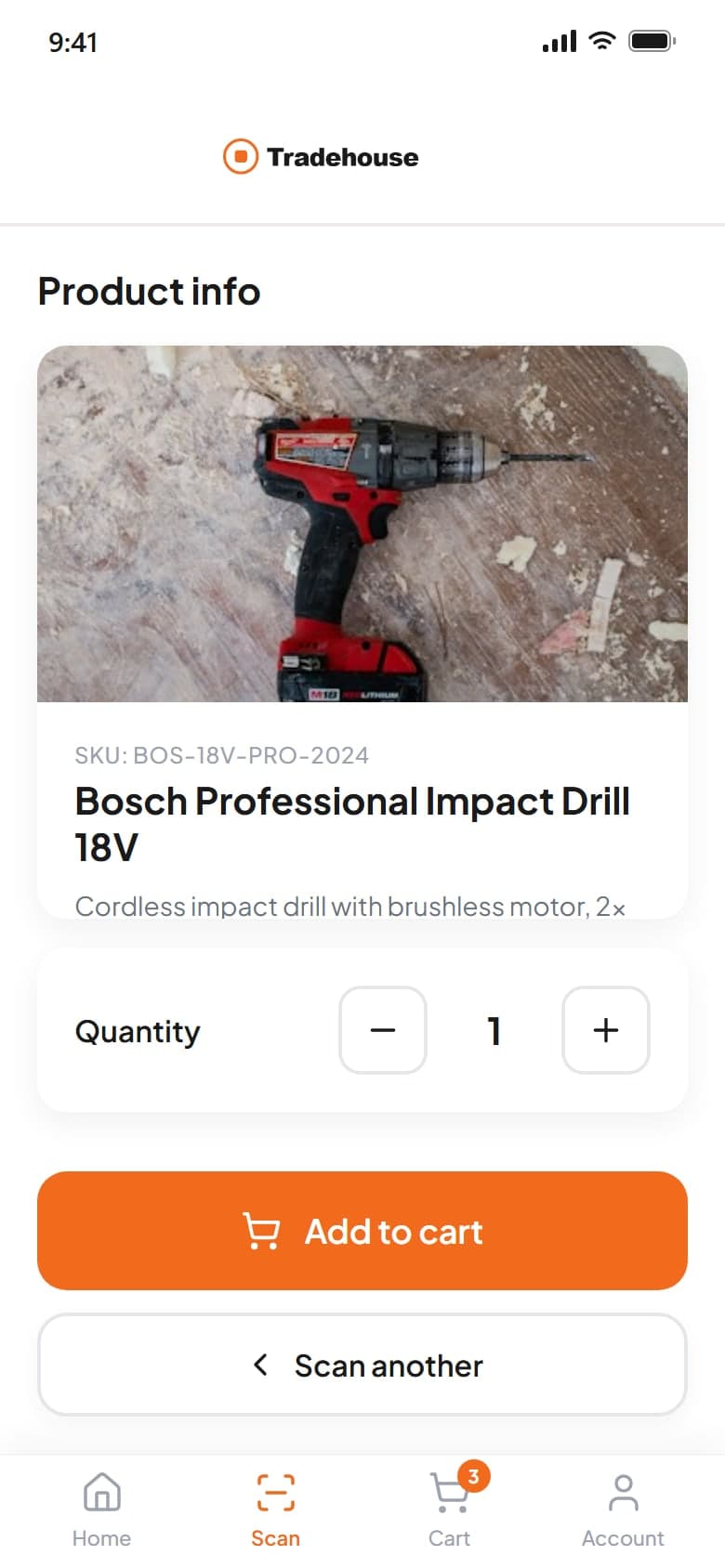
Scan a product's barcode or a rack's QR code. Loose items such as screws open a diameter and length picker instead of a product page.
Journey
3 screens
from scan result to order summary
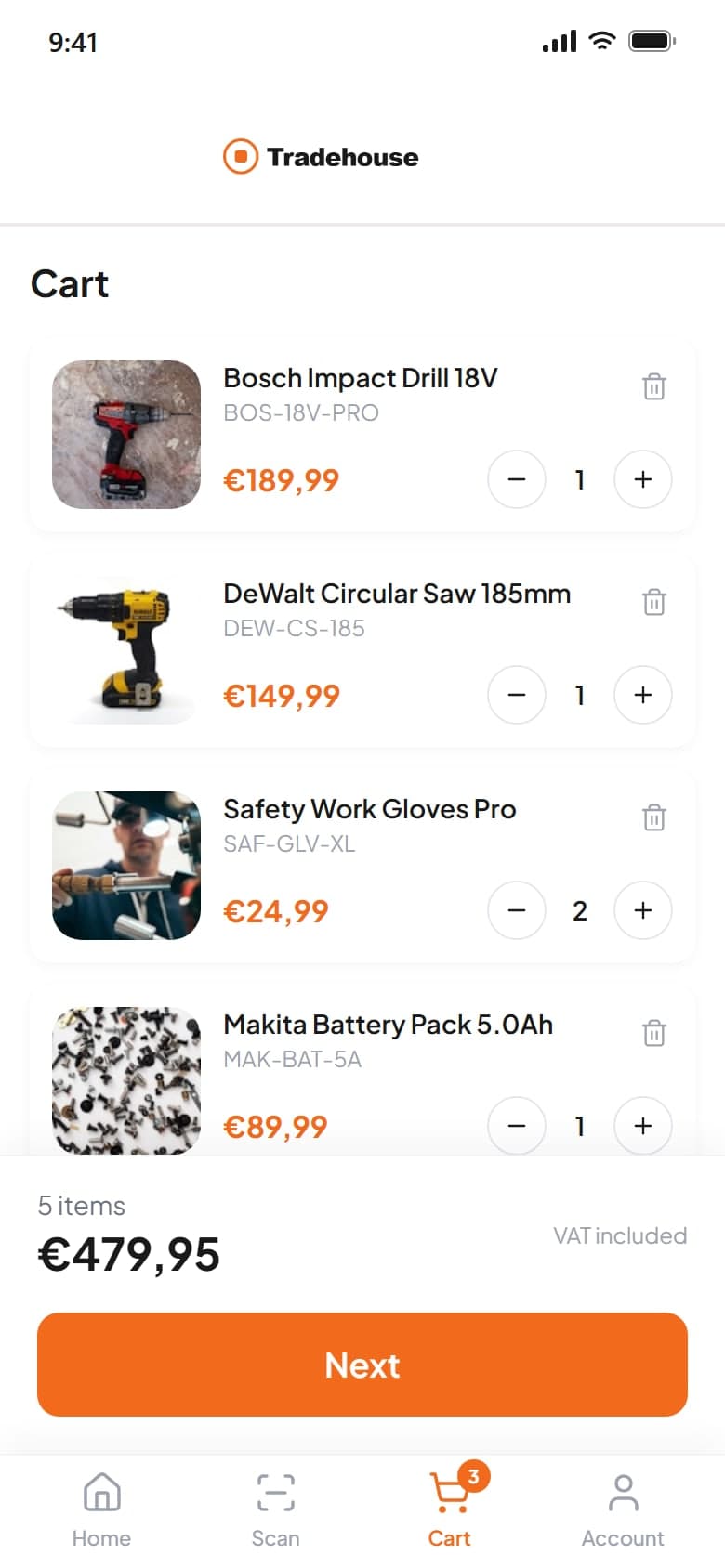
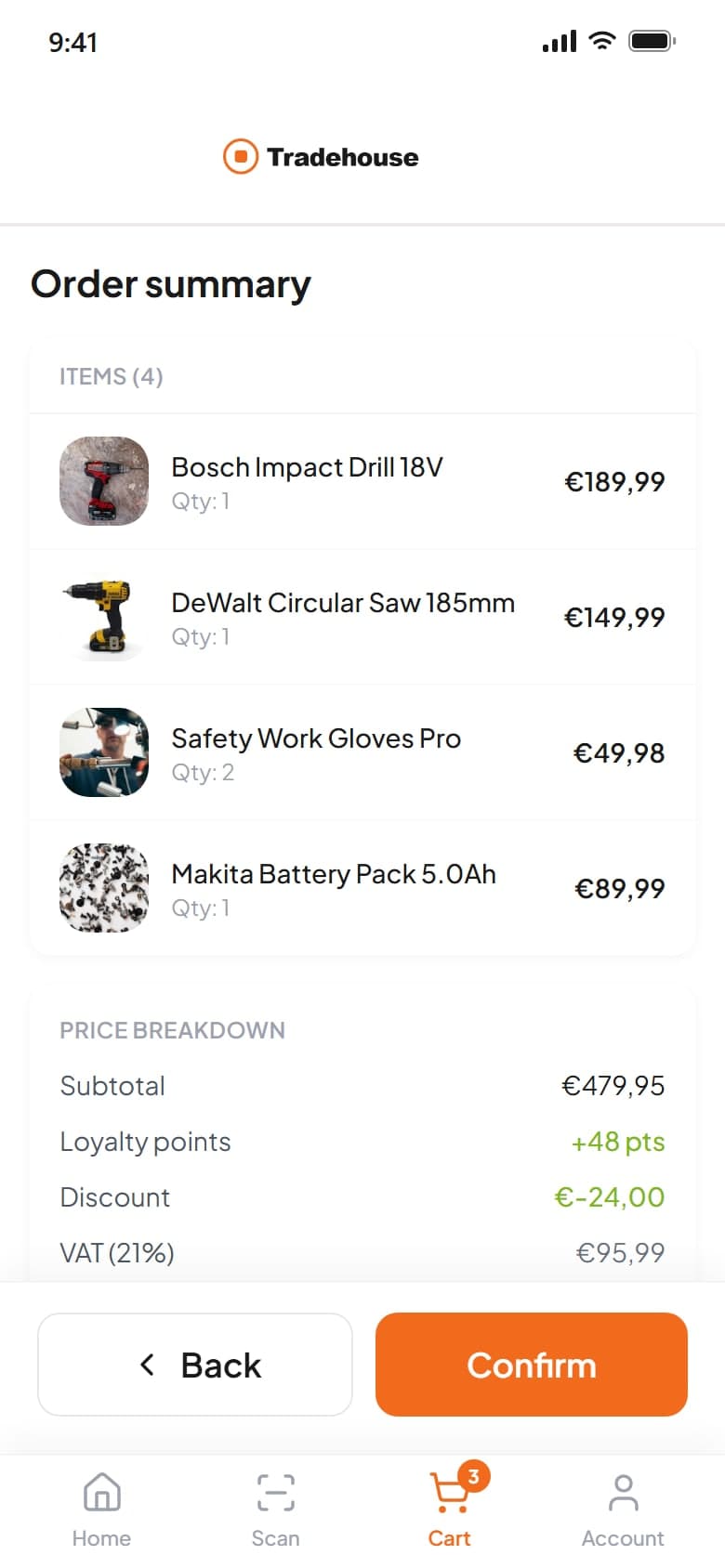
A shopper scans an item on the shelf, sees what it is and what it costs, adds it to the cart and pays on the phone or hands the cart to the register with a code.
02Online shoppers
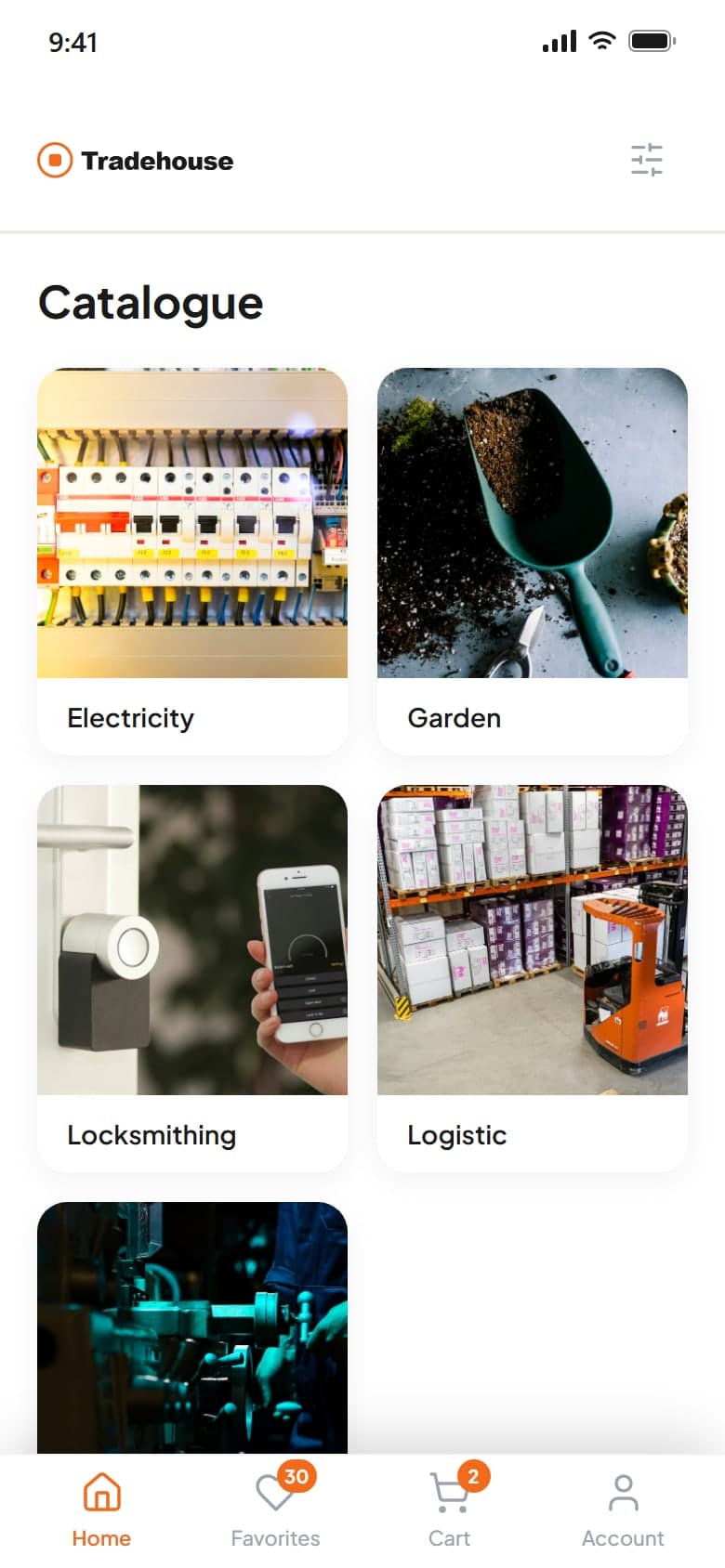
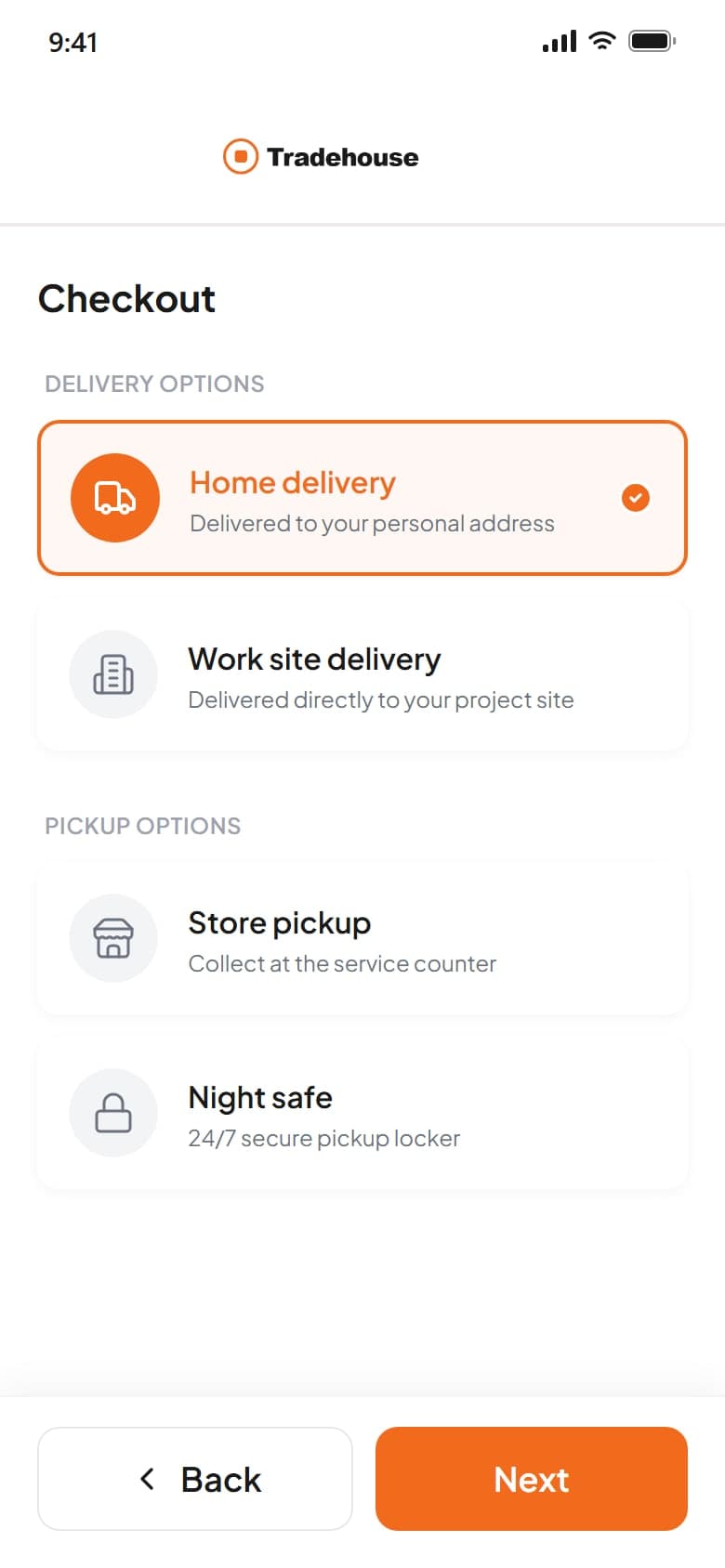
A product-first web store and the same catalogue on the phone, with delivery or pickup chosen before payment.
Delivery
4 ways
to receive an order: home, work site, store pickup or night safe
The catalogue, search and favourites work like any shop. Checkout then asks how the order should arrive, and night safe gives a code for collecting outside opening hours.
03Company buyers
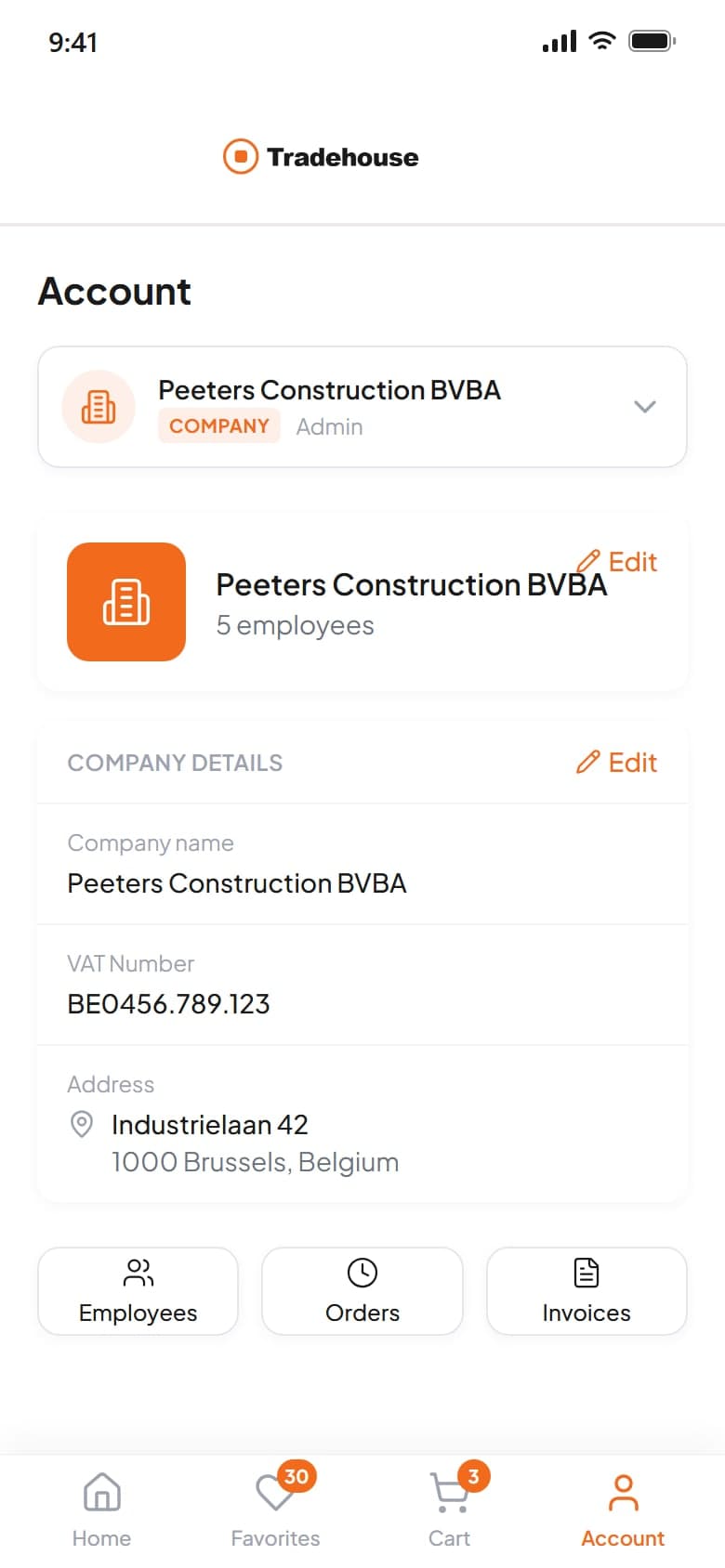
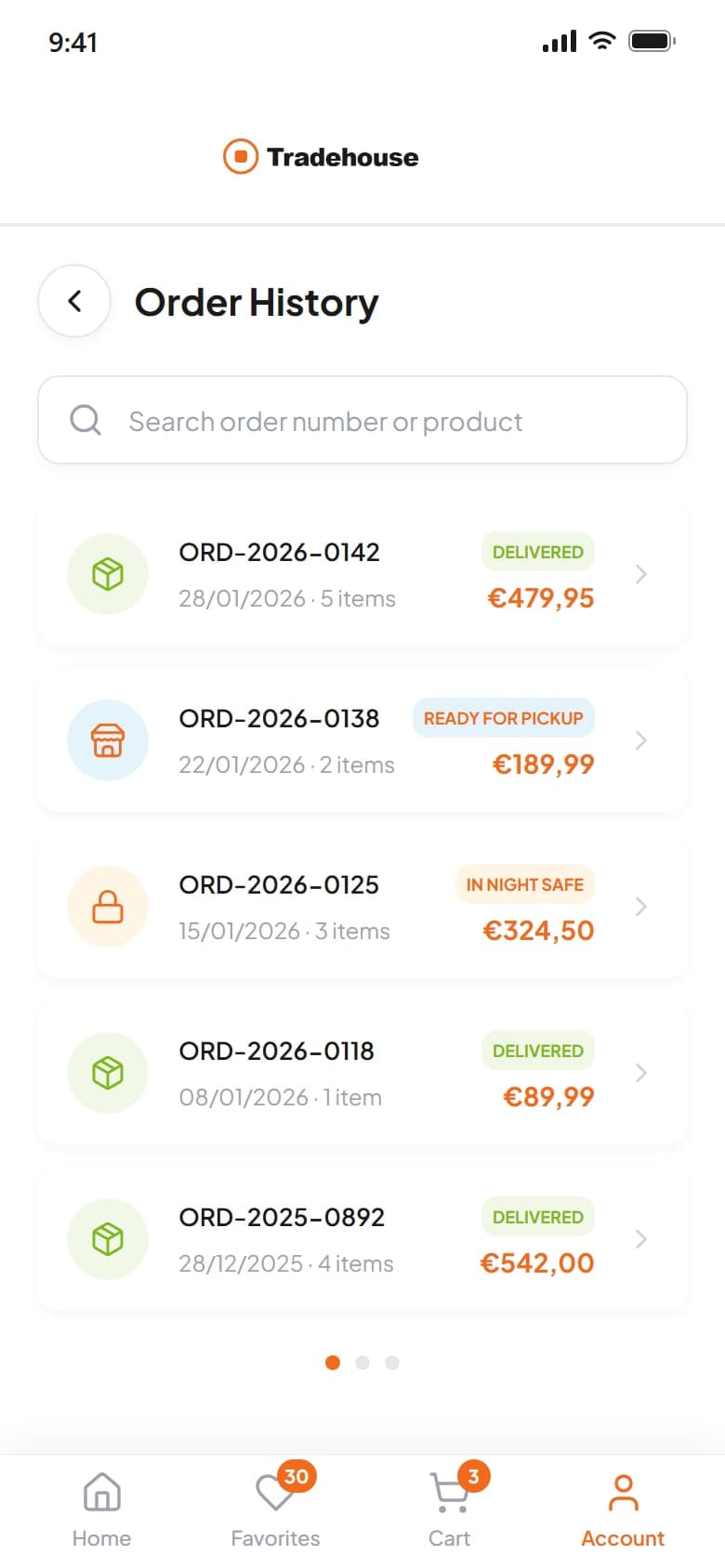
Switch between a personal and a company account. Order history, invoices and invoice settings sit at company level.
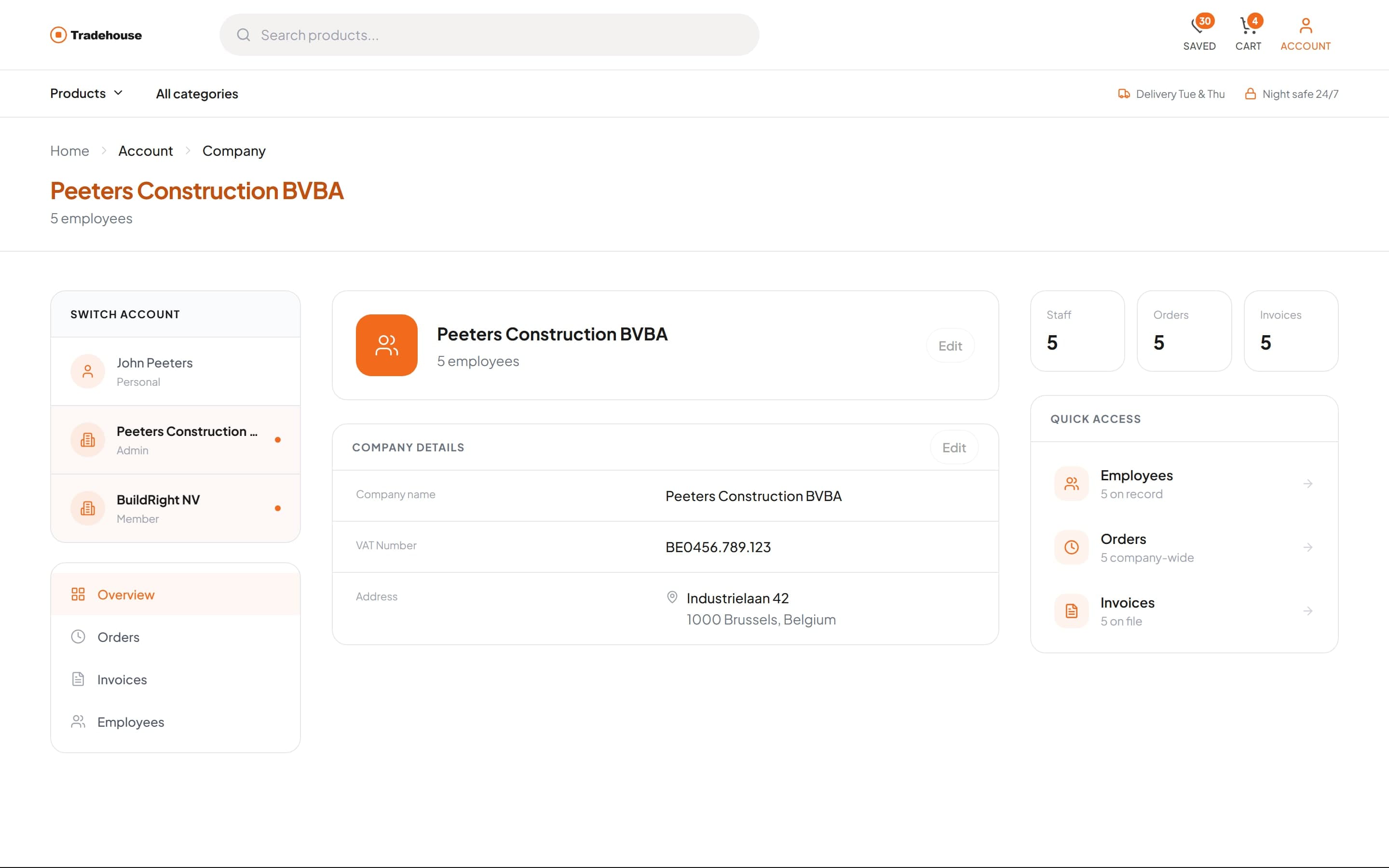
Accounts
3 in one login
a personal account and two companies
Orders and invoices belong to the company rather than the person who placed them, so purchasing and accounting work from the same records.
04Company admins
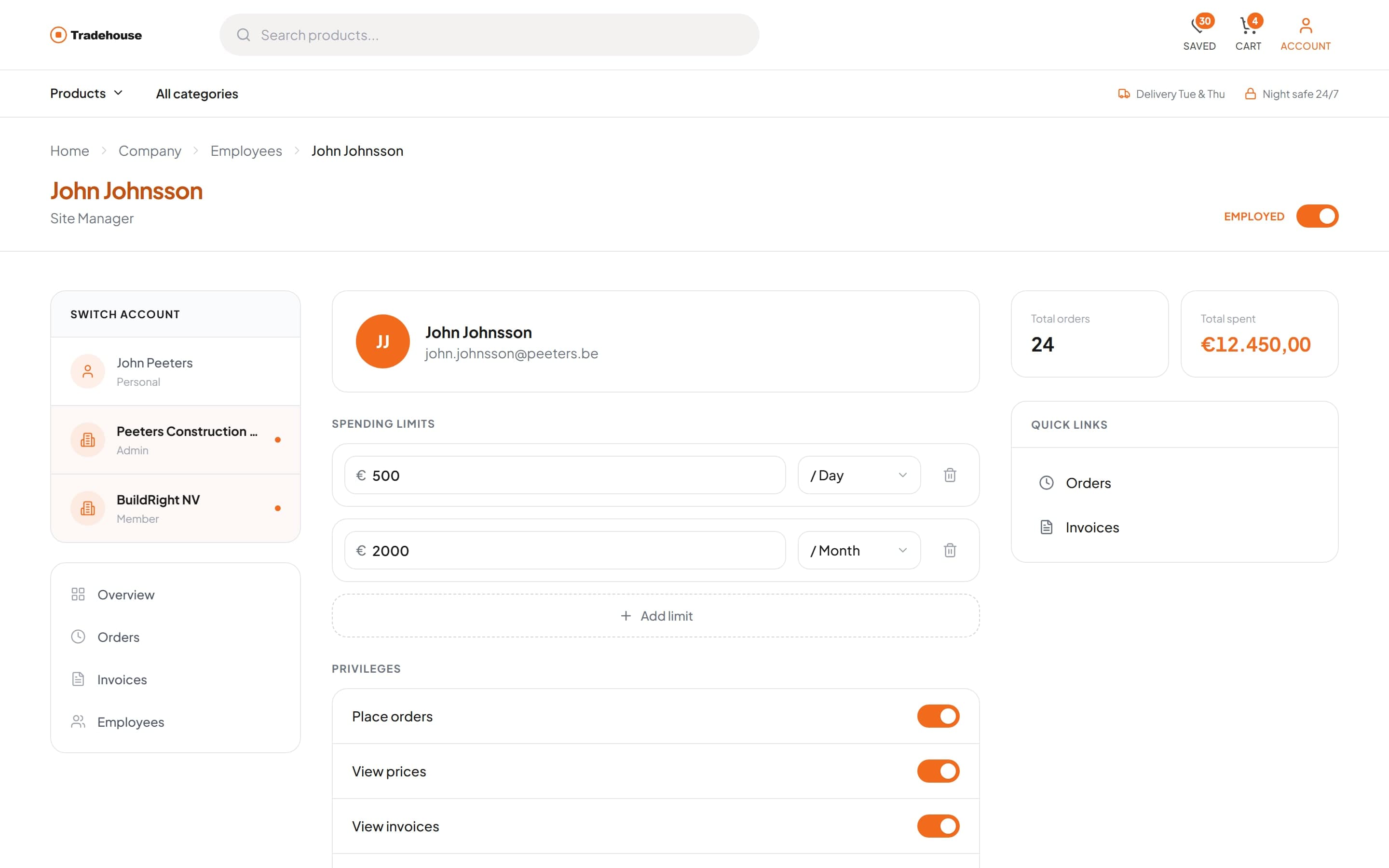
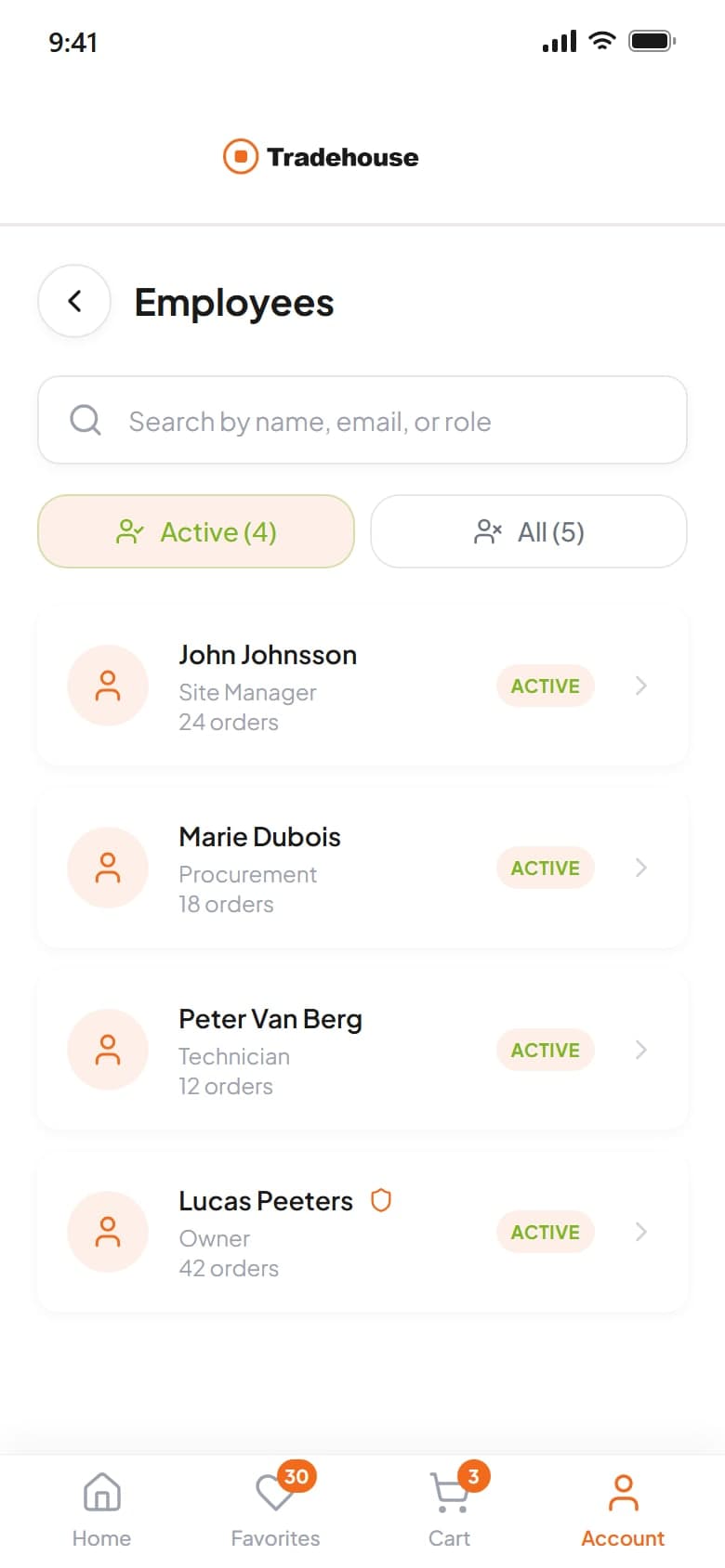
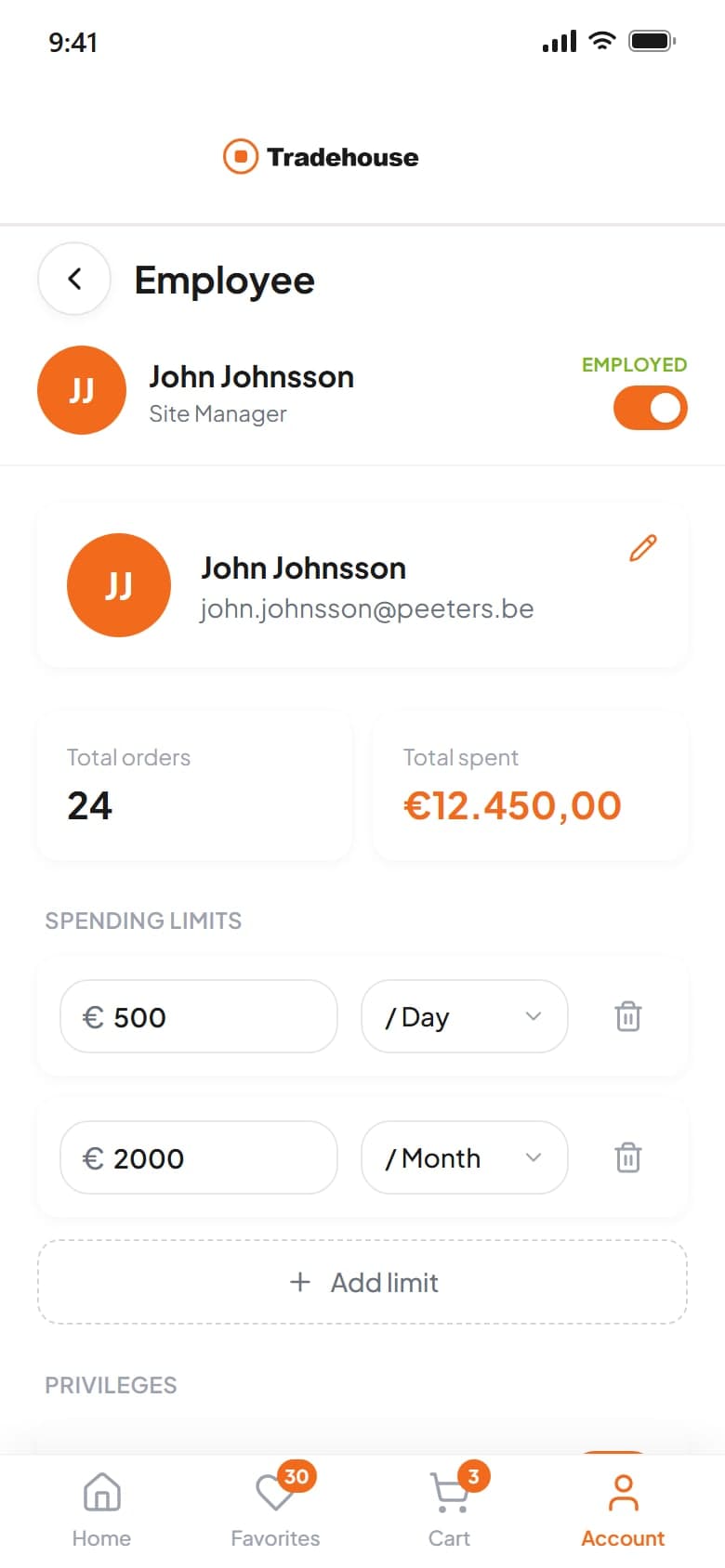
Every employee has a profile with limits and privileges. Order and invoice history can be read per person.
Control
Day and month
spending limits set for each employee
An owner decides who can place orders, see prices or see invoices, and caps what each person can spend, without anyone sharing a login.
05Store staff
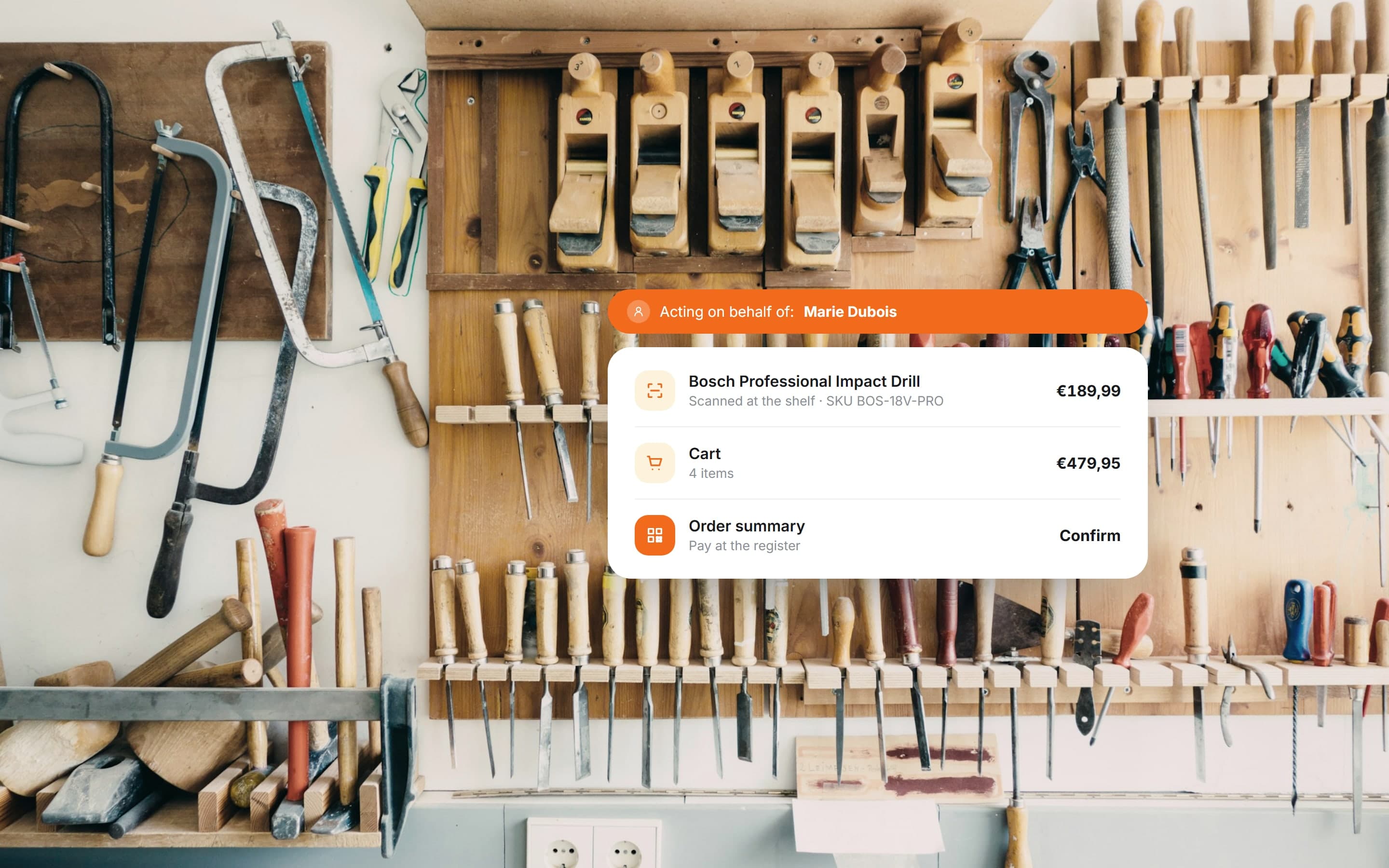
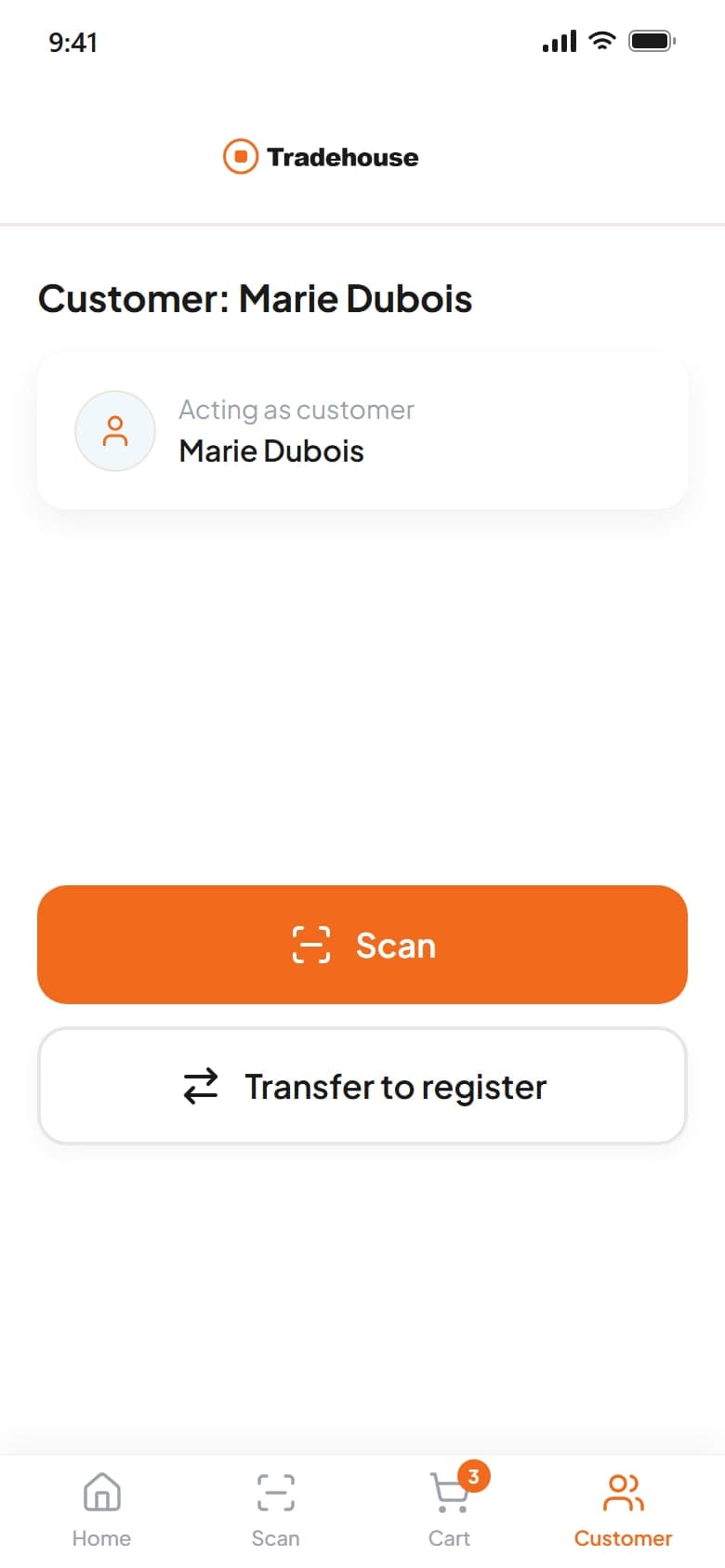
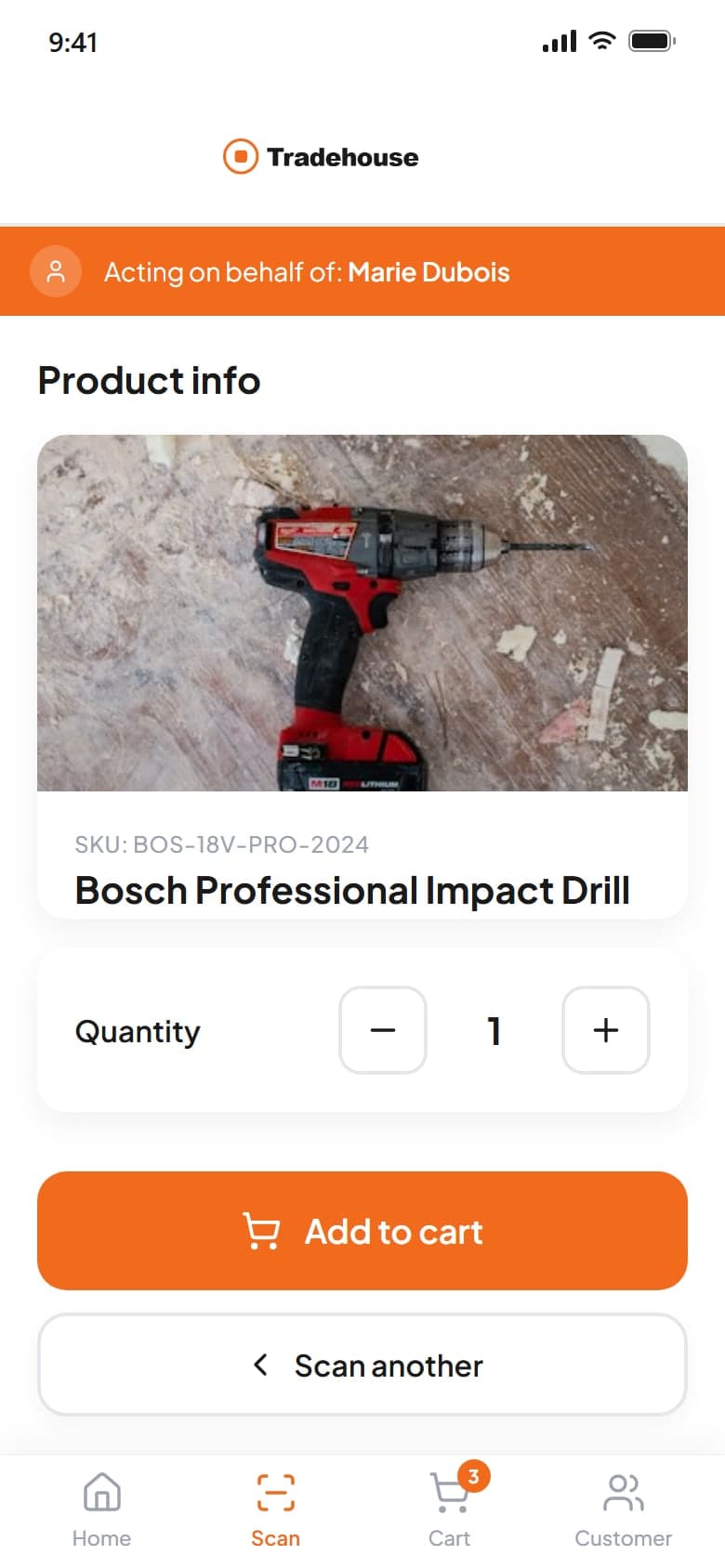
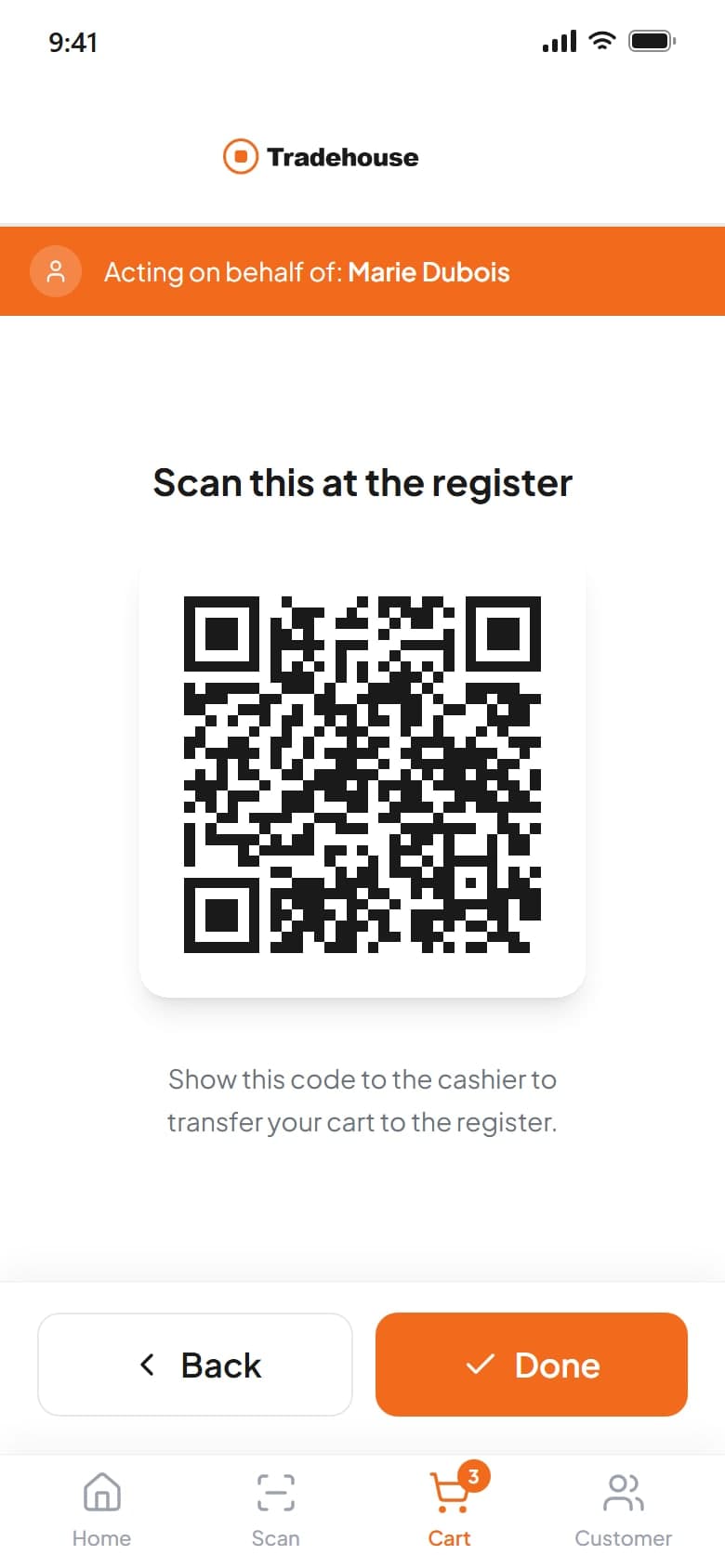
Staff sign in on a handheld with a PIN, choose a customer or company, then scan, build the cart and pay on their behalf.
Attribution
1 banner
on every screen while acting for a customer
The handheld always shows whose account is being used, so an assisted purchase is never attributed to the wrong person.
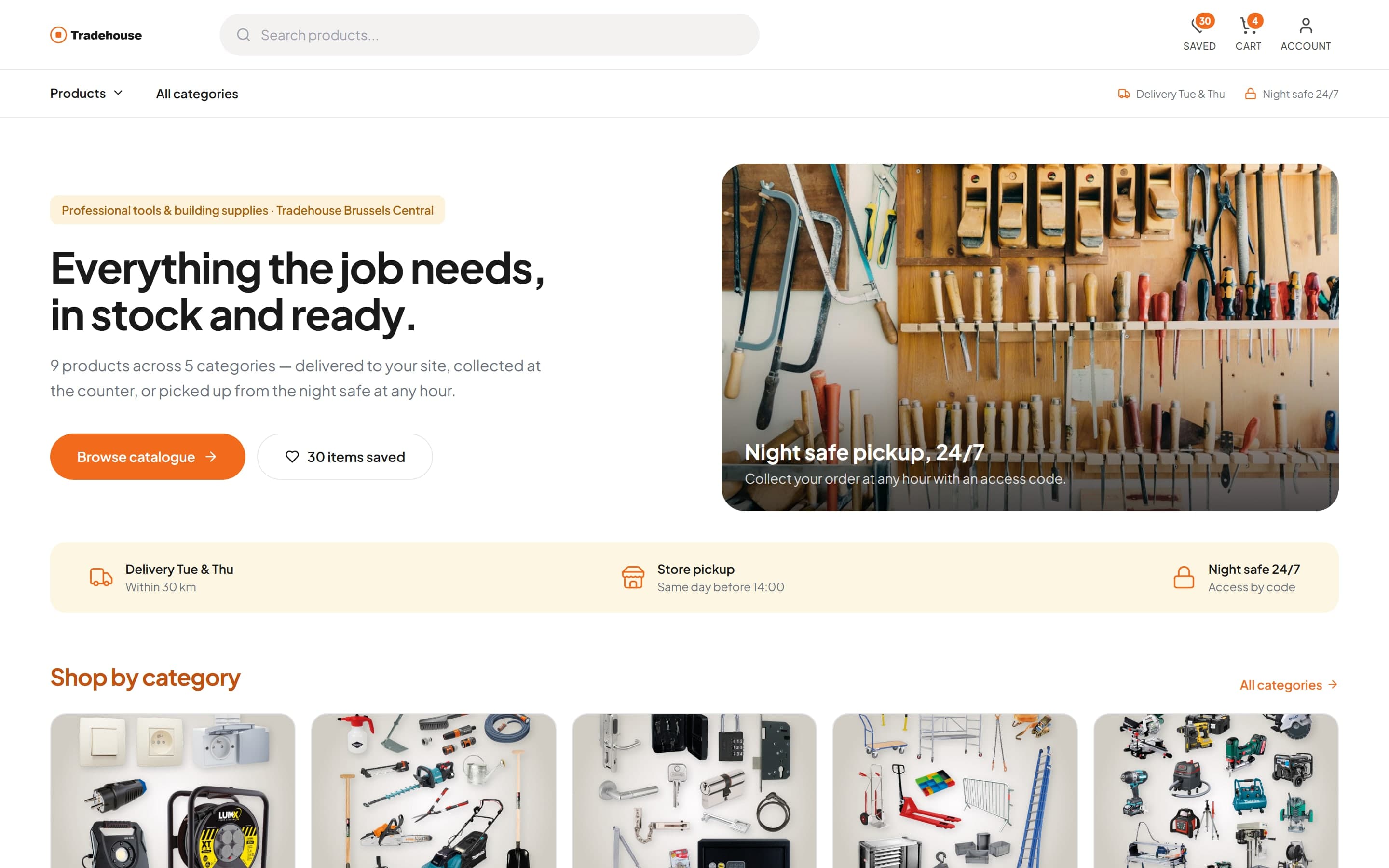
Web store
The same shop on a desktop
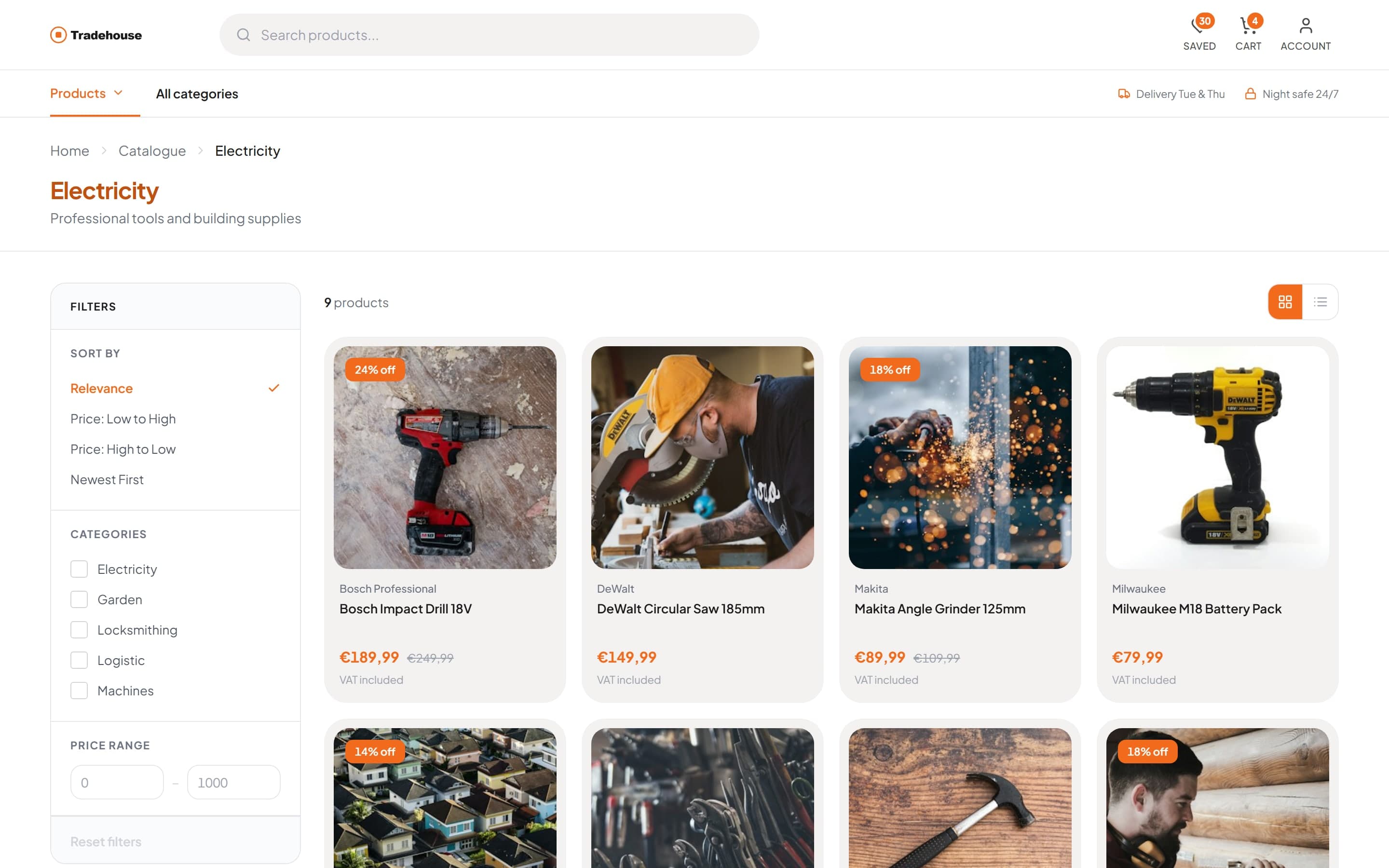
The mobile app was extended into a web store with the same catalogue, cart and account. A product-first home page leads with categories and delivery and pickup information, and keeps saved items, the cart and the account one click away in the header.
Outcome
The design covers the whole buying journey, planned together, from a scan in the aisle to a purchase made on a customer's behalf.
It was delivered in Figma as a design concept for validating the MVP: UX architecture, user flows, wireframes and high-fidelity mobile screens. The architecture behind them covers a much larger system than the screens show.
- Barcode and rack-QR scanning
- Product and screw selection
- Catalogue, search and favourites
- Delivery, pickup and night-safe options
- Company accounts and invoices
- Employee limits and privileges
- Assisted purchasing on a handheld
More case studies
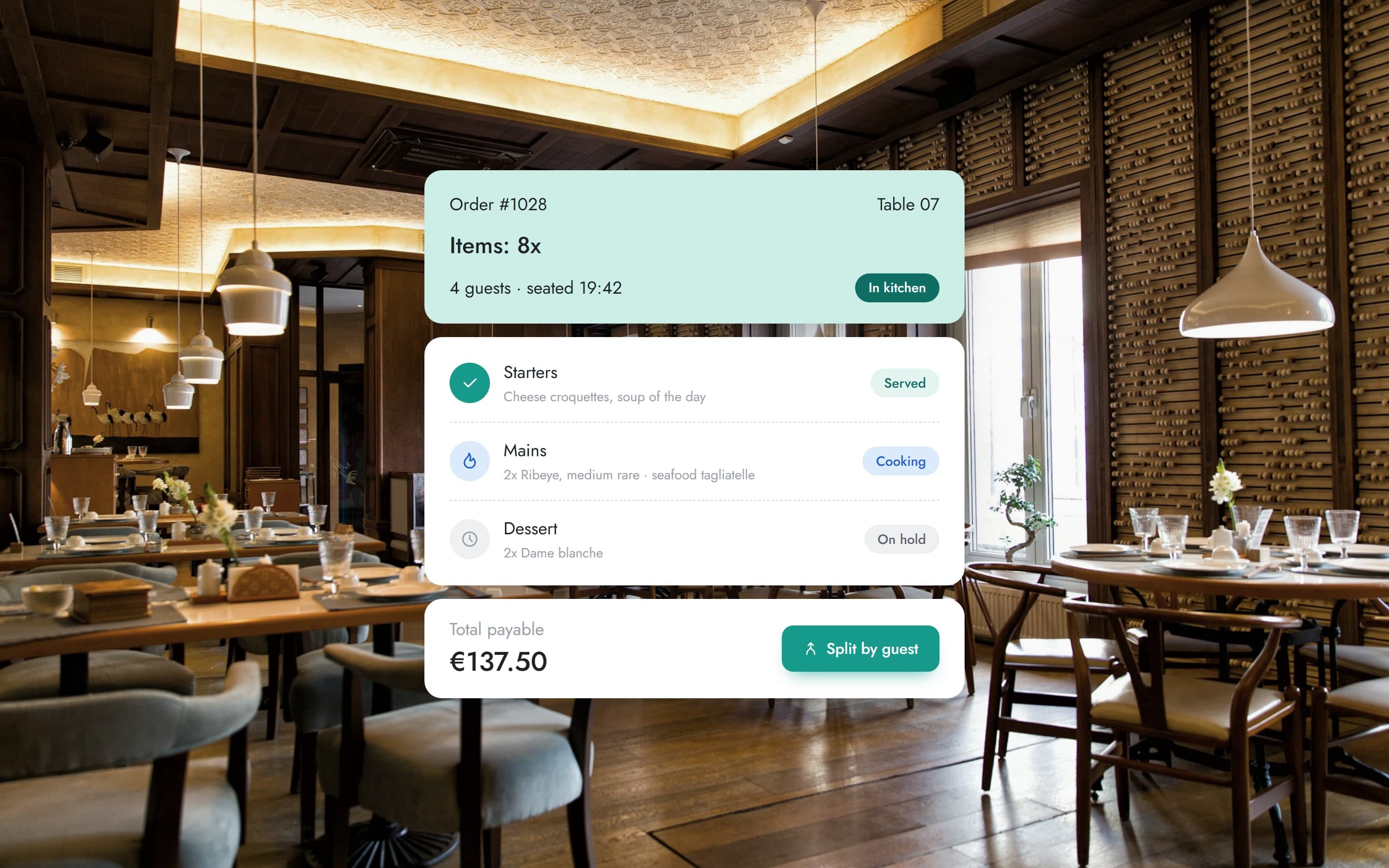 Restaurant operations ERPA modernised restaurant system built on a live floor plan, from table orders and courses through split checkout to manager tools and a kiosk.View case study
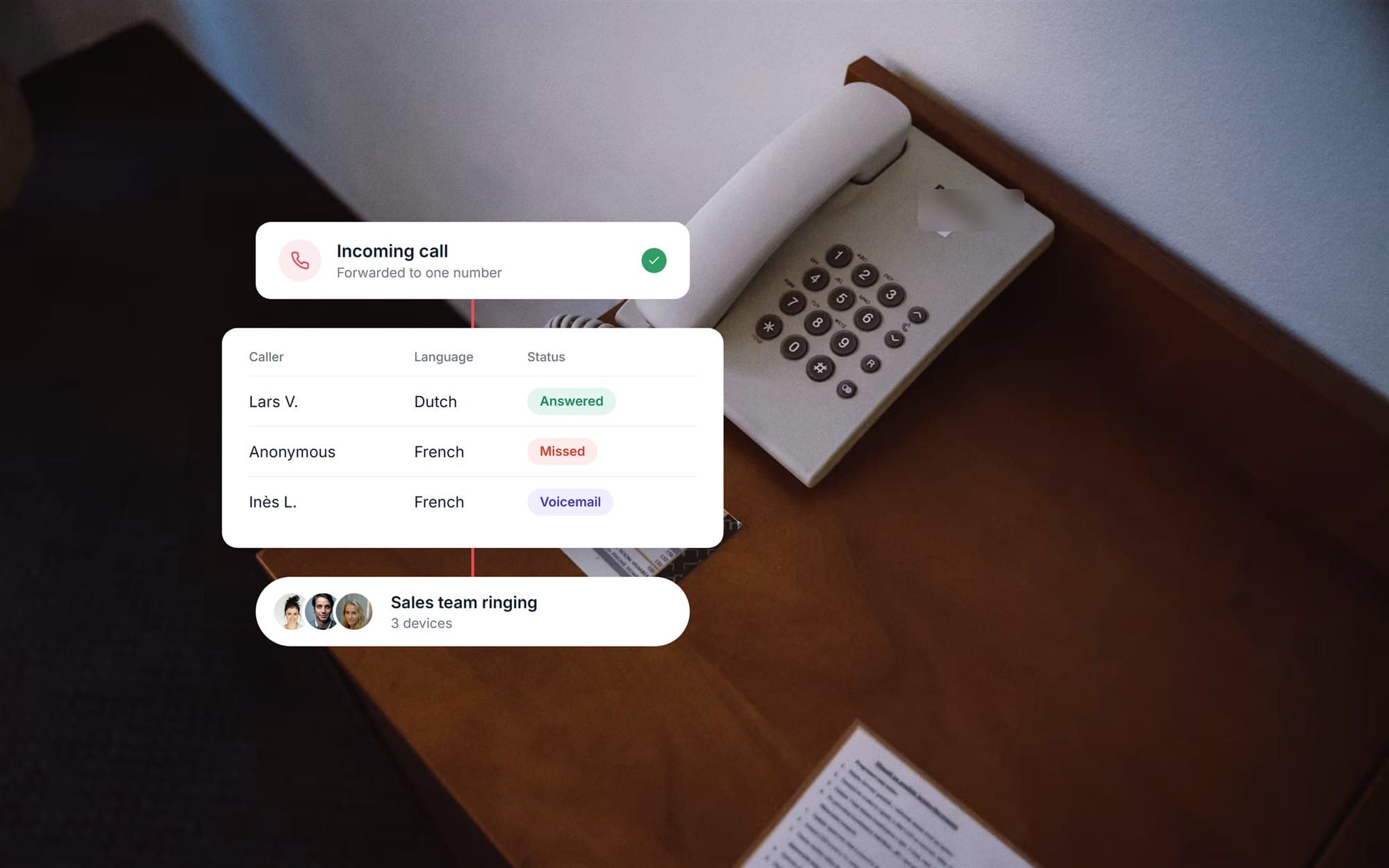 Telephony operations dashboardA real estate office's phone system rebuilt around one number, with every call reported to an agent dashboard of statuses, recordings and callbacks.View case study
Want a product like this? Let’s talk
Tell us about the workflow that needs to run on software. We’ll come back with how we would approach it.
Discuss a project