Automations & integrations
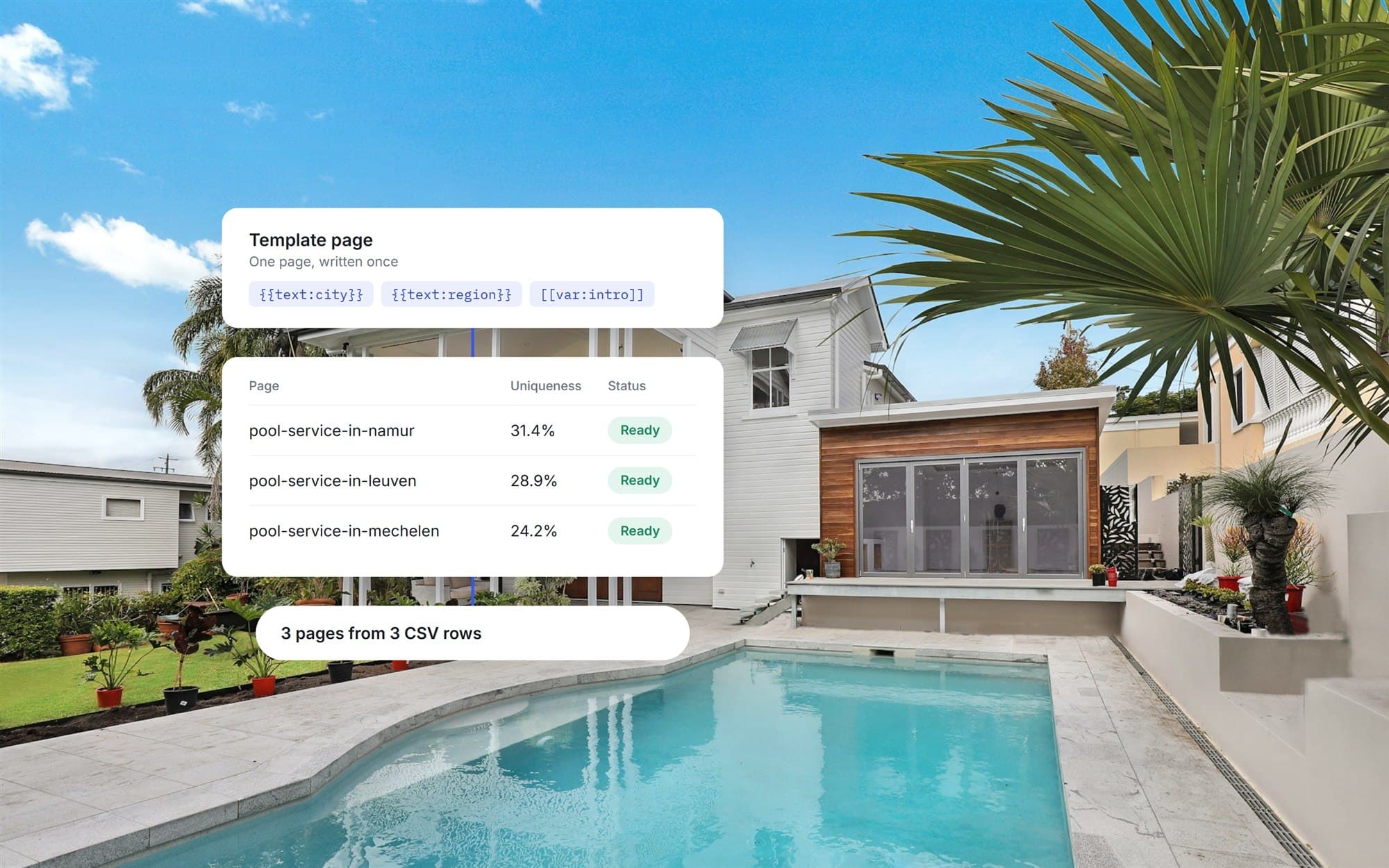
One template and a CSV, and a set of location pages that read differently from each other.
Short
summary
- Industry
- Construction and home services
- Model
- Plugin inside an existing WordPress site
- Platforms
- WordPress admin, Elementor and WPBakery
- Users
- Site owners and content editors
- Scope
- Templates, CSV generation, variation, SEO and publishing
A business that serves many towns needs a page for each one. Writing them by hand is slow, and copying one page many times leaves near-identical content. The plugin keeps the site as it is and adds a tool that builds those pages from one template and one spreadsheet.
The challenge
The pages had to come from one template and still not read as copies of each other.
The site, its theme and its page builder had to stay exactly as they were.
The solution
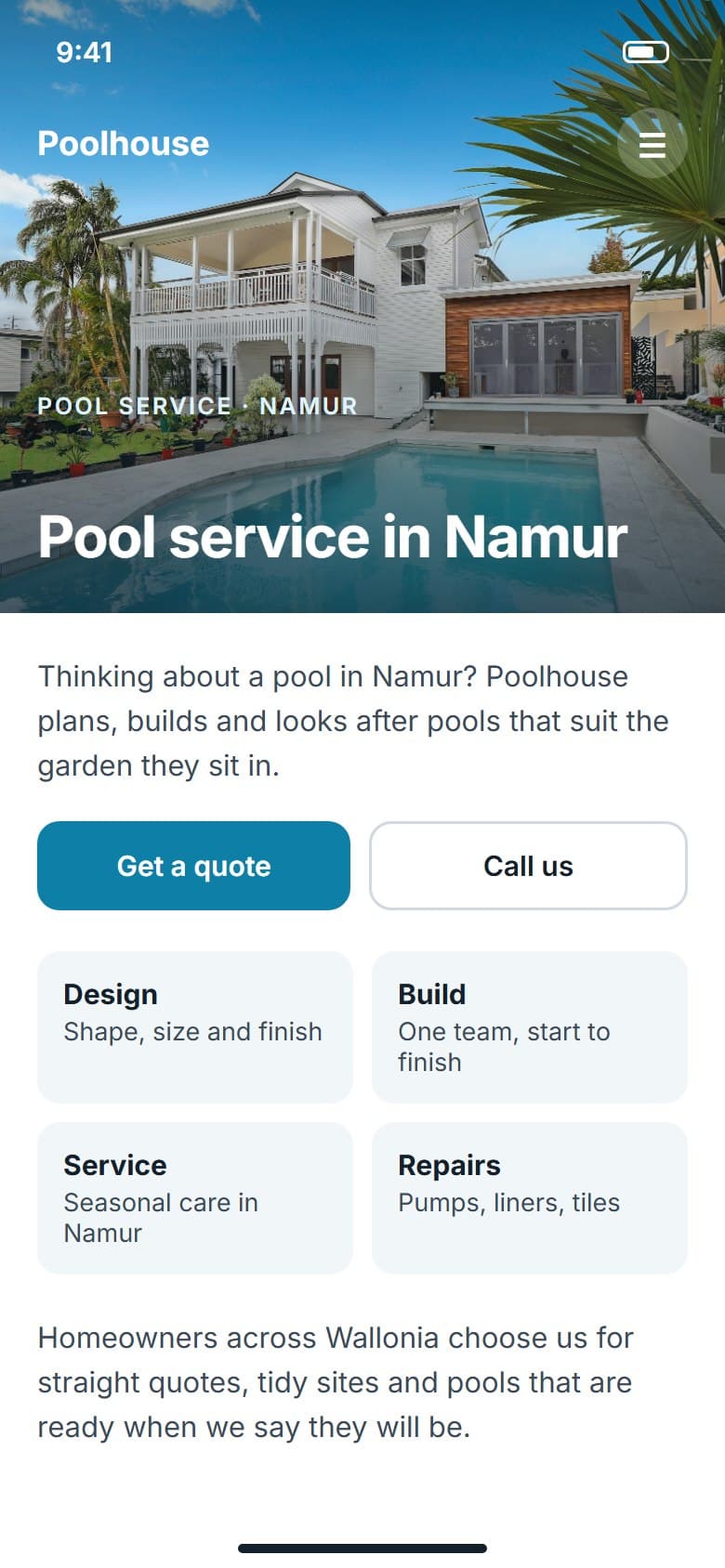
A page is duplicated as a template and marked up with placeholders for the parts that change, such as the city, and variation blocks for wording that should differ. Each CSV row then produces a page: the slug and title are worked out, the text is filled in, one wording is picked, images are copied, a uniqueness score is checked and the SEO fields are written. Optional AI can draft a template or suggest variations, but generating from a CSV never calls it.
01Templates
Pick any existing page and turn it into a template without touching the original.
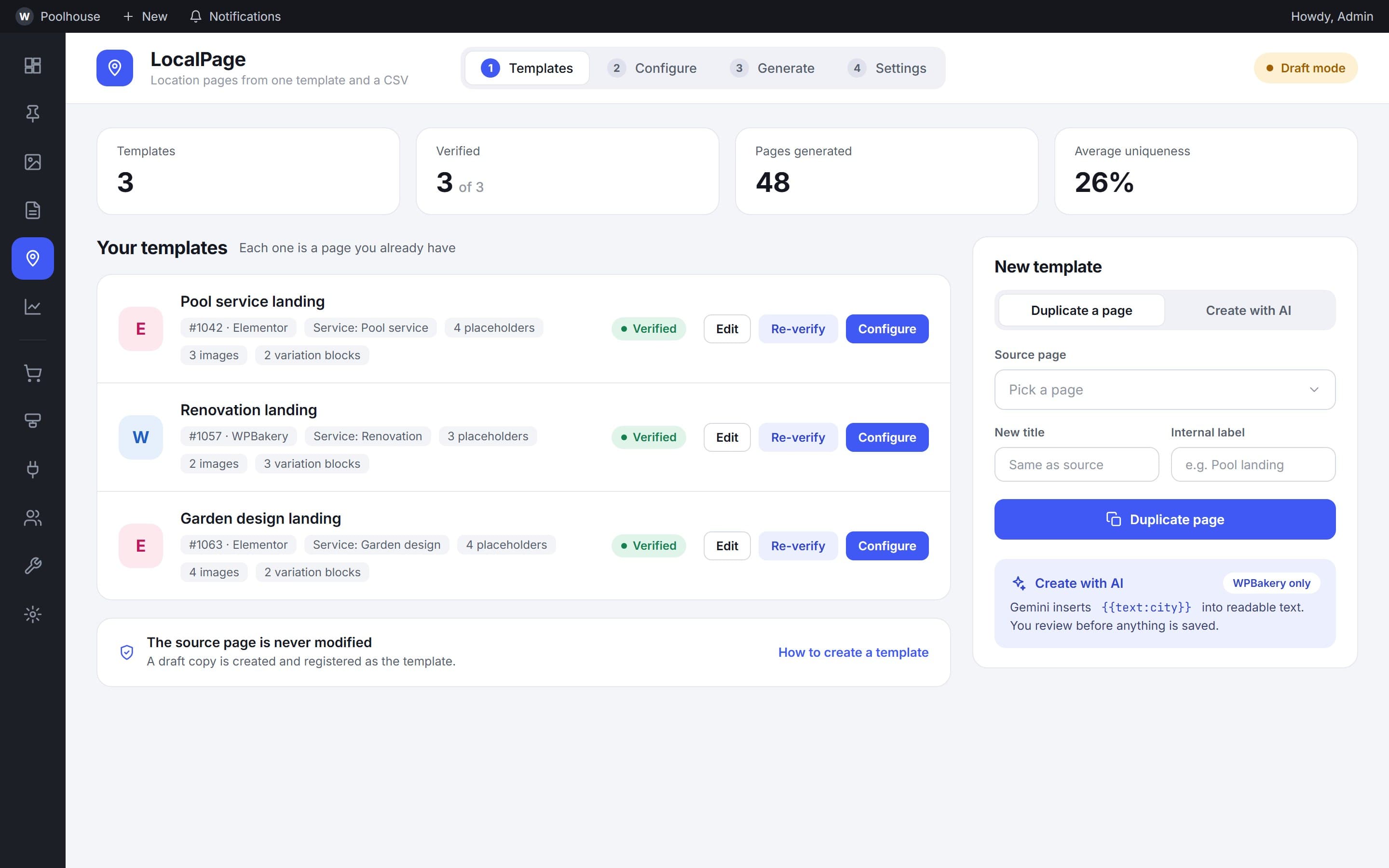
Source
1 page
becomes the template, left untouched
A published page is duplicated as a draft and registered as a template. The list shows each template's builder, service and verified status.
02Configure
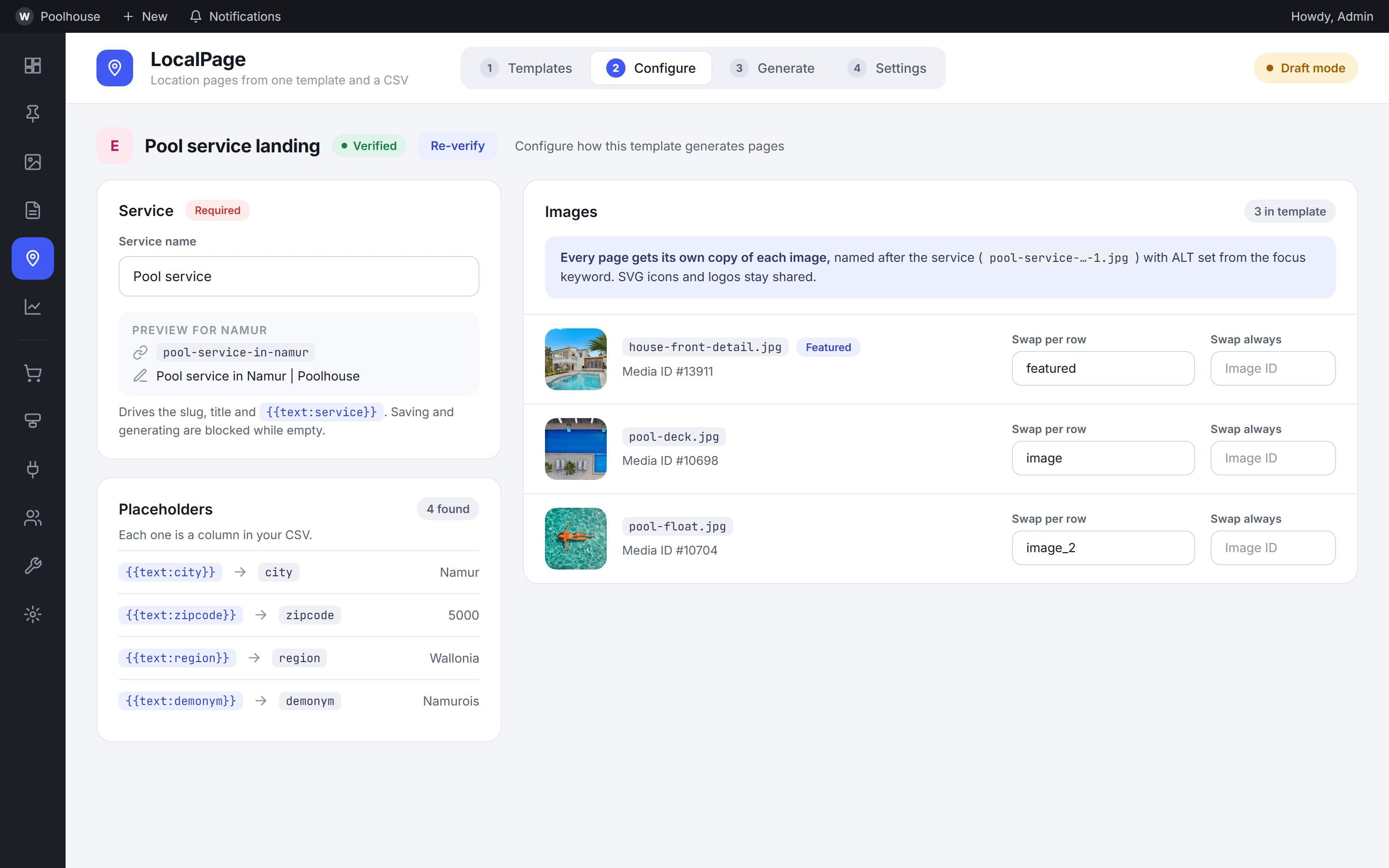
Set the service, review the placeholders and decide which images change per page.
Per template
1 service
drives the slug, title and keyword
Each template names its service, lists the placeholders it found and shows every image it will copy, with a CSV column or a fixed image to swap in for each one.
03Variation and SEO
Several versions of the wording, one set of SEO fields.
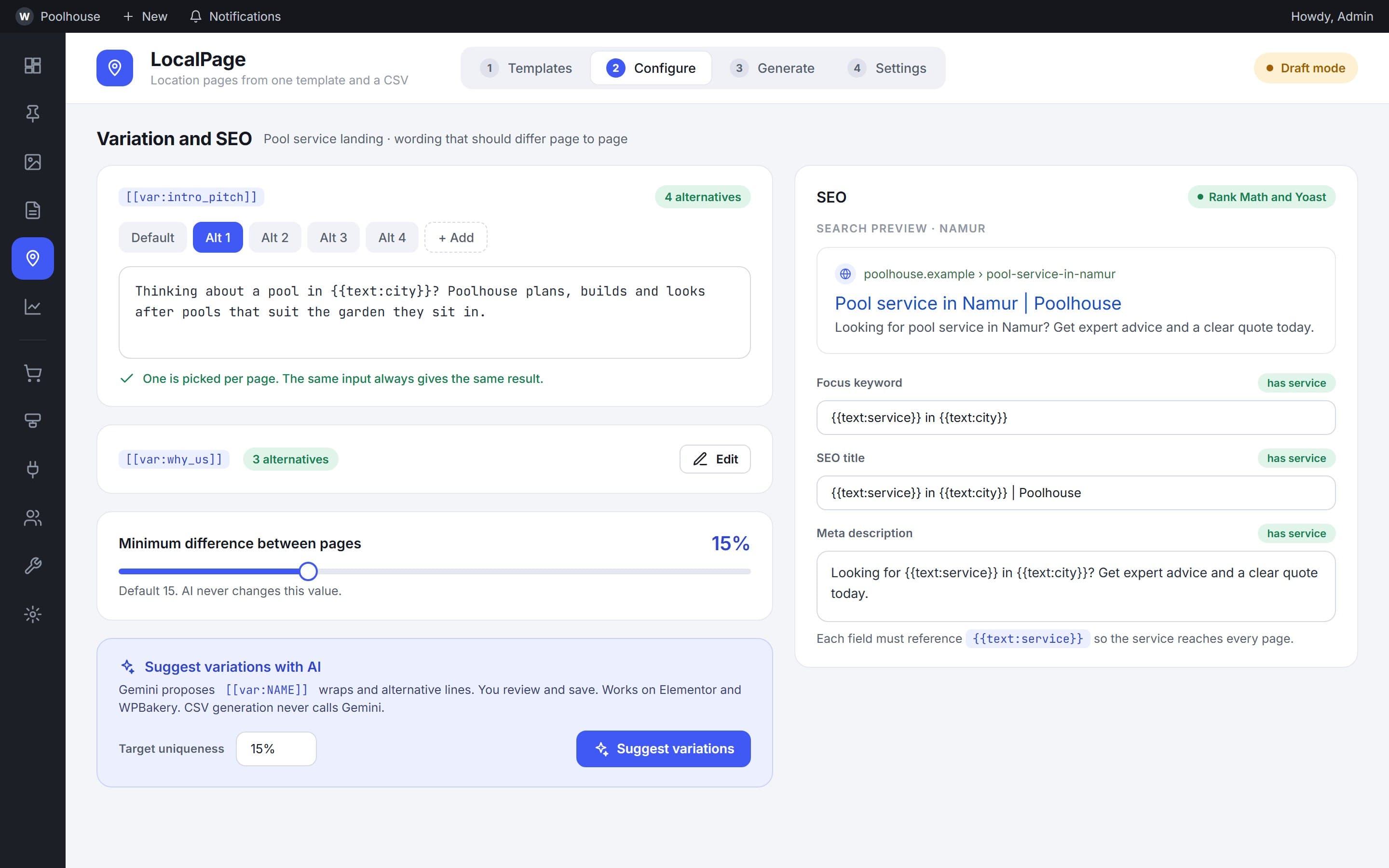
Wording
15%
default minimum difference between pages
Sentences and sections wrapped in variation blocks get alternative wordings, and one is picked for each page. The focus keyword, title and description are set once and written to the SEO plugin's fields on every page.
04Generate
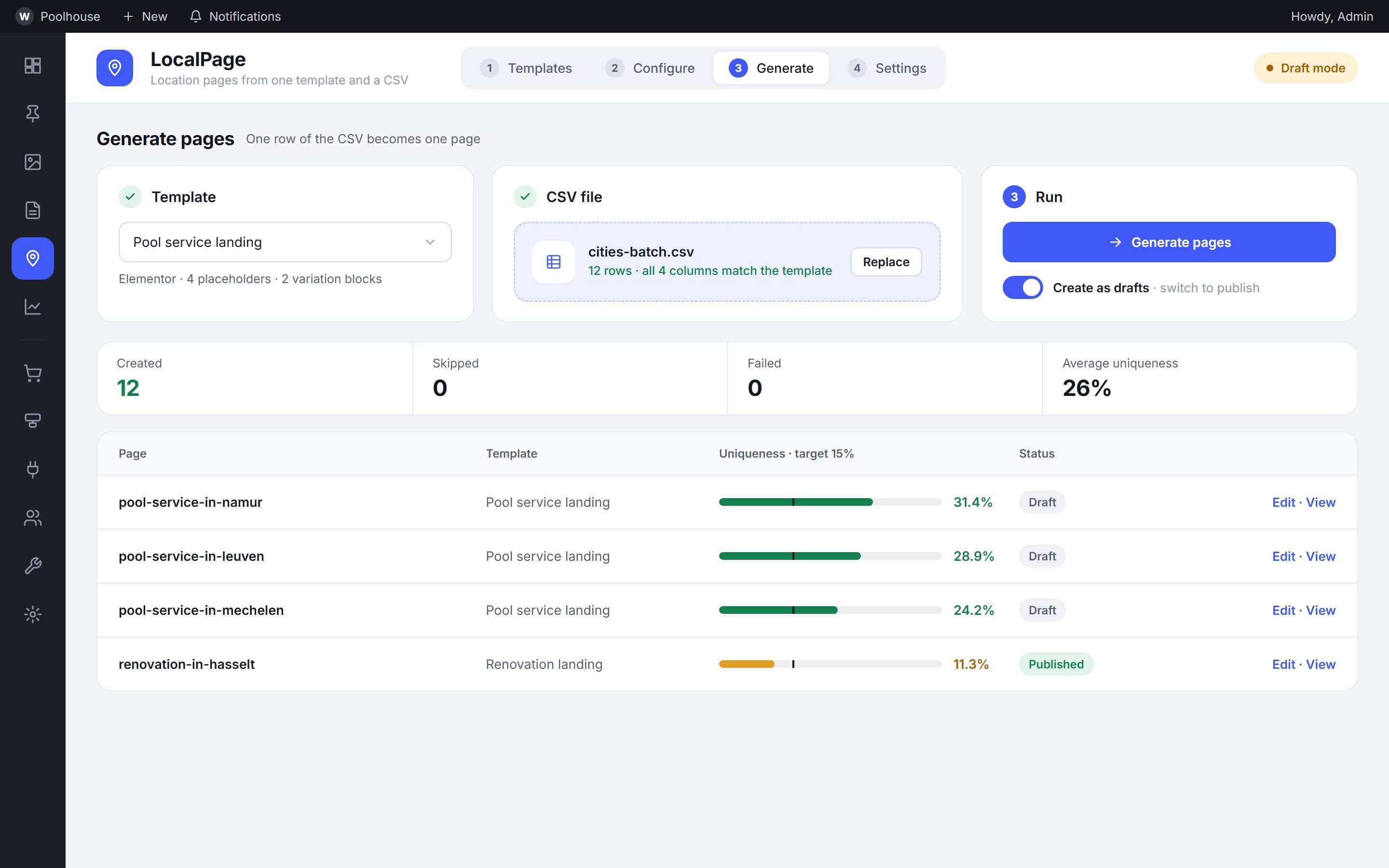
Upload a CSV, run the batch and see how unique each new page is.
Batch
1 row
is one page
A CSV is checked against the template's placeholders before anything is created. Each run reports what was created, skipped or failed, and every page carries a uniqueness score and its status.
05Settings
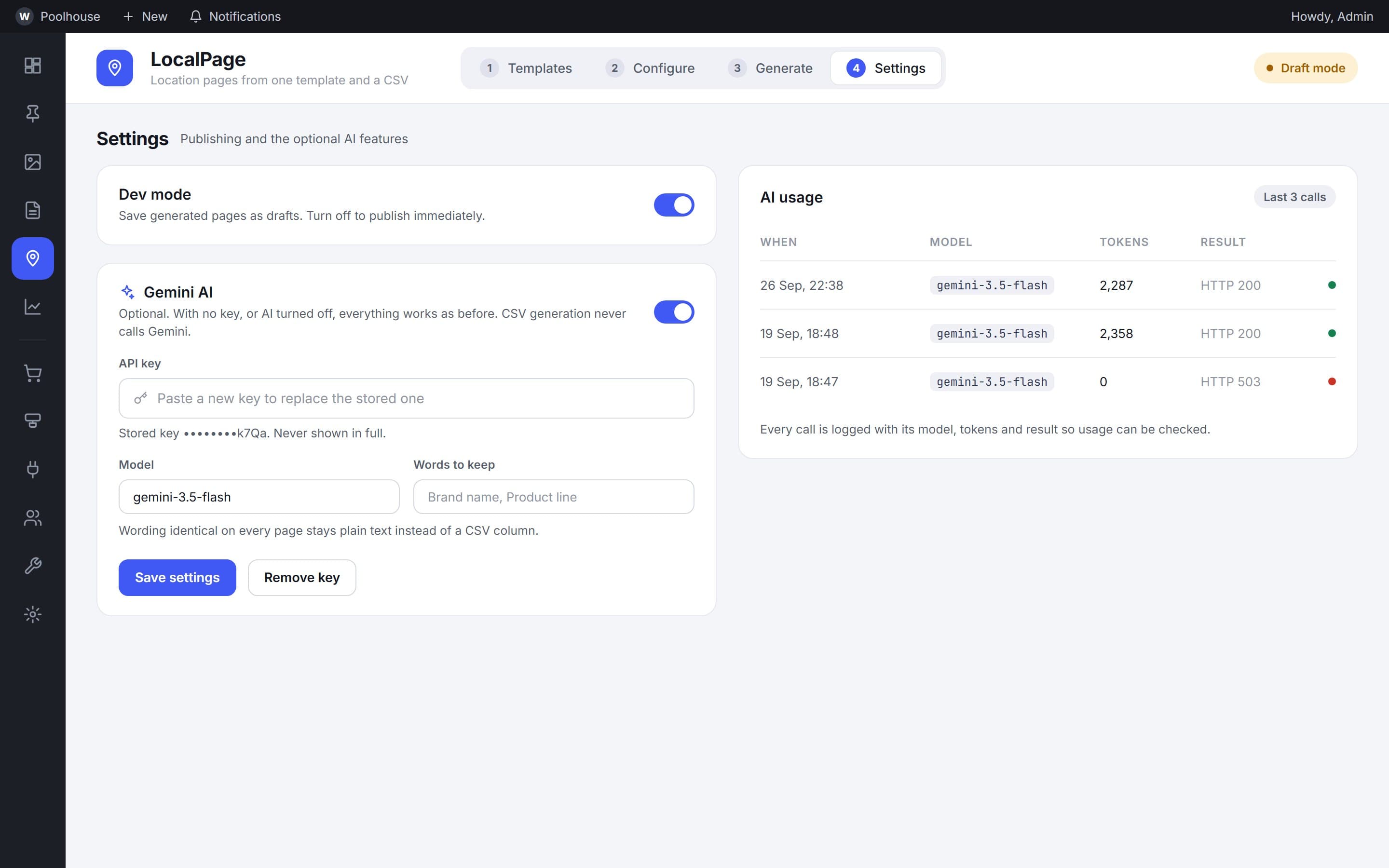
Choose draft or live publishing.
Control
2 modes
drafts or published
Publish mode decides whether new pages land as drafts or go live. The AI features are optional, use the site's own key, and log every call so usage can be checked.
How it works
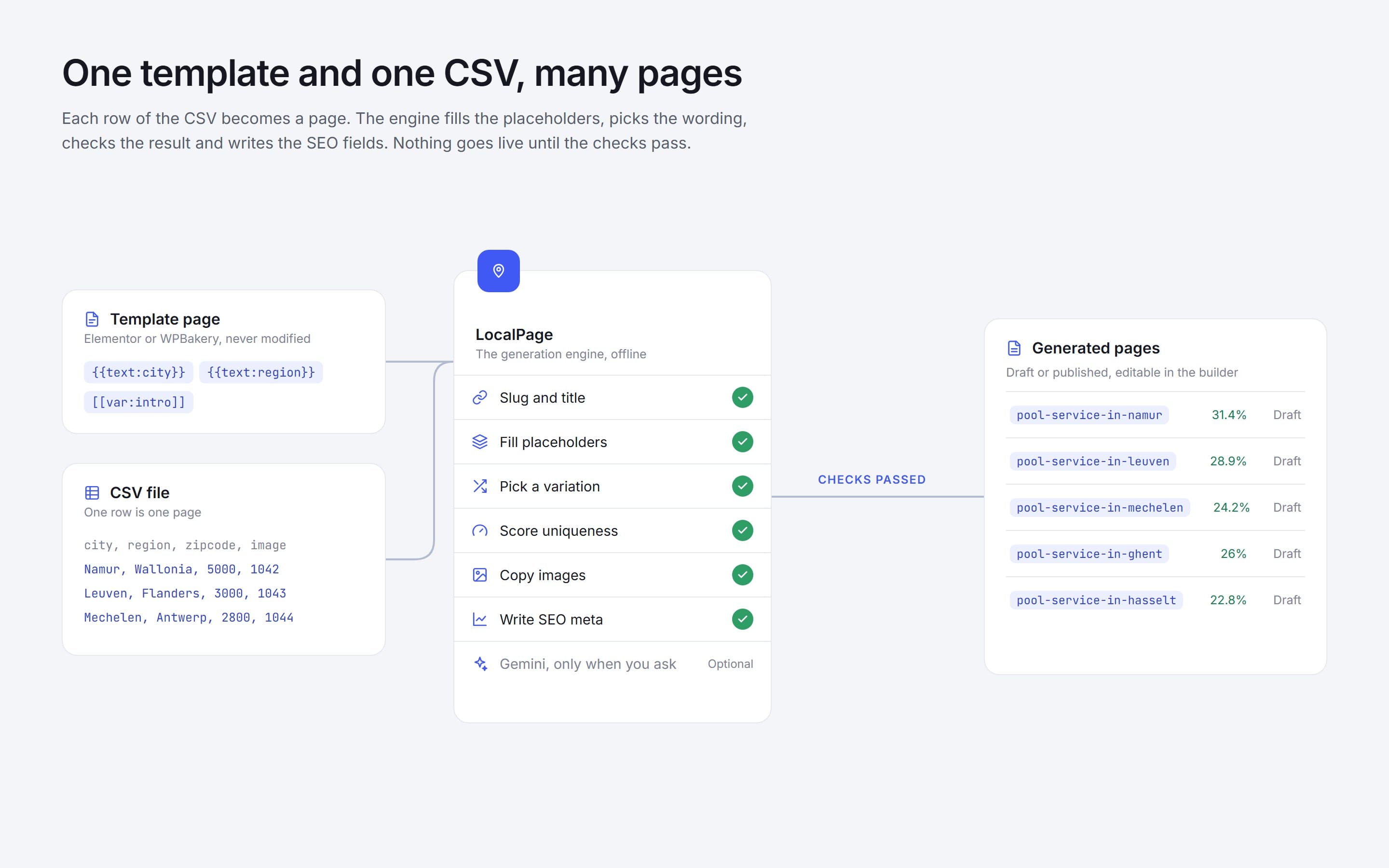
One template and one CSV, many pages
The diagram follows one template and one CSV through each step of the plugin to the finished pages.
Outcome
Location pages can now be published at scale from inside the client's own WordPress site.
Editors keep control: pages are reviewed as drafts, and each one is scored for how different it is.
- Reusable templates
- Placeholders and CSV rows
- Content variation rules
- Uniqueness scoring
- SEO fields
- Draft or publish controls
- Elementor and WPBakery
- Existing site kept intact
More case studies
 Commercial vehicle marketplaceA closed B2B marketplace where buyers, sellers, transporters and technicians each work in their own flow, from listing and sealed bidding to transport.View case study
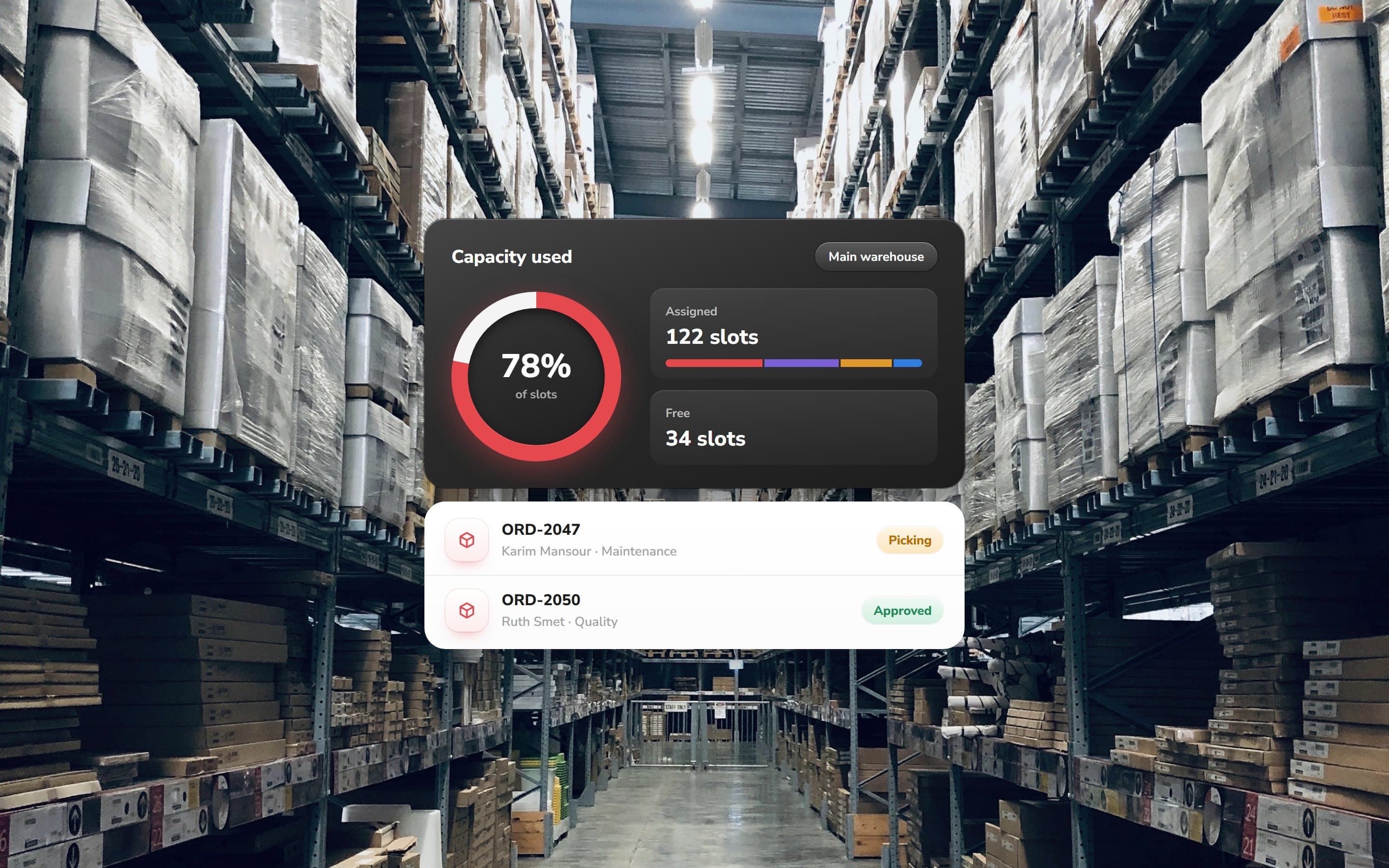 Warehouse inventory platformA workwear operations system that maps storage from floorplan to slot, then carries employee orders through approval, picking and restocking.View case study
Want a product like this? Let’s talk
Tell us about the workflow that needs to run on software. We’ll come back with how we would approach it.
Discuss a project