Digital products
From a few questions about the team to a ranked shortlist, a team vote and a request to the right provider.
Short
summary
- Industry
- Team building and group events
- Model
- Recommendation and request platform
- Platforms
- Responsive web app
- Roles
- Organizers, team members, providers, admins
- Scope
- 29 screens, delivered as a design concept
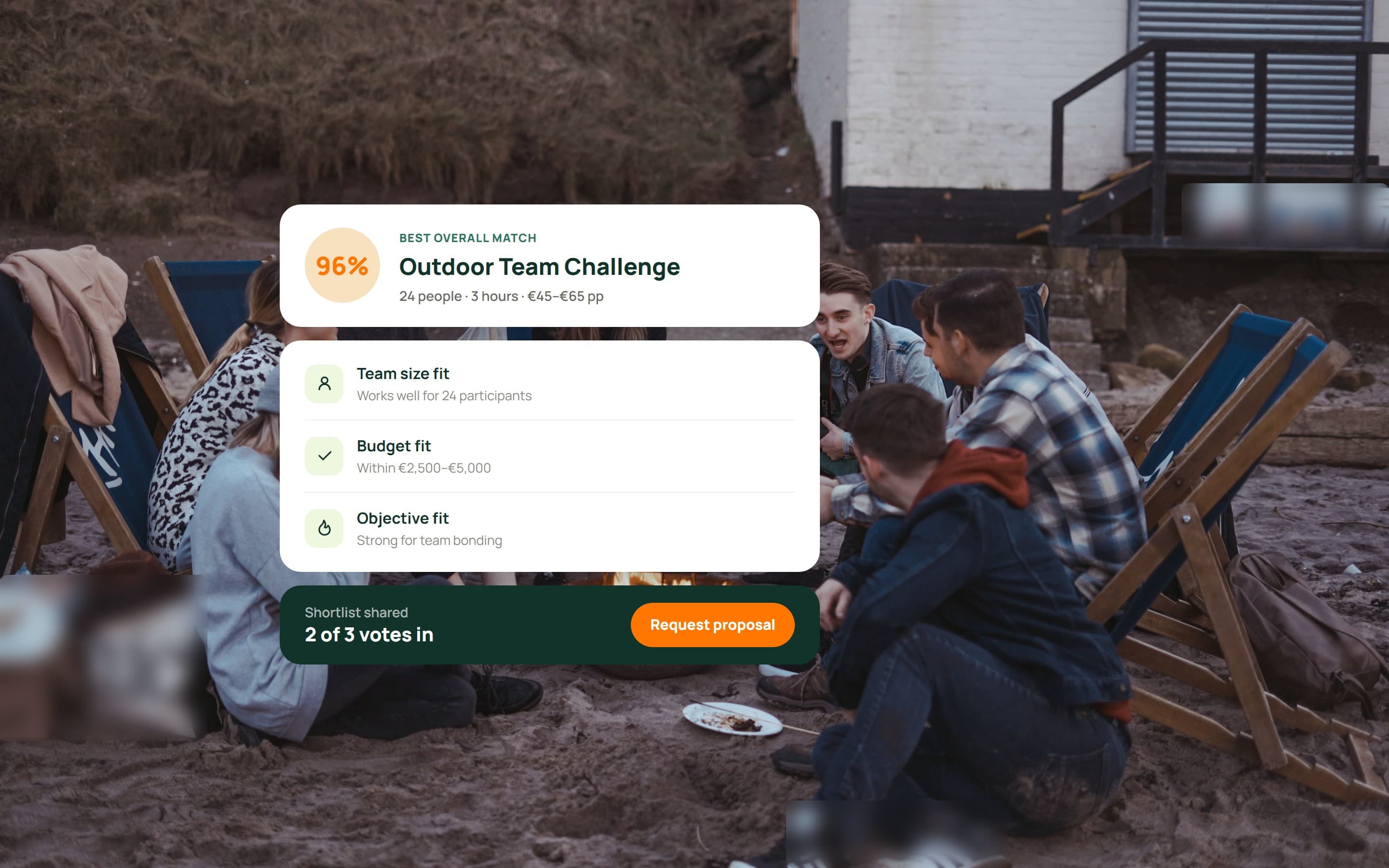
Companies planning an offsite usually start with a vague brief: about this many people, roughly this budget, something that is not a dinner. The platform turns that brief into a short list of activities that fit, says why each one fits, lets the team weigh in, and sends the chosen one to the provider as a complete request.
The challenge
Organizers arrive without a clear brief, colleagues have opinions but no say in the tool, providers describe themselves in their own words, and the platform cannot recommend anything an admin has not checked.
Four kinds of user share one catalogue, and the catalogue is only as good as what providers put in it and admins let through.
The solution
The organizer's questionnaire sets the filters and a match score ranks what is left. Each result carries its reasons, including the trade-off. Providers fill the catalogue faster by importing their own website into reviewable AI drafts, and admins approve those drafts before they can appear in a recommendation.
01Organizers
A guided flow in place of a search box, and it works the same on a phone.
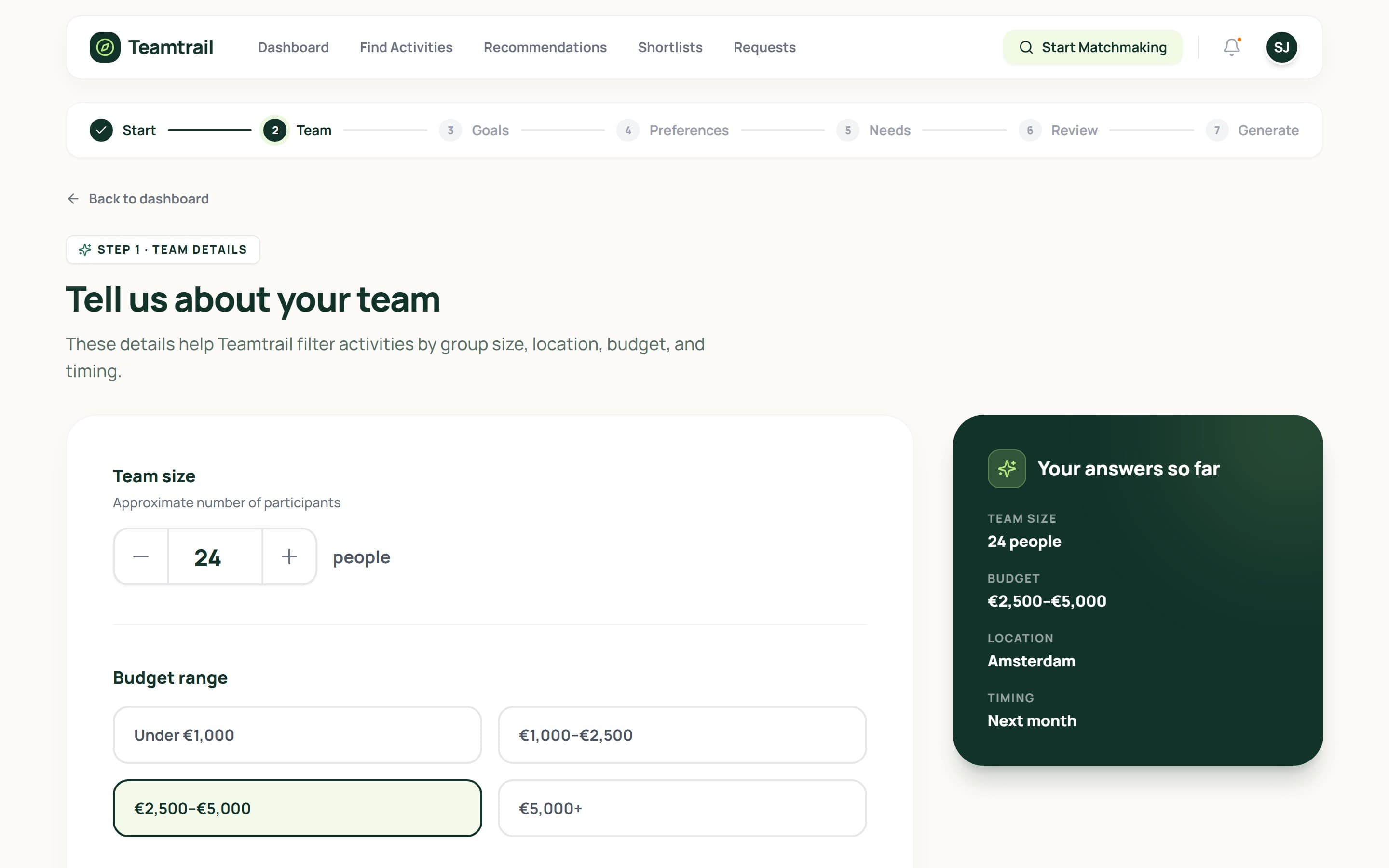
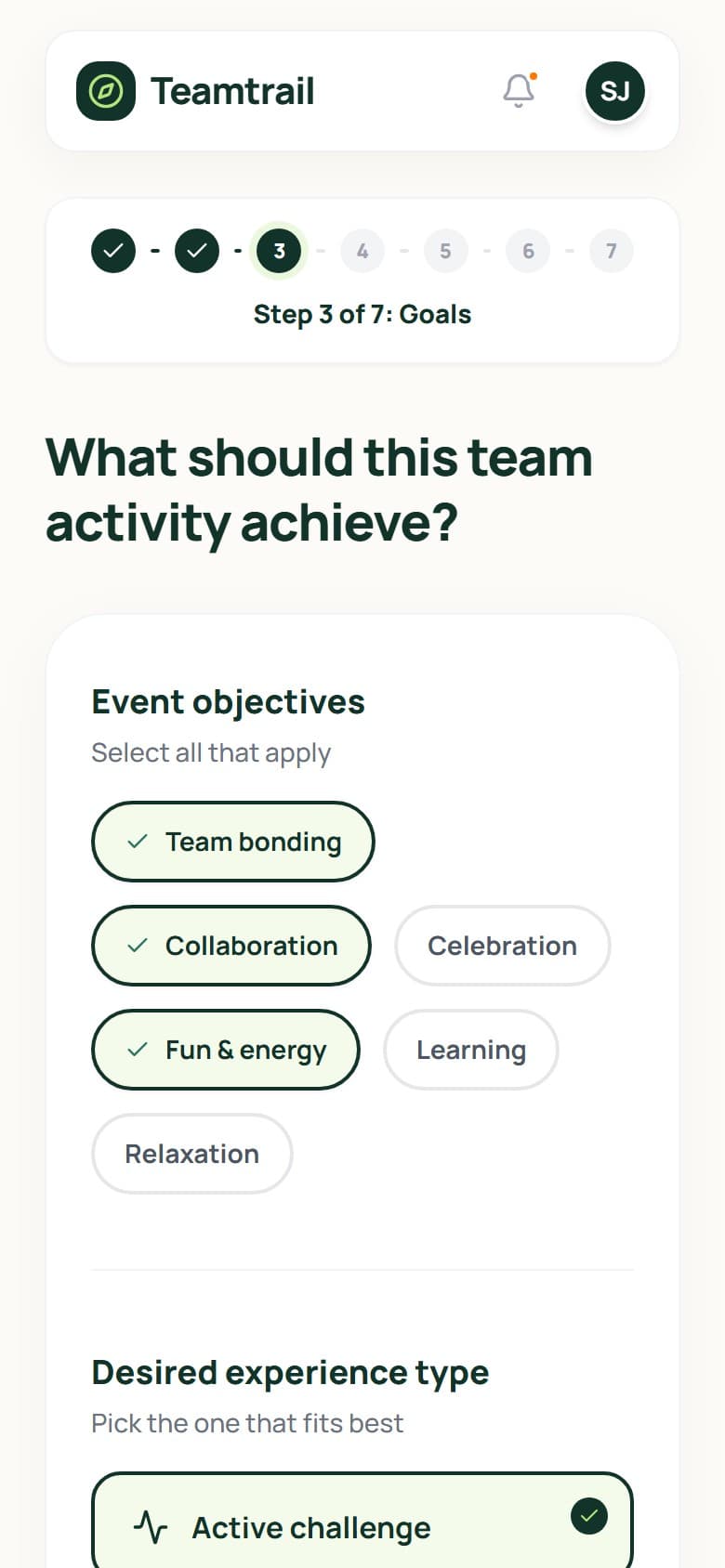
Questionnaire
7 steps
from the first question to generated matches
Team size, budget, location and timing come first, then goals, preferences and special needs. A summary of the answers so far stays beside each step, so the organizer can see what the matching will use.
02Team members
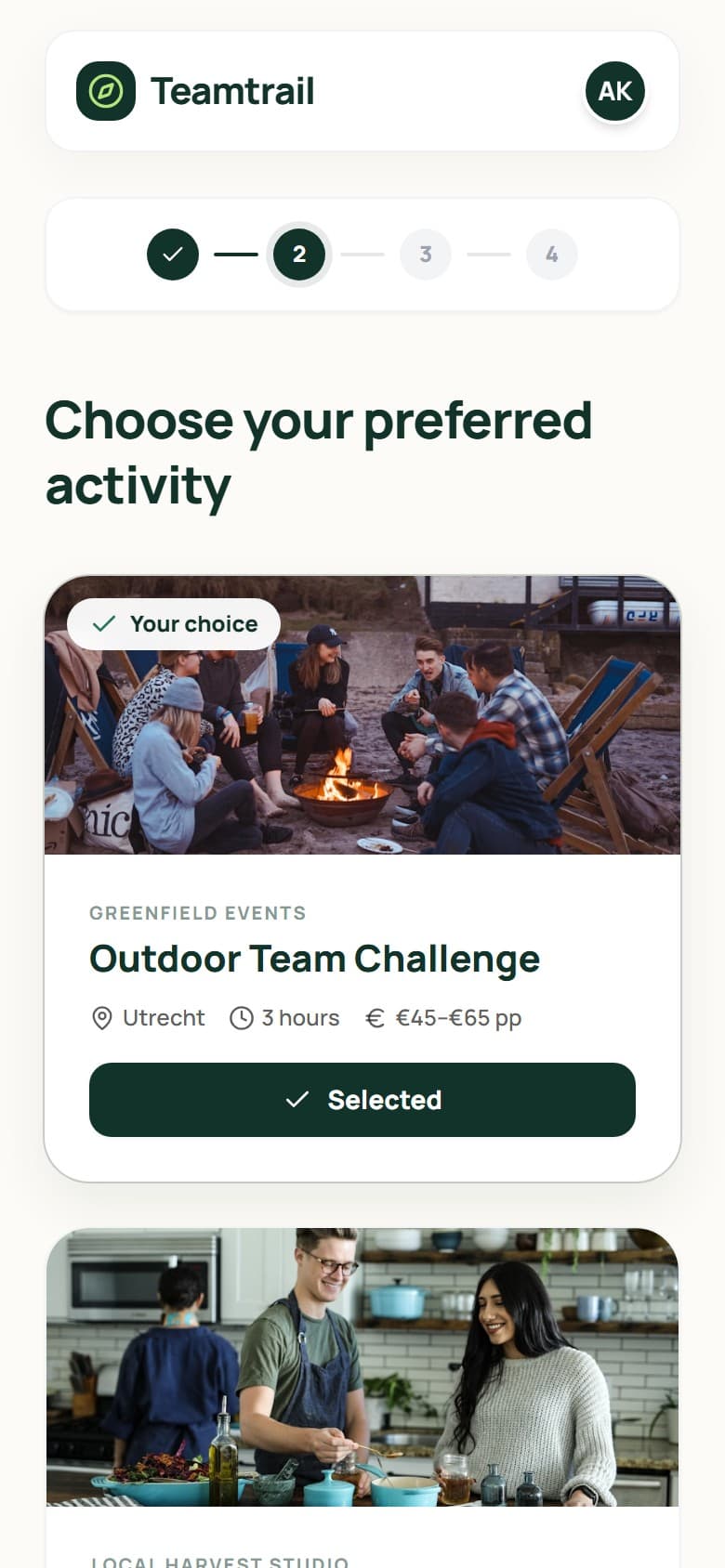
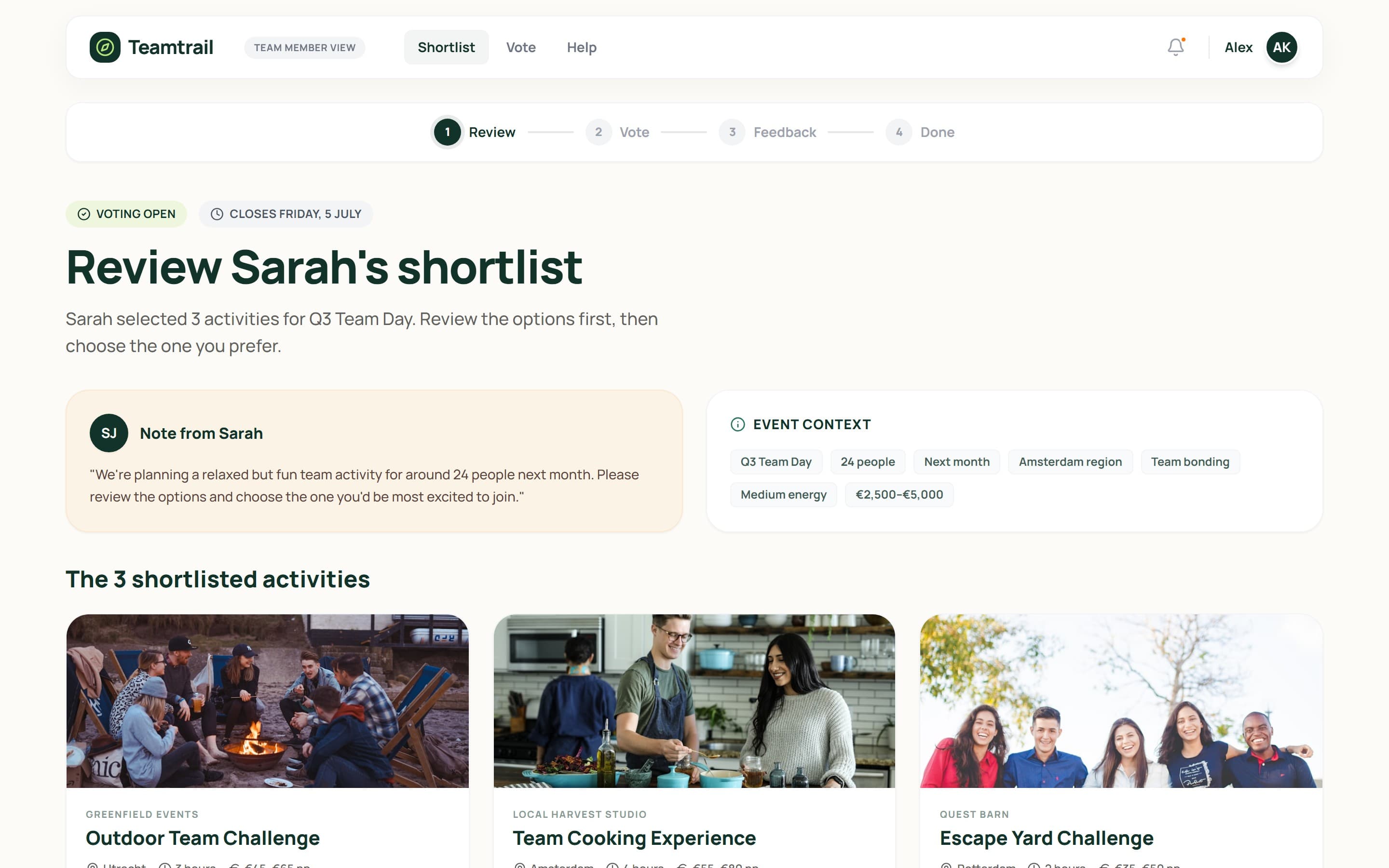
Vote for one option and leave feedback.
Voting
4 steps
from the shared shortlist to a submitted vote
Invited colleagues see the organizer's shortlist with the event context and a note, choose the option they would most like to join, and add a concern such as intensity or diet before the organizer decides.
03Providers
Submit the reviewed drafts for approval. Leads arrive in the same portal.
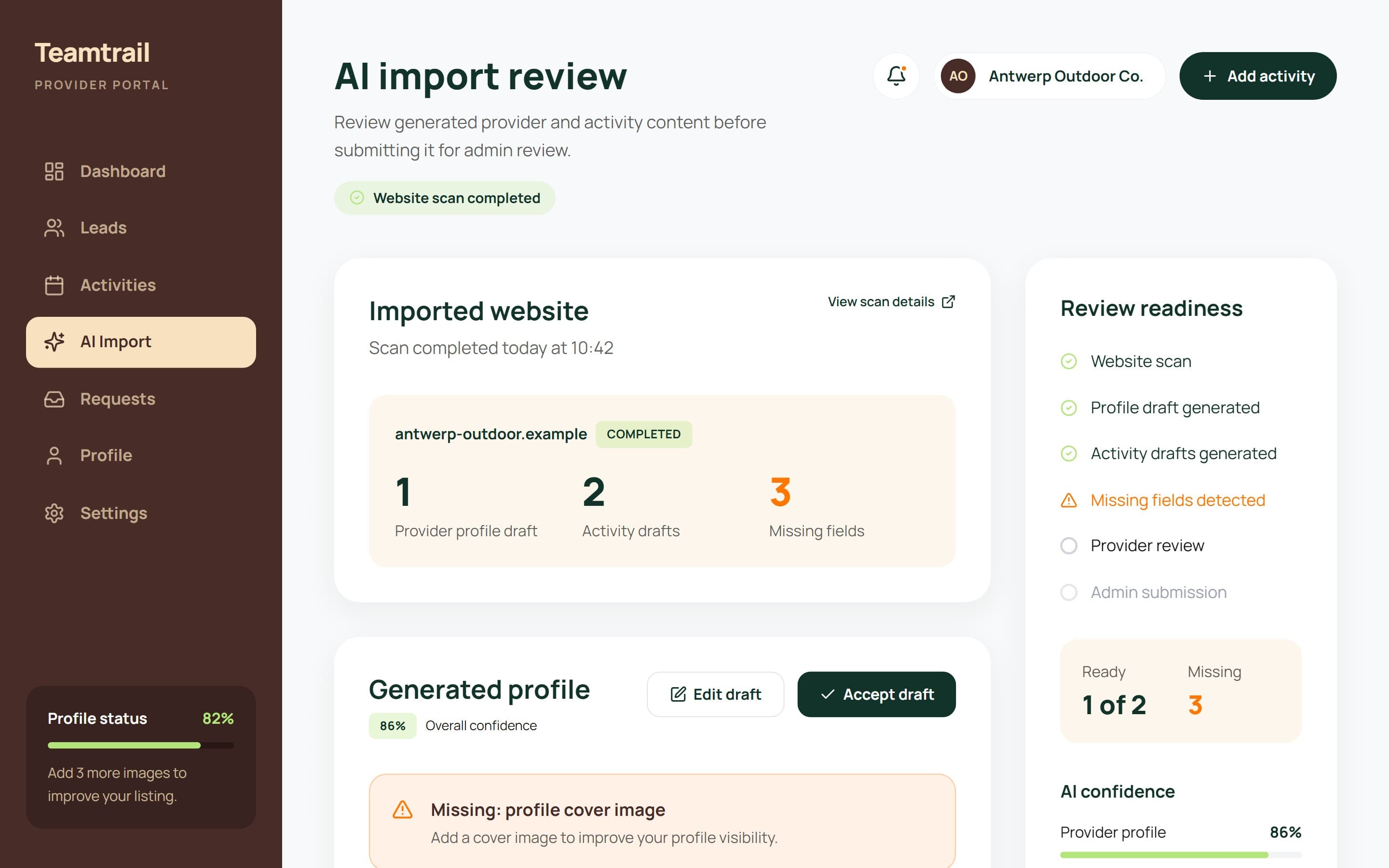
Onboarding
3 fields
flagged as missing before a draft can be submitted
Scanning a website produces a draft profile and activity drafts, each field with a confidence level. Gaps are listed up front, so the provider only fixes what the scan could not know.
04Admins
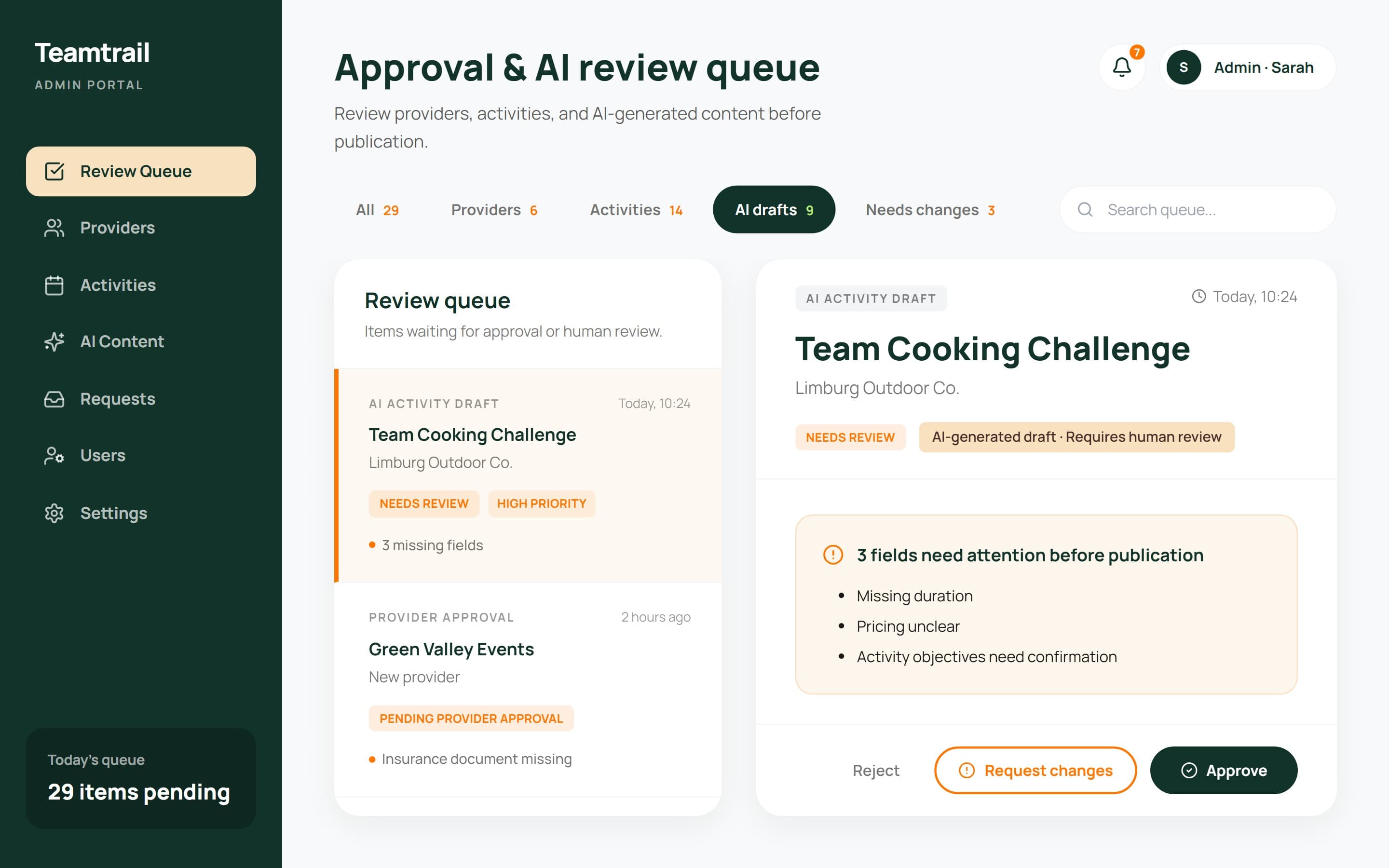
One review queue, with the reasons an item is not ready beside it.
Oversight
29 items
in one queue: providers, activities and AI drafts
An admin approves a draft, edits it or sends it back with a request for changes.
Matching
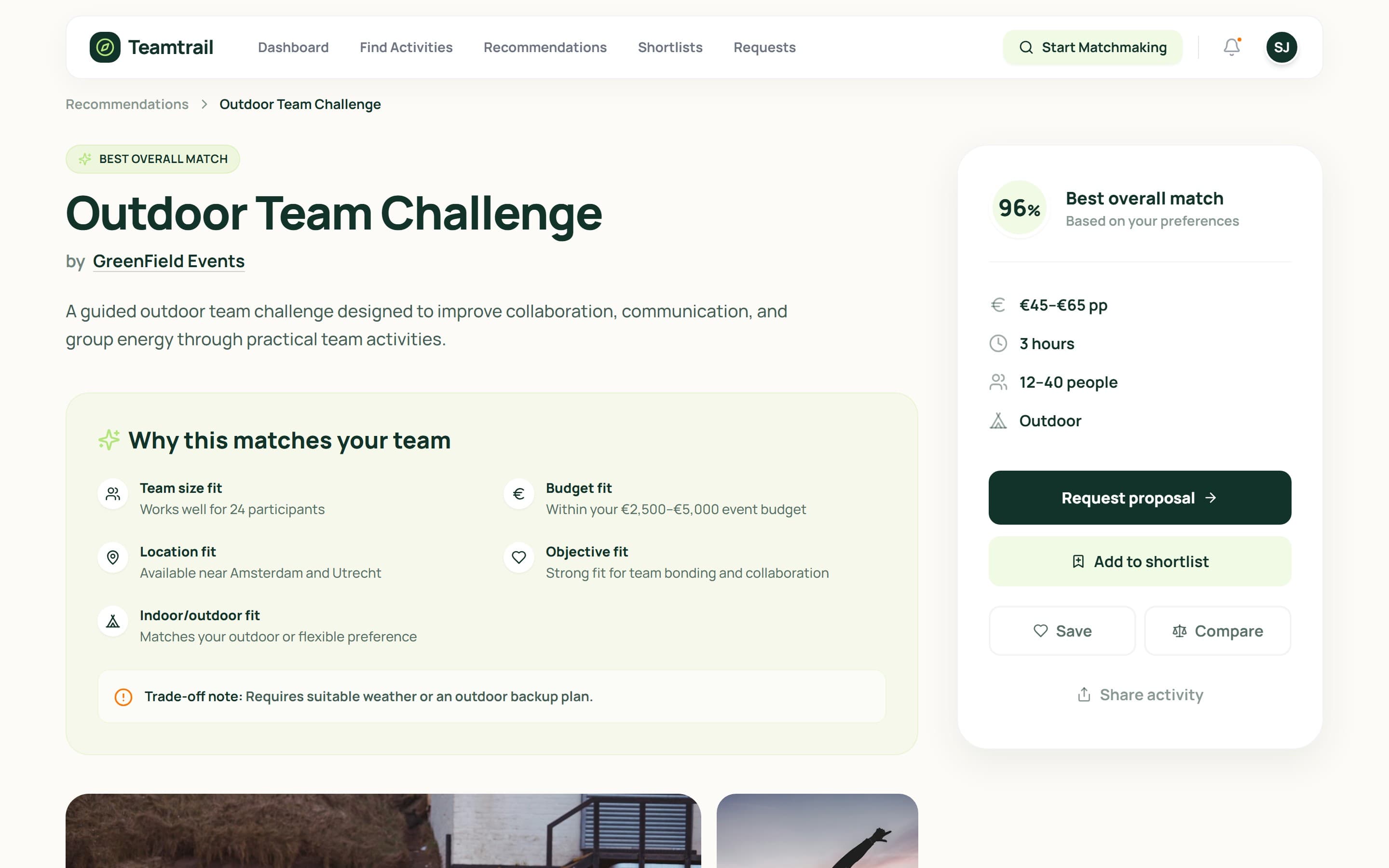
Every match says why
An activity page opens with the reasons behind its score: team size, budget, location, objective and indoor or outdoor fit, plus a trade-off note such as needing a weather plan. The same reasons sit behind the team's comparison and the request sent to the provider.
Outcome
It was delivered as a design and prototype. The build was not part of this engagement.
- Guided questionnaire
- Ranked matches with reasons
- Shortlists and comparison
- Team voting and feedback
- Provider requests
- AI website import
- Admin approval queue
More case studies
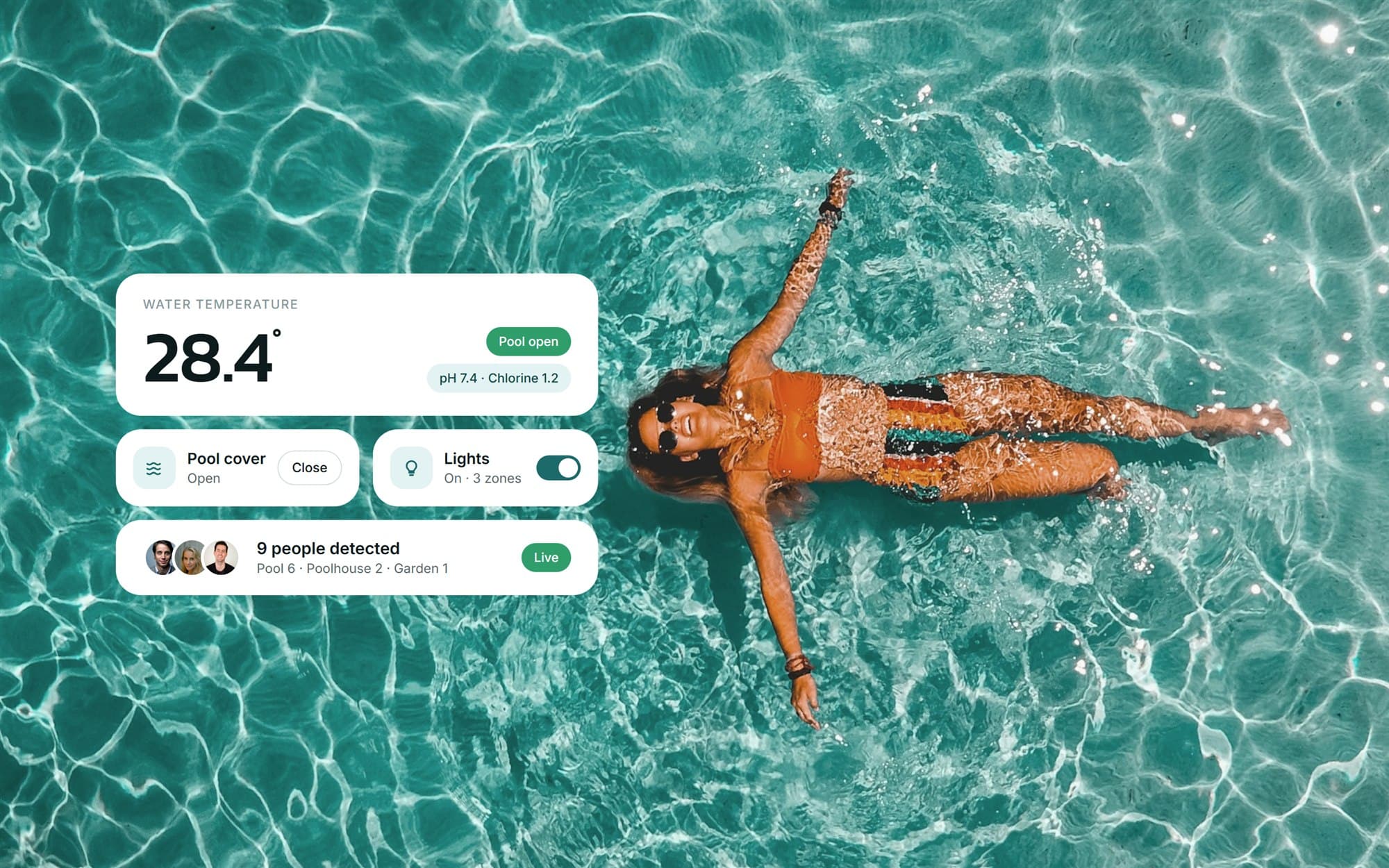 Smart pool control systemA control system for a private pool: one dashboard for water temperature, cover, lighting, garden and poolhouse, plus maintenance tools.View case study
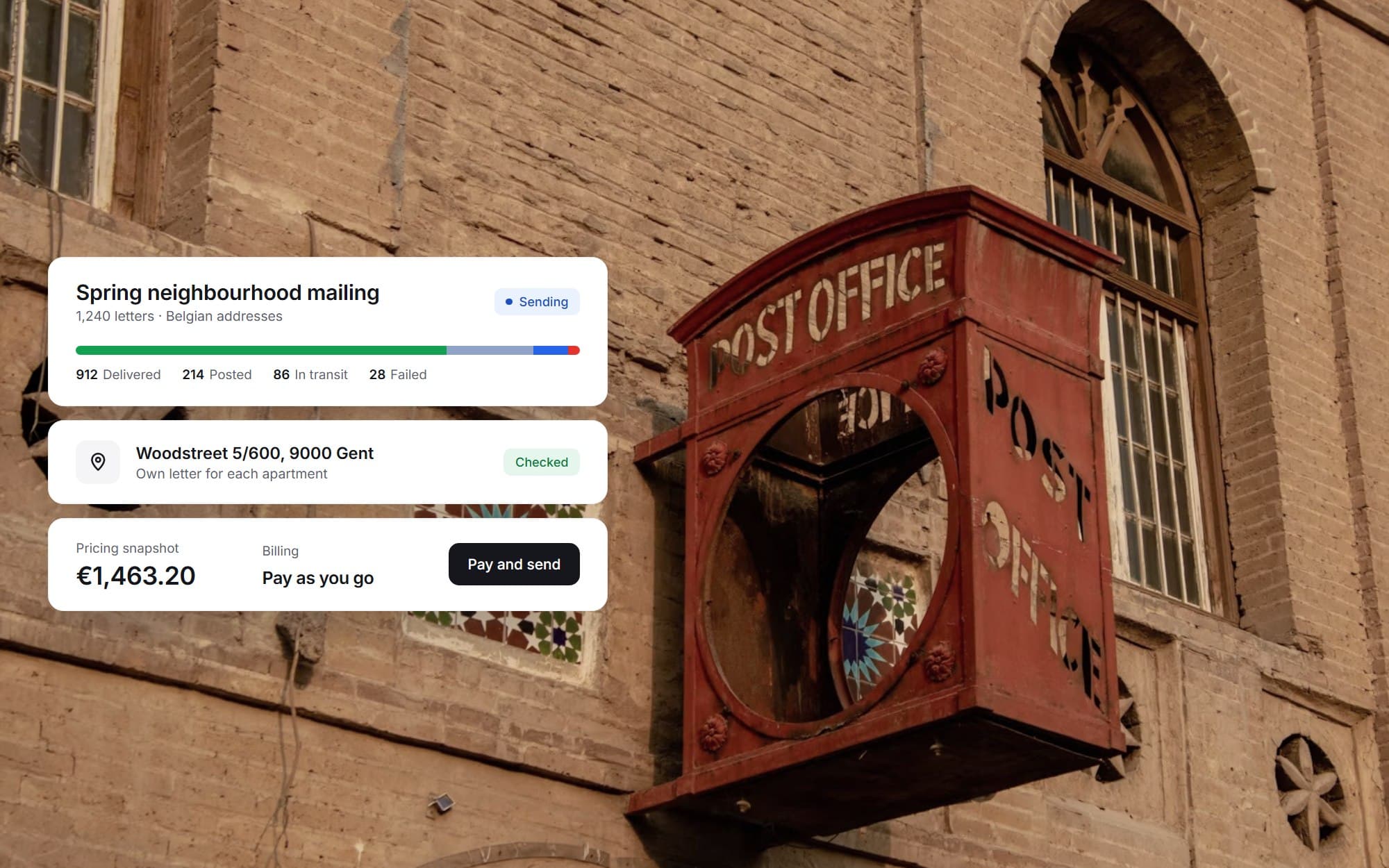 Direct-mail SaaS platformA multi-tenant platform for sending targeted letters to Belgian addresses, from address selection and templates to payment and delivery tracking.View case study
Want a product like this? Let’s talk
Tell us about the workflow that needs to run on software. We’ll come back with how we would approach it.
Discuss a project